


FireVPS alternatives are worth comparing when you need a private Windows desktop, full administrator access, and a predictable monthly bill. VPSLake is the best fit for most budget buyers because its Buffalo Windows RDP combines reserved RAM, a dedicated US IPv4, and a choice of Windows 10 Pro, Windows 11 Pro, or Windows Server 2019 images, starting at $9.99/mo.
What FireVPS offers and why buyers compare alternatives
FireVPS is a Windows RDP and VPS provider with public plans that list full admin access, a dedicated IP, SSD storage, bandwidth allowances, and Windows Server images. Its published listings include Server 2012, 2016, and 2022 options, with a WHMCS control panel.
Buyers compare FireVPS alternatives when they want a Windows 10/11 Pro desktop, reserved RAM, a fixed US IP, UPI or crypto checkout, or clearer Windows licensing terms.
RDP is the connection method, not a separate type of computer. Microsoft describes Remote Desktop Services as a way to deliver a full desktop or applications over a network while the endpoint displays the remote interface. That makes the underlying VM, image, IP, and resource allocation just as important as the RDP login itself. See Microsoft’s Remote Desktop Services overview for the platform background.
How we compared FireVPS alternatives
For this list, compare the specifications that affect the actual desktop:
- Windows image: Windows Server is not the same desktop experience as Windows 10 Pro or Windows 11 Pro.
- Resources and IP: Check stated RAM, vCPU, storage, traffic, and whether the IPv4 is dedicated.
- Access and payments: Confirm full Administrator access, monthly billing, and available payment methods.
- License terms: A provider may supply an image while you remain responsible for the rights to use Windows.
Microsoft’s Windows Server licensing guidance explains that licensing depends on the edition, licensing model, and whether the software is licensed by physical cores or virtual machine. Treat “licensed,” “trial,” and BYOL as different claims; do not assume that a low monthly RDP price settles the licensing question.
The 5 FireVPS alternatives at a glance
| Alternative | Best for | Windows choice | Resources and access | Payment or location note |
|---|---|---|---|---|
| VPSLake Buffalo Windows RDP | Budget Windows desktop and private US VM | Server 2019, Windows 10 Pro, or Windows 11 Pro | 4 GB reserved RAM, 3 vCPU, 60 GB SSD, full admin, KVM, dedicated US IPv4 | Buffalo; crypto, UPI, cards; BYOL |
| Cloudzy Windows VPS | Many regions and one-click Server images | Server 2012–2022; trial license or BYOL | Full admin RDP with several sizes | Broad location choice; verify the current offer |
| DigiRDP USA RDP | Conventional US Server RDP | Server 2012, 2016, or 2019 | Full admin, dedicated US IPv4, RAM tiers | Crypto, cards, and INR listed |
| 99RDP | Simple admin RDP tiers | Confirm the selected plan’s image | Full admin, dedicated IP, storage, and bandwidth | Terms vary by product |
| Self-managed Windows VM | Teams needing their own cloud controls | Choose the platform’s image | You manage the VM, licence, firewall, backups, and monitoring | Usage-based billing |
The first row is the practical choice for this keyword. The other rows are comparison paths, not blanket recommendations. If you specifically want a Windows 10 or Windows 11 Pro environment at a clear monthly price, the first row is more direct.
1. VPSLake Buffalo Windows RDP
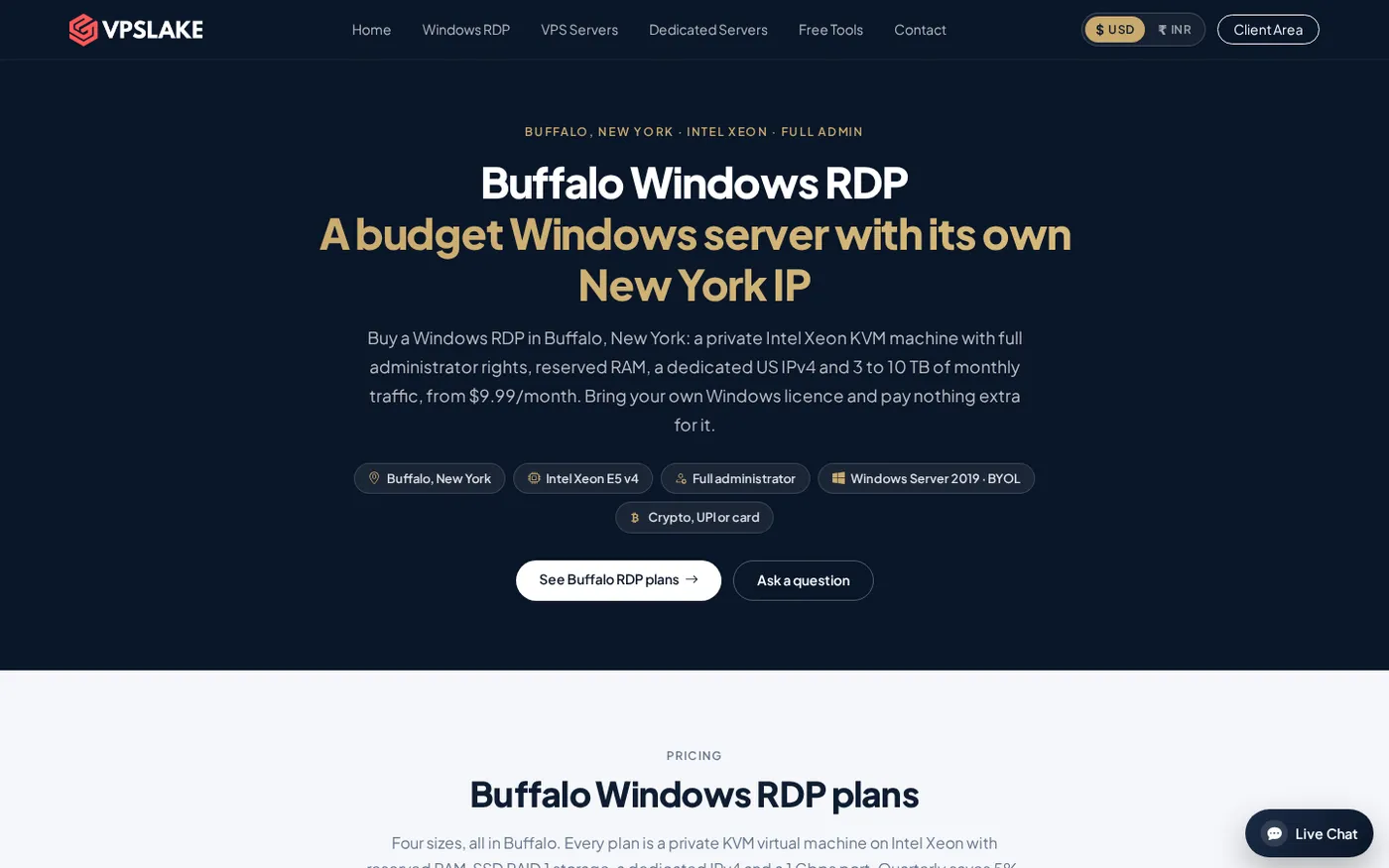
VPSLake is the best FireVPS alternative for buyers who want a straightforward Windows RDP plan with the important resources stated up front. Buffalo is a private KVM VM with reserved RAM, a dedicated US IPv4, full Administrator access, and client-area controls for console access, reinstall, reboot, and password reset.
The 4 GB plan is $9.99/mo with 3 vCPU, 60 GB SSD RAID 1 storage, 3 TB traffic, and a 200 Mbps port. Choose 8 GB at $16.99/mo, 16 GB at $29.99/mo, or 32 GB at $54.99/mo as the workload grows.
The biggest difference for desktop users is the image choice. The Buffalo order form lets you select Windows Server 2019, Windows 10 Pro, or Windows 11 Pro. VPSLake supplies the image, but Windows is BYOL: bring your own Windows licence. There is no licence surcharge, and the licence is not included.
VPSLake accepts crypto, UPI, and cards. Quarterly billing saves 5%, yearly billing gives two months free, setup is automatic after payment, and first purchases have a five-day money-back policy.
Best for: one desktop, a Windows-only application, one MT4/MT5 EA, or a fixed-US-IP workflow.
2. Cloudzy Windows VPS
Cloudzy is the broad-location alternative. Its public Windows VPS page lists regions across North America, Europe, the Middle East, and Asia, one-click Windows Server images, full administrator RDP, and a trial license or BYOL path.
That makes Cloudzy relevant when you need a location beyond Buffalo. Check regional pricing and the licensing route at checkout; VPSLake is simpler for a fixed Buffalo desktop.
Best for: multi-region deployments, after verifying the image and license path.
3. DigiRDP USA RDP
DigiRDP is a direct alternative for buyers comparing US Windows Server RDP. Its public USA RDP page lists full Administrator access, one dedicated US IPv4 per plan, several RAM tiers, and crypto, card, and INR payment options.
The USA page lists Windows Server 2012, 2016, and 2019. If you want Windows 10 Pro or Windows 11 Pro, confirm that before ordering; a Server image is different from a client Windows image.
Best for: conventional US Windows Server RDP when those Server versions meet your needs.
4. 99RDP
99RDP is another straightforward admin-RDP option. Its public plan page lists full admin access, a dedicated IP, bandwidth, storage, and no setup fee on displayed plans. Compare the exact CPU, RAM, storage, IP location, and Windows image for the product you select.
Do not judge by RAM alone. Check whether “1 Gbps” means port speed or fair use, and confirm traffic and license terms. VPSLake publishes plan-specific port speeds and allowances.
Best for: buyers comfortable validating plan details before payment.
5. A self-managed Windows VM
A self-managed Windows VM on a large infrastructure platform is the broadest alternative. You choose the VM size, image, network rules, storage, backups, and monitoring, then connect over RDP. You also manage Windows licensing, firewall policy, snapshots, upgrades, and usage-based billing.
It is a poor match if you simply want one affordable desktop with a fixed monthly price, but useful when you already operate cloud infrastructure.
Best for: technical teams that manage their own cloud design.
Price comparison and the BYOL note
VPSLake Buffalo Windows RDP starts at $9.99/mo for 4 GB and scales to $16.99/mo for 8 GB, $29.99/mo for 16 GB, and $54.99/mo for 32 GB. These are the only VPSLake prices used here because third-party RDP pages change promotions and billing terms.
The BYOL detail matters more than a headline price. VPSLake supplies the image, while you bring your own Windows licence; there is no licence surcharge. A licensed or trial-based image elsewhere is not automatically equivalent to customer-owned Windows 10/11 Pro rights.
VPSLake’s Buffalo Windows product is a private KVM VM with reserved RAM and one dedicated US IPv4. Those details are more useful than a vague “fast RDP” claim.
How to switch from FireVPS safely
Separate data migration from the RDP login change:
- Inventory the current VM. Record software, browser profiles, scheduled tasks, databases, firewall rules, and files that must move.
- Export application data. Use each application’s supported export or backup method. Keep credentials in a password manager.
- Choose the replacement image. Decide whether you need Windows Server 2019, Windows 10 Pro, or Windows 11 Pro, and confirm that your licence covers it.
- Order the target plan. Select Buffalo, choose the image, and keep the new IP and administrator credentials private.
- Recreate the environment. Install legitimate software, copy data, apply updates, and test before stopping the old service.
- Check IP-dependent services. Update allowlists, broker terminals, API settings, and remote-access rules that reference the old address.
- Keep the old VM briefly. Confirm files, scheduled jobs, and logins work on the replacement.
Do not copy unknown executables or saved passwords. A clean rebuild is often easier to audit than moving an entire system image between providers.
How to choose the right FireVPS alternative
Choose VPSLake when the priority is a clear US Windows RDP plan, reserved RAM, a dedicated US IPv4, Windows 10/11 Pro image choice, and UPI or crypto checkout. Start with 4 GB for one desktop; move to 8 GB or more for several browser profiles or terminals.
Choose a location-focused provider when geography is decisive. Choose a self-managed VM when you are ready to handle licensing, security, backups, and variable billing. Verify the image, IP type, RAM, traffic policy, payment method, and refund terms.
For related buying guidance, see How to Buy a Windows VPS, Windows 10 RDP, and cheap Windows VPS alternatives.
FAQ
What is the best FireVPS alternative?
VPSLake Buffalo Windows RDP is the best fit for a fixed US plan with reserved RAM, a dedicated US IPv4, and Windows 10 Pro, Windows 11 Pro, or Server 2019 image choice. The 4 GB plan starts at $9.99/mo, and Windows is BYOL.
Is VPSLake cheaper than FireVPS?
VPSLake’s Buffalo Windows RDP 4 GB plan is $9.99/mo, but providers structure licensing, promotions, and billing differently. Compare the full specification and licence route before calling one price cheaper.
Does VPSLake offer Windows 10 or Windows 11 RDP?
Yes. The Buffalo order form offers Windows 10 Pro, Windows 11 Pro, and Windows Server 2019. You bring your own Windows licence; VPSLake supplies the image with no licence surcharge.
Which FireVPS alternative accepts crypto or UPI?
VPSLake accepts crypto, UPI, and cards. Other providers vary by product and country, so confirm checkout options for the exact plan.
How much RAM do I need for a Windows RDP?
Start with 4 GB for one desktop and a light workload. Choose 8 GB or more for several browser profiles, multiple MT4 terminals, or heavier applications.
DONE firevps-alternatives words=1745