RDP hosting is a rented Windows computer or server that you access over the internet with Remote Desktop Protocol (RDP), so your apps and files run away from your local device. The right choice depends on whether you need a shared session, a private administrator-controlled VPS, or the capacity of a dedicated server; for most solo buyers, private admin VPS RDP is the practical middle ground.
What RDP hosting is
RDP is the connection protocol. RDP hosting is the service behind it: a provider runs a Windows machine in a data center, gives you its IP address and login details, and lets you control the desktop remotely.
Your laptop, phone or tablet acts as the client. The hosted machine does the processing, stores the files and keeps software running when your local device is offline. Microsoft describes Remote Desktop Services as a platform that delivers remote desktops and applications while processing stays centralised on the host; RDP carries the remote interface to your device. Read the Microsoft Remote Desktop Services overview for the platform terminology.
This is different from using a remote-support app to control your home PC. With hosted RDP, the computer you connect to is normally the product you rent. A Linux VPS, by contrast, is generally administered through SSH and does not provide a Windows desktop by default.
You can connect from Windows, macOS, iPhone, Android and other platforms with a compatible Microsoft client. Microsoft’s current Remote Desktop client documentation lists the supported clients and explains the difference between the Windows App and older Remote Desktop clients.
Shared RDP vs private admin VPS vs dedicated
“RDP” describes how you connect, not how the underlying server is allocated. Hosting sellers use the term for several different products, so check the resource and access model before comparing prices.
| Hosting type | What you receive | Control level | Best fit |
|---|---|---|---|
| Shared RDP | A Windows session on a host used by multiple customers | Usually limited to the account and apps allowed by the provider | A light, single-purpose task where the provider’s shared setup is enough |
| Private admin VPS RDP | Your own virtual machine with reserved resources and a public IP | Full Administrator access to your VM | One person, a small business, trading terminals, browser work and automation |
| Dedicated server | A complete physical server rather than a virtual slice | Full control of the operating system and hardware allocation | Heavy workloads, several VMs, large teams or consistently high resource use |
Shared RDP
Shared RDP can look attractive because the entry price is low, but the label does not tell you how many people share the host, whether the IP is dedicated, how much RAM is available or which applications you may install. Check those details before comparing prices.
Private admin VPS RDP
A private admin VPS is the usual choice when you want a familiar Windows desktop without paying for bare metal. You receive a private virtual machine, your own login, allocated RAM and CPU, and administrative control over the guest operating system.
It is a good fit for an MT4 or MT5 terminal, one or several browser profiles, remote office software, development tools and other applications that need to remain available without keeping your home PC switched on. If you need more capacity later, upgrading the VPS is simpler than moving to a new physical machine.
Dedicated server
A dedicated server gives you the whole physical machine. It makes sense when your workload needs more sustained CPU, memory, storage I/O or virtual machines than a VPS plan provides.
VPSLake’s dedicated range starts at $34.99/mo for DS-1 and goes up to $129.99/mo for DS-4. Dedicated orders are handled through WhatsApp rather than the automatically provisioned Windows RDP VPS order flow.
What RDP hosting costs per month
The exact price depends on the resource allocation, Windows licensing model, IP type, location and whether the plan is shared, virtual or physical. The table below gives a concrete private-RDP reference instead of treating every “RDP hosting” advert as equivalent.
| Private Buffalo Windows RDP plan | Resources | Traffic and port | Price |
|---|---|---|---|
| Basic KVM 4 | 3 vCPU, 4 GB reserved RAM, 60 GB SSD | 3 TB, 200 Mbps | $9.99/mo |
| Basic KVM 8 | 4 vCPU, 8 GB reserved RAM, 100 GB SSD | 5 TB, 300 Mbps | $16.99/mo |
| Basic KVM 16 | 6 vCPU, 16 GB reserved RAM, 200 GB SSD | 8 TB, 500 Mbps | $29.99/mo |
| Basic KVM 32 | 8 vCPU, 32 GB reserved RAM, 300 GB SSD | 10 TB, 1 Gbps | $54.99/mo |
These are monthly USD prices for Buffalo, New York. Quarterly billing saves 5%, yearly billing gives two months free, and traffic over the allowance is throttled rather than billed.
The 4 GB plan is a sensible starting point for one browser profile, one MT4/MT5 setup or ordinary remote work. The 8 GB plan gives more room for several browser profiles or terminals; move higher when memory becomes the constraint.
Specs that matter before you buy
Price is only one part of an RDP comparison. Check these items on the order page.
RAM and vCPU
RAM determines how many desktop applications can stay open comfortably, while vCPU affects how quickly the server handles active tasks. Reserved RAM is easier to plan around than an unspecified share of a host’s memory.
Storage and traffic
SSD space covers Windows, applications, profiles, downloads and logs. Traffic is the amount of data the server can transfer during the billing period; it is not the same as storage.
IP address and location
Ask whether the IP is dedicated or shared and where the machine is located. Location affects latency, so choose a data center reasonably close to the services and people using the desktop.
Virtualisation and administration
For a private VPS, look for KVM virtualisation, reserved RAM, full Administrator access and a recovery path such as browser console, reboot and reinstall controls.
Windows edition
Windows Server is designed for server workloads and administrative use. Windows 10 Pro or Windows 11 Pro feels more like a normal desktop and can be preferable when your software expects a client edition. Check the application’s own requirements rather than assuming the newest-looking edition is always the best choice.
Windows licensing: included or BYOL?
This is the detail most likely to change the real cost of an RDP plan. “Windows image available” does not always mean “a Windows licence is included”, so read the provider’s terms and the checkout wording.
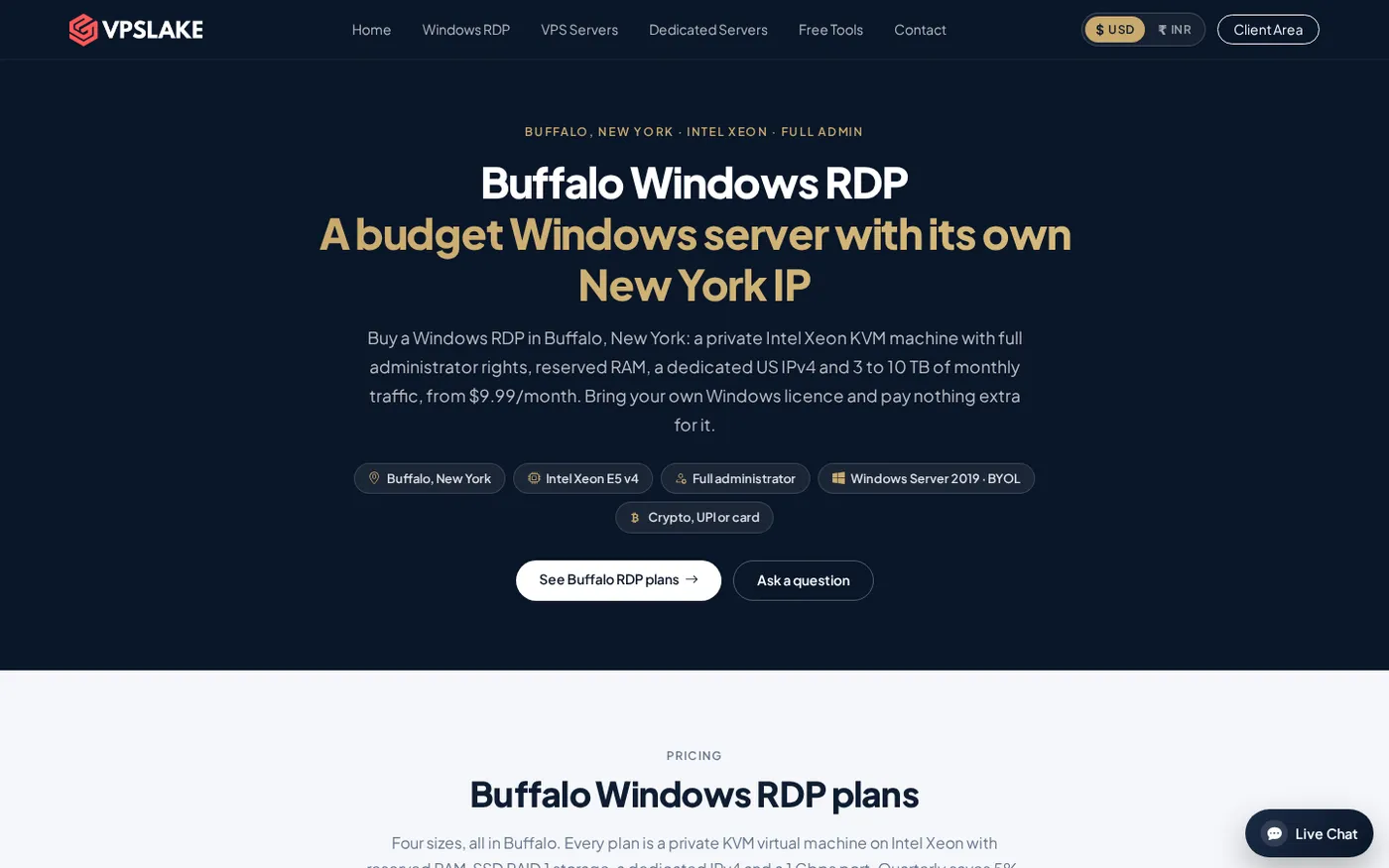
VPSLake’s Buffalo Windows RDP order form lets you choose a Windows Server 2019, Windows 10 Pro or Windows 11 Pro image. Windows is BYOL: you bring your own valid Windows licence, while VPSLake supplies the image and adds no Windows licence surcharge. This keeps the hosting price separate from your licensing responsibility.
Do not confuse a single administrator connection with a multi-user Remote Desktop Services deployment. If several users need hosted desktops or applications on Windows Server, the design may require RDS roles, a licensing server and RDS Client Access Licenses. Microsoft states that each user or device connecting to an RDS session host running Windows Server needs an RDS CAL; see the official RDS CAL licensing guidance before planning a team deployment.
For a one-person VPS, focus first on the operating system you are licensed to use, the applications you need and the number of concurrent sessions your setup supports. Do not buy a plan on the assumption that a Windows image automatically settles every licensing question.
How to choose the right RDP hosting plan
Use this short checklist:
- Choose a shared plan only when the provider clearly states the session, IP, resource and application limits and they match your task.
- Choose a private admin VPS when you want one Windows machine, full control and predictable resources at a lower cost than dedicated hardware.
- Start at 4 GB for one light desktop workload, 8 GB for several profiles or terminals, and 16 GB or more for heavier multitasking.
- Choose Windows 10 Pro or Windows 11 Pro when you need a normal desktop experience; choose Server 2019 when your software and administration model suit Windows Server.
- Confirm BYOL terms, the IP type, location, traffic allowance, port speed and renewal price before payment.
- Move to a dedicated server only when the workload needs physical capacity, several virtual machines or sustained resources beyond the VPS range.
Our pick for most buyers
For a solo buyer or small operator, the Buffalo Windows RDP 4 GB plan is the clearest starting point: $9.99/mo for 3 vCPU, 4 GB reserved RAM, 60 GB SSD, 3 TB traffic, a 200 Mbps port, a private KVM VM, Full Administrator access and one dedicated US IPv4. You can select the Windows Server 2019, Windows 10 Pro or Windows 11 Pro image, bring your own licence and use the client-area console, reinstall and reboot controls.
The 8 GB plan at $16.99/mo is the better fit for several browser profiles or MT4/MT5 terminals. All four Buffalo sizes accept crypto, UPI or card payments, and setup is automatic after payment. The Buffalo Windows RDP plans show the resource choices and current monthly prices.
If you are still deciding between a shared service and a private machine, the admin RDP page explains the access model. For the underlying terminology, see our RDP server explainer.
FAQ
What is RDP hosting?
RDP hosting is a rented Windows computer or server that you control remotely using Microsoft’s Remote Desktop Protocol. The hosted machine runs the applications and stores the files, while your local device displays and controls the remote desktop.
How much does RDP hosting cost?
There is no single market-wide price because shared sessions, private VPSs and dedicated servers are different products. VPSLake’s Buffalo private Windows RDP plans range from $9.99/mo for 4 GB to $54.99/mo for 32 GB, with Windows licensing handled separately under BYOL terms.
Is RDP hosting the same as a Windows VPS?
They are closely related, but the terms describe different things. A Windows VPS is the virtual server you rent; RDP is the protocol you use to access its Windows desktop. RDP hosting usually means a Windows VPS or server that is already prepared for remote desktop access.
Do I need a Windows licence for RDP hosting?
That depends on the provider’s licensing model. On VPSLake’s Buffalo plans, Windows is BYOL: you bring a valid Windows licence, and the provider supplies the selected Windows image without a licence surcharge. Multi-user RDS deployments can also require RDS CALs.
Can I connect to hosted RDP from a phone or Mac?
Yes. Microsoft documents Remote Desktop clients and Windows App support for macOS, iPhone/iPad and Android, with platform-specific differences. You need the server address, username and password supplied for your hosted Windows machine.