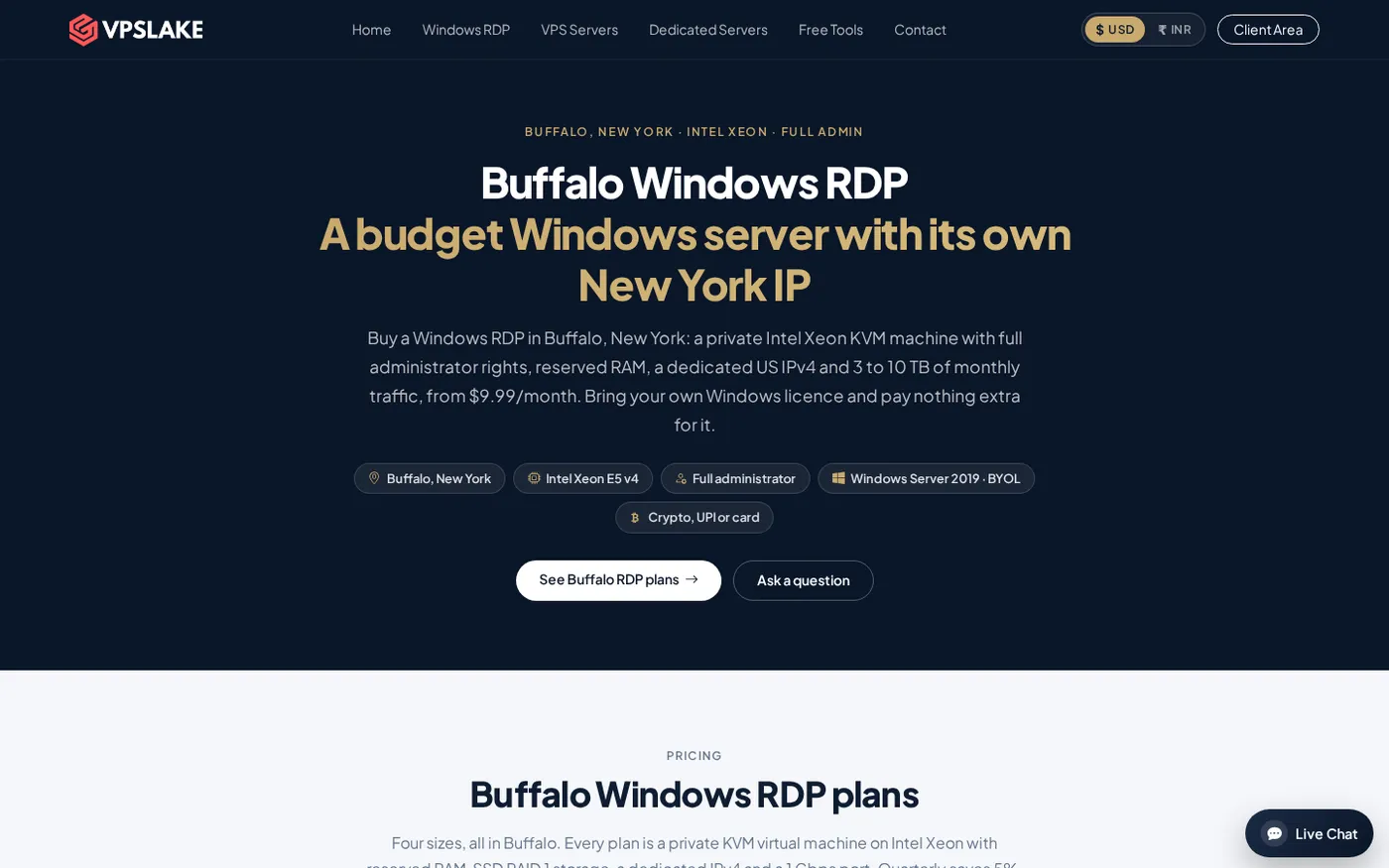
The best RDP for Egypt is a private Windows machine with a predictable US location, enough reserved RAM, and a payment route you can actually use. For most buyers, VPSLake’s Buffalo Windows RDP 4 GB is the best starting point at $9.99/mo, with crypto, UPI/card and international card options available through checkout.
Quick comparison
These Buffalo sizes cover the most common Egyptian workloads. Each is a private KVM virtual machine with full Administrator access and one dedicated US IPv4 address.
| Pick | Price | Resources | Best for |
|---|---|---|---|
| VPSLake Buffalo Windows RDP 4 GB — Best overall | $9.99/mo | 3 vCPU, 4 GB reserved RAM, 60 GB SSD, 3 TB traffic, 200 Mbps port | One browser profile, MT4/MT5 EA, rater work or a normal remote desktop |
| Best for several profiles: Buffalo Windows RDP 8 GB | $16.99/mo | 4 vCPU, 8 GB reserved RAM, 100 GB SSD, 5 TB traffic, 300 Mbps port | Several browser profiles, several MT4 terminals or heavier multitasking |
| Best for heavy desktop use: Buffalo Windows RDP 16 GB | $29.99/mo | 6 vCPU, 16 GB reserved RAM, 200 GB SSD, 8 TB traffic, 500 Mbps port | Many profiles, larger automation jobs and demanding Windows applications |
The 4 GB plan is the sensible default. Choose 8 GB for several active applications and 16 GB for sustained, multi-profile workloads.
What Egyptian buyers use RDP for
An RDP gives you a Windows desktop that stays online in a datacenter while you connect from another computer. It is useful when work must continue while your local device is asleep or your home connection changes.
Common legitimate uses include:
- Running one or more MT4/MT5 terminals and Expert Advisors.
- Keeping a work browser, research tools or a rater workspace available remotely.
- Managing a small Windows application or automation script.
- Accessing a consistent US IP for a business workflow that requires a US-based server location.
The dedicated IP helps keep a stable server identity, but it does not guarantee approval or access on any third-party platform. Follow the terms of the service you use.
If you are comparing a remote desktop with a full virtual server, the Windows VPS checklist explains the hardware, access and licence questions to ask before paying.
Paying from Egypt: USDT and cards
Payment friction is often the practical issue behind searches such as “buy RDP Egypt” and “شراء RDP”. VPSLake offers crypto checkout through Cryptomus, UPI/card routes through Razorpay and Cashfree, and international card checkout through Paddle. Check the available currency, token and network at checkout before sending funds.
If you already hold USDT, crypto checkout may be more convenient than a card transaction that is declined or limited by your bank. Confirm all three details before approving a transfer:
- The exact amount in USD shown on the invoice.
- The USDT network selected by the checkout and your wallet.
- The payment status in the order page after the transaction is confirmed.
Do not send a token over a different network because the names look similar. Keep the transaction ID until the order is marked paid. Tether’s official USD₮ information explains the token’s dollar reference; your exchange, wallet and payment provider still control the conversion, network support and fees.
Card users should compare the final charge with the USD plan price because banks and card providers can apply their own exchange rate and fees. See how to buy RDP with crypto for the payment route.
Cairo-to-US East Coast latency
VPSLake’s in-stock Windows RDP plans are in Buffalo, New York, on the US East Coast. From Cairo, the route crosses the Atlantic, so the session will not feel like a computer inside Egypt. That is not automatically a problem: for office work, browser tasks and trading terminals, the useful question is whether the connection is stable, responsive and free from packet loss for your ISP.
Latency is only one part of the experience. A congested local connection, Wi-Fi interference or packet loss can make a session feel worse than a higher but steady round-trip time. Test from the network you will actually use, ideally at the time of day when you work.
RDP can use both TCP and UDP. Microsoft’s documentation lists Remote Desktop Services on TCP and UDP port 3389, and explains that UDP can carry RDP traffic when the network path supports it. That does not turn a distant server into a local one, but it is one reason to choose a provider with a properly configured network and a client connection that is not being forced through an unnecessary VPN or proxy. See Microsoft’s Remote Desktop Services port requirements for the official port reference.
Buffalo is a good fit when your work needs a US IP or a US-hosted Windows desktop. If an application requires a server close to Cairo, measure that requirement before ordering.
Top pick: Buffalo Windows RDP 4 GB
The 4 GB Buffalo plan is the best RDP for Egypt for most individual buyers. It gives you a private KVM VM, full Administrator access and one dedicated US IPv4. You can select a Windows Server 2019, Windows 10 Pro or Windows 11 Pro image, but Windows licensing is BYOL: you bring your own licence while VPSLake supplies the image without a licence surcharge.
Choose it for one Windows workspace, one browser profile, a light MT4/MT5 setup, rater work or a small business task. The client area includes browser console, reinstall, reboot and password-reset controls.
Upgrade pick: Buffalo Windows RDP 8 GB
The 8 GB plan is the better choice when 4 GB would be shared between several active applications. It provides 4 vCPU, 8 GB reserved RAM, 100 GB SSD storage, 5 TB traffic and a 300 Mbps port for $16.99/mo.
This size suits several browser profiles, multiple MT4 terminals or a workflow combining a browser, spreadsheet and monitoring tools. The same private KVM model, full Administrator access and dedicated US IPv4 remain in place.
Heavy-workload pick: Buffalo Windows RDP 16 GB
For many simultaneous applications, the 16 GB plan offers 6 vCPU, 16 GB reserved RAM, 200 GB SSD storage, 8 TB traffic and a 500 Mbps port for $29.99/mo. It is the practical step up for multi-profile desktop work, larger automation tasks or a small team sharing a controlled Windows environment.
The plan keeps the Buffalo location, private KVM model, full Administrator access, dedicated US IPv4 and Windows image choices. Use it when the workload itself justifies the extra memory.
Private versus shared RDP
The word “RDP” can describe two very different products. A shared RDP usually means several customers receive access to the same Windows installation or login environment. A private RDP is a dedicated virtual machine allocated to one customer.
For an Egypt-based buyer, compare these points before ordering:
| Check | Why it matters |
|---|---|
| Private KVM VM | Your CPU and RAM are assigned to your own virtual machine rather than a shared desktop login. |
| Reserved RAM | Memory is stated as a plan resource, which makes sizing easier for browsers and MT4/MT5. |
| Dedicated IPv4 | Your RDP has its own server address instead of sharing one remote-desktop identity. |
| Full Administrator | You can install software and configure the Windows environment yourself. |
| BYOL clarity | You know that the Windows licence is your responsibility before checkout. |
| Recovery controls | Console, reinstall, reboot and password reset reduce routine administration friction. |
VPSLake’s Buffalo Windows plans match these checks and start at $9.99/mo. The five-day money-back policy on a first purchase also gives you a defined period to check the route, login experience and workload fit under the published refund terms.
How to choose the right plan
Use this short decision process:
- Start with the workload. One desktop, one browser profile or a light terminal setup points to 4 GB. Several active profiles or terminals point to 8 GB. Heavy multi-profile work points to 16 GB or more.
- Decide which Windows image you need. The order form offers Windows Server 2019, Windows 10 Pro and Windows 11 Pro images. Bring your own Windows licence; it is not bundled or marked up by VPSLake.
- Check your payment path. Open the checkout before sending USDT or using a card, then verify the displayed network, amount and payment provider.
- Test from your Egyptian ISP. Connect at your normal work time and check keyboard response, scrolling, file movement and application behaviour.
- Keep the server secure. Use a strong unique Administrator password, install updates, enable only the services you need and do not share the login.
If you need a setup checklist after purchase, use how to set up a Windows VPS after purchase.
FAQ
What is the best RDP for Egypt?
For most individual buyers, the Buffalo Windows RDP 4 GB is the best starting point because it combines a private KVM VM, reserved RAM, full Administrator access and a dedicated US IPv4 at $9.99/mo. Choose 8 GB or 16 GB when your workload needs more simultaneous applications.
Can I pay for an RDP from Egypt with USDT?
VPSLake provides a crypto checkout through Cryptomus, alongside card payment routes. Open the invoice to confirm whether USDT and your required network are available, then match the invoice network and amount exactly before sending funds.
Is the VPSLake RDP located in Egypt?
The recommended in-stock Windows RDP is located in Buffalo, New York, on the US East Coast. It is designed for buyers who need a private US Windows desktop or US server IP; test the route from your Egyptian ISP before relying on it for latency-sensitive work.
Does the Windows RDP include a Windows licence?
No. Windows is BYOL: VPSLake supplies the Windows Server 2019, Windows 10 Pro or Windows 11 Pro image, and you bring the licence. There is no Windows licence surcharge in the listed plan price.
How much does a private RDP cost?
The Buffalo Windows RDP 4 GB costs $9.99/mo, the 8 GB plan costs $16.99/mo and the 16 GB plan costs $29.99/mo. Yearly billing equals two months free, while quarterly billing saves 5% according to the published plan terms.