
The best vps for crypto trading bot hosting in 2026 is a Linux KVM server with at least 2 GB of reserved RAM, 2 vCPU, a dedicated IPv4 address, and full root access. VPSLake’s Buffalo Linux VPS 2 GB is the best starting point for one Freqtrade or light Hummingbot instance at $5.99/mo; move to 4 GB or 8 GB when you add bots, dashboards, or heavier backtesting.
Why a trading bot needs a VPS
A bot running on your laptop stops when the computer sleeps, reboots, loses its home connection, or is closed for the night. A VPS gives the process an always-on Linux environment in a data center, so you can run it independently of your personal device and reconnect to its logs or dashboard when needed.
The point is continuity, not a promise of better trades. A VPS gives the software a predictable place to run; it cannot improve a strategy or remove market risk.
For a useful crypto trading bot VPS, check these items first:
- Reserved RAM and vCPU: enough capacity for the bot, operating system, database, Docker, and monitoring tools.
- A fixed public IPv4: useful when your exchange lets you restrict API access to trusted IP addresses.
- Root access and a supported Linux image: needed to install Docker, Python, system services, firewalls, and updates.
- A location that fits your exchange: geographic proximity can help, but the only reliable number is a latency test to the API endpoints you actually use.
- A payment method you can renew: USDT or another supported coin can be practical if you do not want to use a card.
RAM and CPU for Freqtrade and Hummingbot
Freqtrade currently recommends a Linux cloud instance with 2 GB RAM, 2 vCPU, and 1 GB of disk space for the bot. Its documentation also recommends Docker for a quick start and says to use dry-run before enabling live trading. See the official Freqtrade requirements before choosing a smaller plan.
That published minimum is for the bot itself, not every workload you may place on the server. Your operating system, Docker, database, Telegram or web UI, market-data history, logs, and monitoring also need memory. Backtesting and hyperparameter optimization can need substantially more CPU and RAM than a small live bot.
Hummingbot is more workload-dependent. Its current documentation describes a single client for learning or one bot, while its newer production path is designed for multiple bot instances and cloud-server deployments. Its strategy documentation also separates simple scripts from more configurable controllers, so two Hummingbot setups may have very different resource needs.
Use this as a practical starting point rather than a guarantee:
| Workload | Starting size | Why |
|---|---|---|
| One light Freqtrade bot in dry-run or live mode | 2 GB RAM, 2 vCPU | Matches Freqtrade’s current baseline and leaves room for a small system stack. |
| One Hummingbot instance with monitoring or a second small service | 4 GB RAM, 3 vCPU | Adds headroom for connectors, logs, dashboards, and a second process. |
| Several bots, multiple markets, or frequent backtests | 8 GB RAM, 4 vCPU or more | Keeps research jobs from competing as aggressively with live processes. |
Watch memory usage after deployment. If the server starts swapping, the issue is usually sizing or an uncontrolled process—not a setting that makes a small plan behave like a larger one.
Fixed IP and API-key whitelisting
Crypto bots use exchange API keys to read balances, fetch market data, and submit orders. A fixed server IP lets you add the bot’s public IPv4 to an exchange’s trusted-IP list when that exchange supports the feature. Binance, for example, recommends adding IP access restrictions before enabling permissions beyond reading in its API-key creation FAQ.
VPSLake’s Buffalo Linux plans include one dedicated IPv4 address, so the address used for the bot is not tied to your home router changing. Record the public IP after provisioning and add that exact IPv4 to the exchange dashboard. If you later move the bot to another server, update the allowlist before starting it.
Use the narrowest permissions your setup needs. A monitoring-only key should be read-only; a trading key should allow only the relevant spot or derivatives actions and never withdrawals. Keep credentials out of public repositories and rotate the key if it may have been exposed.
Buffalo Linux VPS 2 GB — best overall
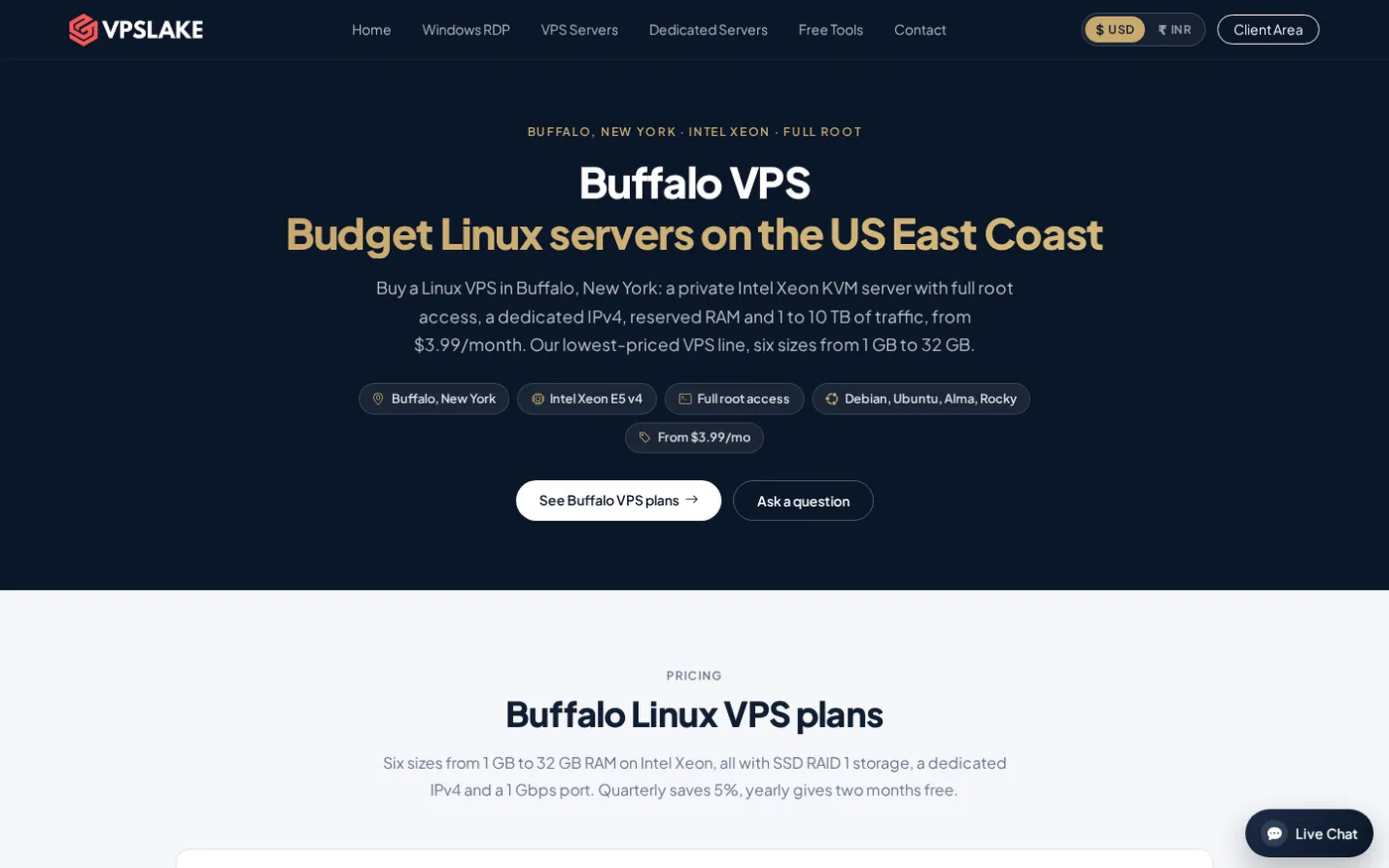
The Buffalo Linux VPS 2 GB is the best first choice for one Freqtrade bot, a light Hummingbot deployment, or a bot plus a small monitoring service. It has 2 vCPU, 2 GB reserved RAM, 40 GB SSD storage in RAID 1, 2 TB traffic, a 200 Mbps port, one dedicated IPv4, full root access, and KVM virtualization. The price is $5.99/mo.
The plan includes Debian 12, Ubuntu 24.04, AlmaLinux 9, or Rocky Linux 9. That gives you a clean base for Docker or a Python virtual environment without paying for a desktop operating system you do not need. Buffalo, New York is on the US East Coast; measure the route to your exchange before assuming it is the lowest-latency location for your account.
Choose this tier for one live bot, one dry-run bot, or a modest bot with a small database and alerts. Monitor RAM, CPU, disk, and network usage before deciding whether your strategy needs more capacity.
Buffalo Linux VPS 4 GB — best for extra headroom
The 4 GB plan gives you 3 vCPU, 4 GB reserved RAM, 60 GB SSD storage in RAID 1, 3 TB traffic, and a 200 Mbps port for $9.99/mo. It is a better fit when you want Hummingbot with a dashboard, more than one connector, a second small process, or a live bot alongside data downloads and analysis.
The extra memory helps when you keep historical data on the same machine or run scheduled backtests away from your live process. Isolate research and live trading with separate containers or services.
Pick 4 GB when 2 GB leaves too little room for the rest of your stack and you value headroom over the lowest price tier.
Buffalo Linux VPS 8 GB — best for multiple bots
The 8 GB plan supplies 4 vCPU, 8 GB reserved RAM, 100 GB SSD storage in RAID 1, 5 TB traffic, and a 300 Mbps port for $16.99/mo. It is the appropriate Buffalo tier for several lightweight bot instances, larger market-data caches, dashboards, and more demanding testing on the same server.
Use separate configuration and secret files for each bot, with its own logs, restart policy, and resource limits. If you run many independent strategies or sustained research jobs, measure usage first; a dedicated server may be a better choice than adding more containers.
Pay for the VPS with USDT
VPSLake supports crypto payments through Cryptomus, alongside UPI and card options. The crypto checkout can accept USDT and other supported coins; choose the network your wallet or exchange uses, such as USDT on TRC20, and match the network shown on the invoice exactly.
The safe payment sequence is simple:
- Select the Buffalo Linux plan and billing cycle.
- Choose Cryptomus, then select USDT and the correct network.
- Copy the exact amount and address shown by the payment page.
- Check the network and wallet withdrawal fee before sending.
- Keep the invoice and transaction hash until confirmation.
USDT is convenient because the invoice is denominated in USD and the coin amount is shown at checkout. It is still a payment method, not a trading recommendation. Review the service’s refund terms before paying and never send funds to an address copied from an unofficial message.
If you are comparing payment methods or regions, our guide to VPS hosting that accepts Bitcoin and crypto covers the broader buying decision. For the infrastructure checklist, see how to choose a VPS provider.
Security basics for a bot server
Treat the VPS as part of your exchange security boundary. Before connecting a live API key, apply the following controls:
- Use SSH keys where possible, disable unnecessary password login, and keep the operating system updated.
- Allow only the ports your bot and administration actually use. Do not expose a bot dashboard to the whole internet without authentication and encryption.
- Run the bot as a dedicated non-root user when the software supports it. Keep API credentials in environment variables or a protected secret file, not in source code.
- Enable exchange-side two-factor authentication and use separate API keys for separate environments.
- Start in dry-run or sandbox mode, verify order sizing and stop behavior, then move to live trading only after you understand the logs.
- Configure automatic restart and alerts, but still check the bot, exchange status, balances, and logs regularly.
For a Linux hardening starting point, VPSLake’s SSH hardening generator can help prepare a baseline. Review its commands for your distribution and access method before applying them.
FAQ
How much RAM does a crypto trading bot need on a VPS?
Freqtrade’s current hardware guidance starts at 2 GB RAM and 2 vCPU. That is a sensible baseline for one bot, but Hummingbot, dashboards, databases, market-data history, and backtesting can raise the requirement. Start at 2 GB for one light process and choose 4 GB or 8 GB when you add services or multiple instances.
Is a dedicated IP important for a crypto trading bot?
A dedicated public IPv4 is useful when your exchange supports API-key IP restrictions. Add the bot server’s exact IP to the exchange allowlist, use the smallest permissions possible, and update the list before moving the bot to a new server.
Can I run Freqtrade and Hummingbot on the same VPS?
You can run both on one VPS if the plan has enough CPU and RAM and you isolate their files, processes, and secrets. A 4 GB plan is a more comfortable starting point than 2 GB for two active services; monitor memory and CPU before enabling live trading.
Can I pay for a crypto bot VPS with USDT?
Yes. VPSLake’s crypto checkout uses Cryptomus and lists USDT among the supported payment options. Select the correct network, send the exact invoice amount, and wait for confirmation before expecting provisioning.
Does a VPS make a crypto trading strategy profitable?
No. A VPS provides a stable place to run software; it cannot validate a strategy or remove market risk. Test in dry-run or a sandbox first, understand the bot’s order and risk controls, and use only money you can afford to lose.
DONE best-vps-crypto-trading-bot words=1772