
mql5 virtual hosting vs vps is a choice between a managed MetaTrader runtime and a complete Windows server you control. For one self-contained EA on one trading account, MetaQuotes Virtual Hosting is simple; for several terminals, DLL-based software, or external tools, a full Windows Forex VPS is the more flexible choice.
Quick answer
Choose MQL5 Virtual Hosting when your MT4 or MT5 setup contains compatible Expert Advisors, indicators, or signals, and you want to migrate directly from the platform.
Choose a full VPS when you need to log in to Windows, install more than one terminal, run several trading accounts, use an EA that imports a DLL, or keep a trade copier, database connector, monitoring app, or other Windows program running beside MetaTrader.
| Option | Best for | What you control | Account and terminal model | Current starting price |
|---|---|---|---|---|
| VPSLake Forex VPS (Buffalo) | Several tools or terminals on one Windows server | Full Administrator access to a private KVM VM | Install several MT4/MT5 terminals; capacity depends on RAM and EA load | $9.99/mo |
| MQL5 Virtual Hosting | One self-contained MT4 or MT5 environment | The migrated trading environment and hosting controls inside MetaTrader | One rented terminal works with one trading account | $15/mo for the one-month plan |
MQL5’s official price page lists lower monthly equivalents for longer commitments: $13 for three months, $10.83 for six months, and $10 for 12 months. VPSLake’s $9.99 plan is a complete Windows environment with 4 GB reserved RAM and 3 vCPU.
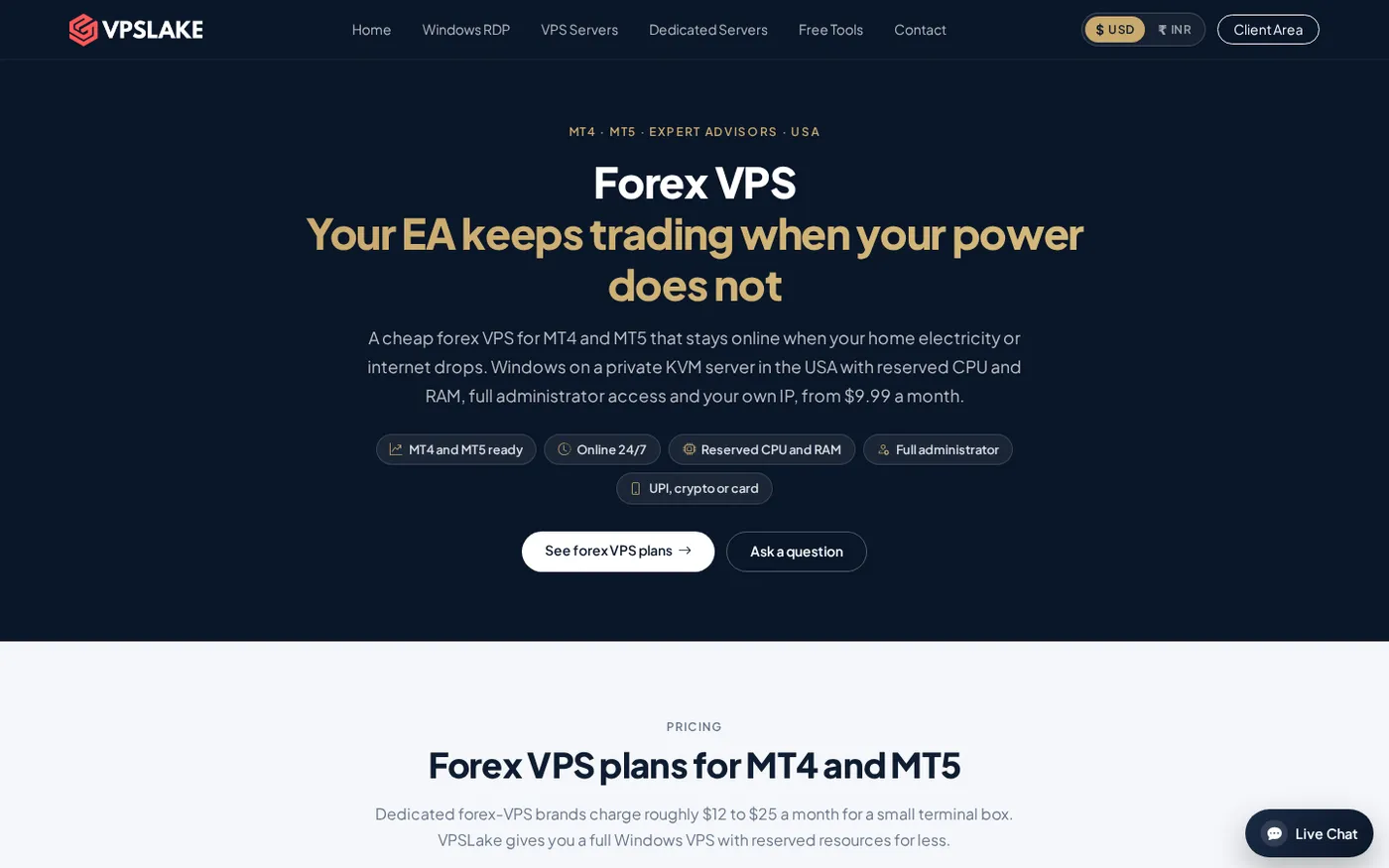
VPSLake Forex VPS: best for flexibility
VPSLake is the better fit when your trading setup is more than a single chart-and-EA combination. The Buffalo Forex VPS starts at $9.99/mo and gives you a private KVM VM, full Administrator access, one dedicated US IPv4 address, 3 vCPU, 4 GB reserved RAM, and 60 GB SSD storage. You can install MT4 or MT5, log in over Windows Remote Desktop, and keep the server running without leaving your home computer switched on.
The 4 GB plan is aimed at one MT4/MT5 EA and a light desktop workload. If you need several MT4 terminals, the 8 GB plan is listed at $16.99/mo with 4 vCPU, 8 GB reserved RAM, and 100 GB SSD storage. Larger 16 GB and 32 GB plans are available when you have more charts, terminals, or Windows applications to keep active.
A VPS gives you an operating system, not only a hosted trading terminal. You can add broker terminals, trade copiers, Windows services, monitoring utilities, database clients, and compatible EAs that need a permitted DLL.
VPSLake’s Buffalo location is on the US East Coast. Its Forex VPS page reports about 12–13 ms to Equinix NY4 broker servers for Pepperstone, IC Markets, and Fusion Markets. Treat that as a location-specific reference, not a promise for every broker: check the broker’s actual server location and measure latency from the server you select.
The server also gives you operational control. You can use the client area to access the console, reinstall, reboot, or reset the password. The order form offers a Windows Server 2019, Windows 10 Pro, or Windows 11 Pro image. Windows is BYOL: you bring your own Windows licence, and VPSLake supplies the image without a licence surcharge.
For sizing, start with the MT4 and MT5 VPS requirements guide and count terminals, charts, indicators, EAs, and background applications rather than choosing by account count alone.
MQL5 Virtual Hosting: best for one self-contained terminal
MQL5 Virtual Hosting is built into the MetaTrader workflow. From the desktop terminal, you choose virtual hosting, review the server selected near your broker, select a plan, and migrate the environment. MetaQuotes says the service is intended for robots, Expert Advisors, and signal subscriptions that need to operate while your computer is off.
MetaTrader transfers the trading-account connection, active charts, EAs, indicators, and relevant settings to the virtual platform. You can review status, resource graphs, and logs from the platform’s VPS section, without administering a Windows desktop.
That simplicity comes from a deliberately narrow runtime. MetaQuotes’ Virtual Hosting documentation describes it as hosting for the trading platform, not a general-purpose Windows machine. The official migration rules explain what is and is not moved when you synchronize.
One rented terminal can work with only one trading account. If you want to run separate accounts through separate hosted terminals, you need separate rentals. A single trading account can be used on several virtual terminals, but that does not turn one subscription into a multi-account server.
MQL5 Virtual Hosting is a good choice when all of the following are true:
- You run one MT4 or MT5 account per subscription.
- Your EA and indicators do not require DLL calls.
- Your setup does not depend on scripts that must remain running after migration.
- You do not need a Windows desktop or another application beside MetaTrader.
- The hosting server selected for your broker provides suitable latency.
It suits a self-contained Market EA or signal subscription. The official MQL5 VPS page shows a 24-hour trial before a paid plan.
What MQL5 Virtual Hosting cannot run
The limitations matter more than the label “VPS.” MQL5 Virtual Hosting is not a normal remote Windows machine, so software that depends on the wider operating system will not transfer in the same way.
| Requirement | MQL5 Virtual Hosting | Full Windows VPS |
|---|---|---|
| DLL imports | Forbidden by the virtual platform | Possible in the normal Windows environment when supported and permitted |
| Several MT4/MT5 terminals | Separate rented terminal per account | Install multiple terminals on one server, sized for the workload |
| External Windows applications | Not a general desktop for them | Install and run compatible applications |
| Long-running scripts | Scripts are not transferred during migration | Run supported scripts or services under Windows |
| Web requests | Configure trusted URLs in the EA settings | Configure the EA and Windows networking yourself |
| Remote desktop | Not provided as a normal desktop session | Full Administrator access over RDP |
MetaQuotes specifically says DLL calls are completely forbidden. Scripts are not moved during migration, and one-time-password accounts cannot be used because the virtual platform must connect autonomously. WebRequest can work, but the required URLs must be added to the Expert Advisors settings before migration.
This does not make MQL5 hosting a poor option. It makes the service predictable for a narrow job: keep a compatible MetaTrader environment connected to one account. If your setup matches that job, the smaller control surface is an advantage.
Cost per terminal compared
Compare the billing model, not only the monthly number. MQL5 Virtual Hosting is priced per rented terminal, while a Windows VPS is priced for the whole server and its reserved resources.
| Workload | MQL5 Virtual Hosting | VPSLake starting point | Practical reading |
|---|---|---|---|
| One self-contained MT4/MT5 account | $15/mo on the one-month plan | $9.99/mo | VPSLake costs less and adds a Windows desktop, but you manage the server and bring your Windows licence |
| Two separate accounts | $30/mo for two one-month rentals | $16.99/mo 8 GB plan | A single Windows VPS can host several terminals; confirm RAM and CPU use for your EAs |
| One account plus DLL or external tool | Not compatible if the EA needs DLL calls | $9.99/mo and up | A full Windows environment is the relevant comparison |
The MQL5 price can fall to $10 per month on the 12-month plan. VPSLake’s prices are monthly and the Windows image is BYOL, so include your own licence position when comparing total cost; quarterly billing saves 5%, and yearly billing equals two months free.
Do not read the price table as a trading result. Lower latency can improve the network path to a broker, but neither hosting model guarantees profitable trades, fills, or a particular execution outcome. Select the server location based on your broker’s actual trade server, then watch your MT4 or MT5 journal after migration.
Which one should you choose?
Use this decision rule:
- Choose MQL5 Virtual Hosting for one account, one compatible terminal, and a self-contained EA or signal. It is the shortest path from a working desktop setup to 24/7 operation.
- Choose a VPSLake Forex VPS for multiple accounts, multiple terminals, DLL-dependent EAs, a trade copier, external monitoring, or any other Windows application.
- Choose a VPS when you want RDP access to inspect charts, install updates, manage files, or troubleshoot the complete desktop environment.
- Start with 4 GB for one ordinary MT4/MT5 workload and consider 8 GB when several terminals or background tools will run together. Heavy charts, backtesting, and data-heavy EAs need more headroom.
Before paying, make a small inventory: broker accounts, MT4/MT5 terminals, number of charts, EA memory use, DLL requirements, WebRequest URLs, trade-copier needs, and whether you need a desktop. That list usually makes the answer obvious.
If you choose a Windows server, the VPSLake Forex VPS page shows the Buffalo plans and the MT4/MT5 use case. You can also compare the broader market in our guide to the best cheap Forex VPS providers for MT4 and MT5.
FAQ
Is MQL5 Virtual Hosting the same as a Windows VPS?
No. It hosts a migrated MetaTrader environment for 24/7 operation, while a Windows VPS gives you a complete remote Windows machine. A VPS is the better fit when you need RDP, extra terminals, DLLs, or other applications.
Can I run multiple MT5 accounts on MQL5 Virtual Hosting?
One rented terminal can work with only one trading account. You can use several virtual terminals for a single account, but separate accounts require separate rentals.
Can an MT5 EA that uses a DLL run on MQL5 Virtual Hosting?
No. MetaQuotes states that DLL calls are forbidden in the virtual platform. Use a compatible EA or move the terminal to a full Windows VPS where the required software can run in the normal operating-system environment.
Is a VPS better than MQL5 Virtual Hosting for forex?
It depends on the setup. MQL5 Virtual Hosting is simpler for one compatible account, while a VPS is more capable for several terminals, external tools, and direct desktop control. Latency to your broker and the resources your EAs need matter more than the label.