
A VPS for prop firm trading keeps MT4 or MT5 online when your home computer sleeps or loses internet. For FTMO-style accounts, use a permitted location, consistent dedicated IP, enough resources, and an EA that follows the rules.
Do prop firms allow a VPS?
FTMO’s FAQ says VPN and VPS use is generally allowed. It also says traders should avoid logging in to MetaTrader or cTrader from the United States while travelling there, and should not change their geolocation to the United States when using a VPN or VPS. Read your firm’s current rules before ordering a location, because permission and location requirements vary between firms.
FTMO also says your trading style must be legitimate, reflect real-market conditions, and follow its forbidden-practice rules. That applies to manual trading and automated trading alike. A VPS provides an online computer; it does not make an EA compliant, change your account rules, or improve a strategy.
See the firm’s VPN and VPS FAQ and its guidance on allowed instruments and trading strategies before you connect a challenge or funded account.
Shared vs dedicated IP and why it matters
Your terminal reaches the broker and prop firm through an IP address. With a shared IP, unrelated customers may appear from the same public address. A dedicated IP gives your VPS its own address and a more consistent access pattern.
That distinction is useful for three reasons:
- Fewer identity changes: you can connect to the same trading desktop from different devices without exposing a new residential IP at every login.
- Cleaner account separation: one VPS and dedicated IP are reserved for your terminals instead of being mixed with other VPS users.
- Simpler troubleshooting: you know which server and address produced a login or connection.
A dedicated IP is not a compliance certificate. Do not use it to disguise your location, share an account, copy trades between accounts against the rules, or bypass a firm’s security review. Keep your identity, account ownership, and trading activity aligned with the firm’s terms.
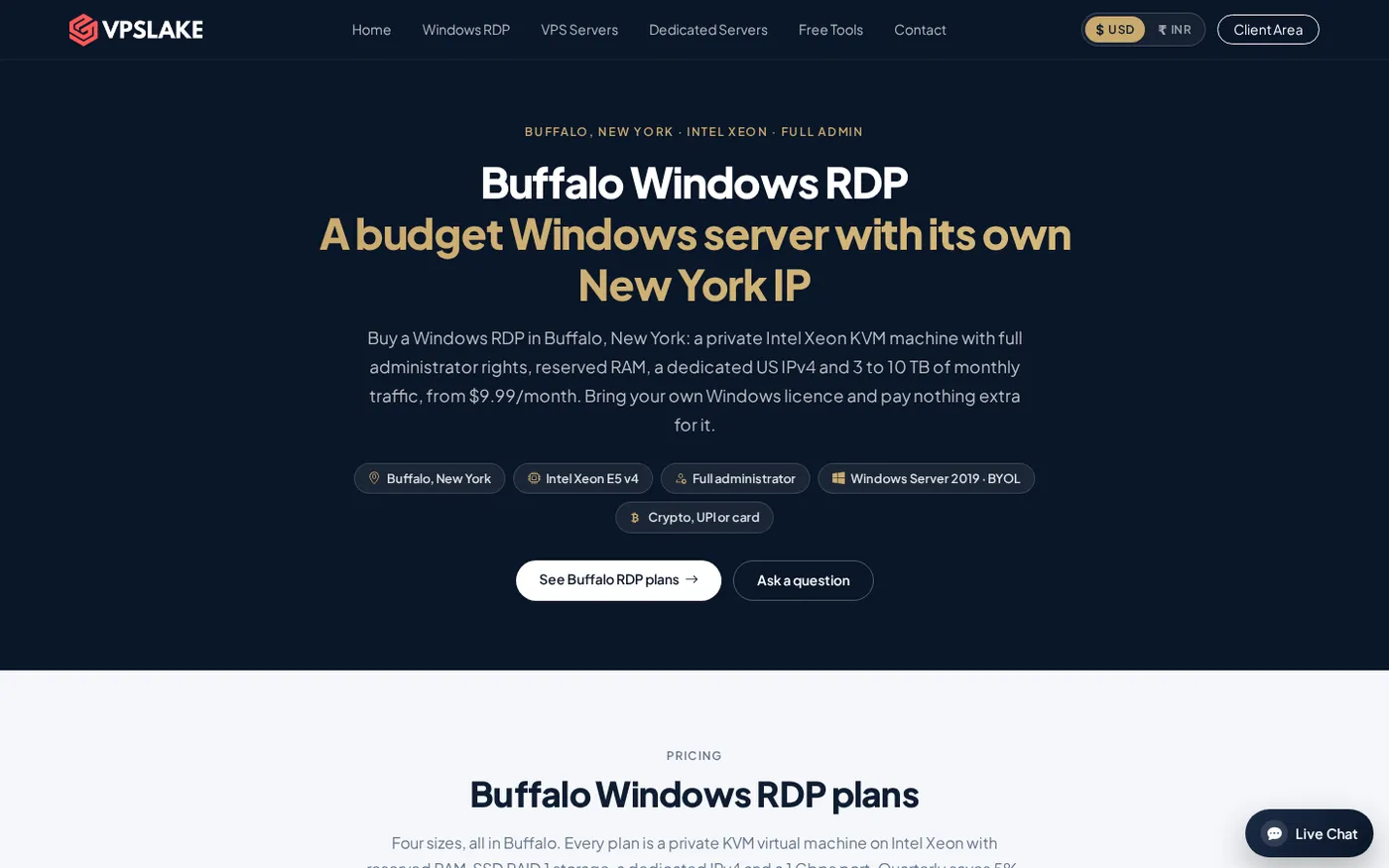
VPSLake’s Buffalo Forex VPS uses a private KVM virtual machine, reserved RAM, full Administrator access, and one dedicated US IPv4 address. The Windows image is supplied on the order form, but you bring your own Windows licence; there is no licence surcharge.
What you need before setting up an FTMO VPS
Prepare these items before you order:
- Your prop firm’s current VPS, VPN, location, EA, and account-sharing rules.
- Your account login and the platform assigned to you, such as MT4 or MT5.
- The EA file, set file, symbol list, trading hours, and risk settings you intend to use.
- A Windows licence for the selected VPS image if you choose VPSLake’s BYOL Windows service.
- A resource target: one terminal, several terminals, or a larger multi-account desktop.
If you use FTMO, its platform options can include MT4, MT5, cTrader, or TradingView depending on the product you select. VPSLake’s Forex VPS is aimed at MT4 and MT5 terminals, so confirm that your platform matches the Windows setup you plan to run.
Step 1: Confirm the firm’s location and automation rules
Why this matters: the provider’s location and your EA behaviour must fit the firm’s current policy.
- Open the prop firm’s rules and FAQ pages immediately before setup.
- Check whether VPS use, automated trading, news trading, overnight positions, and multiple accounts are permitted for your account type.
- Check the location rule. FTMO’s FAQ contains a specific warning about changing geolocation to the United States with a VPN or VPS.
- Save the relevant rules page and contact the firm if the wording does not clearly cover your situation.
Success looks like a written, current answer for your account type and a VPS location that does not conflict with it.
Step 2: Choose a private Windows VPS with enough headroom
Why this matters: a terminal that is short on memory or CPU can become slow during market activity, chart updates, and EA calculations.
For one MT4 or MT5 terminal, the Buffalo 4 GB plan is a practical starting point. It provides 3 vCPU, 4 GB reserved RAM, 60 GB SSD storage, 3 TB traffic, and a dedicated US IPv4 for $9.99/mo. For several terminals or heavier chart and EA workloads, move to 8 GB or 16 GB rather than running every account in a crowded desktop.
| VPSLake option | Suggested workload | Included resources | Price |
|---|---|---|---|
| Buffalo Forex VPS 4 GB | One terminal and one EA | 3 vCPU, 4 GB reserved RAM, 60 GB SSD, 200 Mbps port | $9.99/mo |
| Buffalo Forex VPS 8 GB | Two or three terminals | 4 vCPU, 8 GB reserved RAM, 100 GB SSD, 300 Mbps port | $16.99/mo |
| Buffalo Forex VPS 16 GB | Several terminals and heavier desktops | 6 vCPU, 16 GB reserved RAM, 200 GB SSD, 500 Mbps port | $29.99/mo |
All three options are private KVM VMs with full Administrator access and a dedicated US IPv4. Traffic allowances and port speeds scale by plan, so select the plan that matches your actual number of terminals instead of assuming the smallest plan is always enough.
Step 3: Install the platform and attach your EA
Why this matters: the trading terminal must be logged in, connected to the correct server, and configured before you disconnect from the VPS.
- Connect to the Windows VPS with Remote Desktop and complete Windows updates.
- Install the platform supplied by your prop firm, then sign in with your own credentials and the firm’s server name.
- Copy your EA and set files into the platform’s data folders, then restart the platform if required.
- Open only the required charts and symbols. Confirm the timeframe, lot sizing, trading hours, risk controls, and automation setting.
FTMO says algorithmic trading and EAs can be used when the strategy is legitimate and follows its rules. It also warns that a third-party EA may be used by other traders and could create a maximum-capital-allocation issue. FTMO lists limits of 200 orders at a time and 2,000 maximum positions per day, along with limits on server messages. Avoid configurations that generate unnecessary order or modification traffic.
Success looks like a green connection indicator, the expected account balance and symbols, no repeated errors in the Experts or Journal tab, and an EA that responds normally in a permitted test environment.
Step 4: Keep the terminal running after you disconnect
Why this matters: the purpose of a trading VPS is to keep the platform online without keeping your personal computer powered on.
- Leave the platform open on the VPS with the required charts and EAs attached.
- Disconnect from Remote Desktop using the close button; do not shut down or sign out of Windows.
- Reconnect after a few minutes and check the connection status, Experts log, Journal log, EA attachment, and chart ticks.
- Restart the VPS once during preparation and repeat the check so you know the terminal starts correctly after a reboot.
Success looks like the terminal receiving market data and recording normal activity while disconnected. You remain responsible for checking the EA, platform, and account.
Latency to NY4 broker servers
Latency is the time taken for network traffic to travel between your VPS, the broker’s server, and the trading platform. A location close to the broker’s data center can reduce the network part of that trip, but it cannot remove broker-side processing, market conditions, platform limits, or execution delay.
VPSLake reports about 12–13 ms from Buffalo to Equinix NY4 broker servers, including Pepperstone, IC Markets, and Fusion Markets, based on its October 15, 2026 test. That makes Buffalo a low-latency option for brokers hosted around NY4. It is not a promise of a particular fill, spread, profit, or challenge result.
FTMO separately explains that execution delays can occur and that geography, the internet connection, and latency all contribute. Read its technical infrastructure FAQ and compare the VPS route with your broker’s actual server location before choosing a plan.
For provider context, see our best cheap Forex VPS providers for MT4 and MT5. For sizing, use our MT4 and MT5 VPS requirements guide.
How much VPS capacity do 1–3 terminals need?
The number of terminals is only a starting point. Chart count, indicators, EA calculations, tick activity, browser windows, and logging all affect resource use.
- One terminal: start with 4 GB RAM and 3 vCPU for a normal MT4 or MT5 desktop with one EA.
- Two or three terminals: 8 GB RAM and 4 vCPU gives more room for separate accounts, charts, and logs.
- Several terminals or multiple heavy EAs: 16 GB RAM and 6 vCPU is the better fit for a larger desktop.
- Team or very large setup: use the 32 GB plan only when the number of terminals and applications genuinely needs it.
Watch Task Manager during a full trading session. If memory remains high, close unused charts and applications first; if the workload is still busy, choose the next plan size. The goal is a responsive terminal with room for Windows updates and normal platform activity.
Common setup mistakes
Changing locations between logins
Logging in from a home connection, VPN, phone hotspot, and VPS can create a changing access pattern. Use the VPS as your main trading desktop and follow the firm’s location policy.
Treating the VPS as a strategy
A VPS can reduce home-computer interruptions and provide a closer network path. It cannot create an edge, remove drawdown rules, or guarantee a pass or payout.
Running too many charts and EAs
Charts, indicators, and EAs consume resources and produce platform messages. Keep only the required workspace open and review the Experts and Journal logs.
Closing the Windows session incorrectly
Shutting down or signing out stops the desktop. Disconnect from Remote Desktop while leaving Windows and the trading platform running.
FAQ
Can I use a VPS for an FTMO challenge?
FTMO’s current FAQ says VPN and VPS use is generally allowed. Check the location exception and the specific rules for your platform, account type, and trading strategy before connecting.
Do I need a dedicated IP for a prop firm VPS?
A dedicated IP is useful for keeping your VPS access separate from other customers and consistent across sessions. It does not replace identity checks or guarantee approval, so follow the firm’s own policy rather than assuming a dedicated IP is mandatory everywhere.
Can I run an EA on a prop firm account?
FTMO says algorithmic trading and EAs are allowed when the activity is legitimate and follows its forbidden-practice rules. Review third-party EA risks, order limits, and server-message limits before running the EA on a challenge or funded account.
Is 4 GB RAM enough for MT4 or MT5?
The Buffalo 4 GB plan with 3 vCPU is a sensible starting point for one normal terminal and one EA. Choose 8 GB for two or three terminals, then monitor Task Manager and the platform logs during a full session.
Does the Windows VPS include a licence?
VPSLake supplies the Windows Server 2019, Windows 10 Pro, or Windows 11 Pro image on the Buffalo order form. You bring your own Windows licence; there is no Windows licence surcharge.