


Windows 10 RDP vs Windows Server RDP comes down to one practical question: do you need a familiar desktop for one person, or a server platform for services and multiple users? The winner for most buyers is VPSLake Buffalo Windows RDP because you can choose Windows 10 Pro, Windows 11 Pro, or Windows Server 2019 on a private KVM VM, then match the image to your workload.
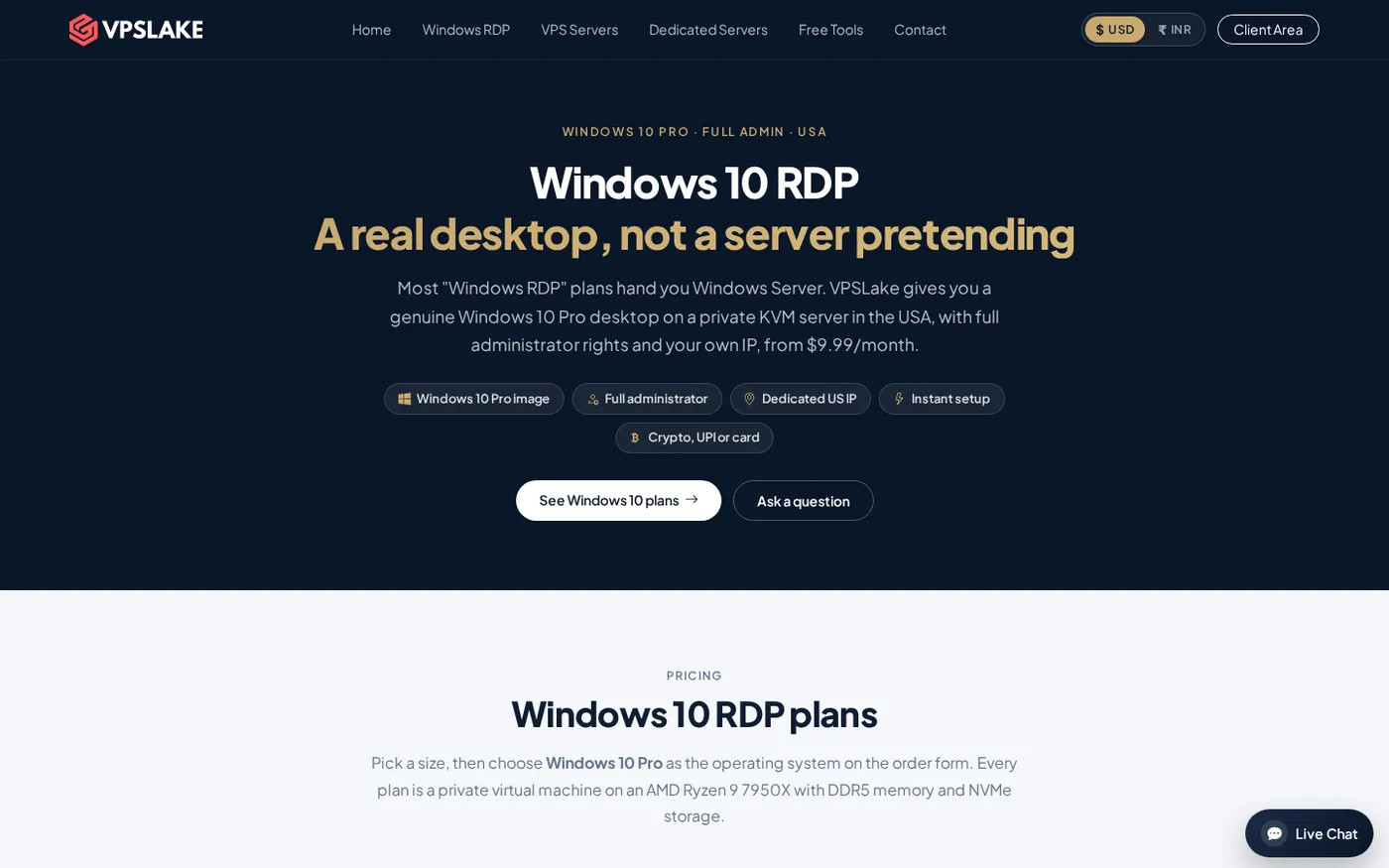
VPSLake Windows RDP — the winner: which RDP should you pick?
VPSLake is the winner: its Buffalo order form lets you select the image for your application on a private KVM plan. The 4 GB plan starts at $9.99/mo; 8 GB, 16 GB, and 32 GB plans cover larger workloads.
Choose Windows 10 Pro when you want a remote PC for browsing, office work, one trading terminal, one browser profile, or desktop software that expects a client version of Windows. Choose Windows Server 2019 when you need IIS, server management tools, domain or infrastructure roles, or several authorized users connecting through a licensed RDS setup.
| Option | Best fit | Image choices | Starting price | Why choose it |
|---|---|---|---|---|
| VPSLake Buffalo Windows RDP — Winner | Buyers who want one flexible Windows RDP plan | Windows 10 Pro, Windows 11 Pro, or Windows Server 2019 | $9.99/mo for 4 GB | Private KVM VM, reserved RAM, Full Administrator, and a dedicated US IPv4 |
| Windows 10 Pro RDP | One person using a familiar desktop | Windows 10 Pro | $9.99/mo for 4 GB on VPSLake | Client-style desktop experience and broad compatibility for everyday software |
| Windows Server 2019 RDP | Server workloads and managed multi-user sessions | Windows Server 2019 | $9.99/mo for 4 GB on VPSLake | Server roles and licensed Remote Desktop Services architecture |
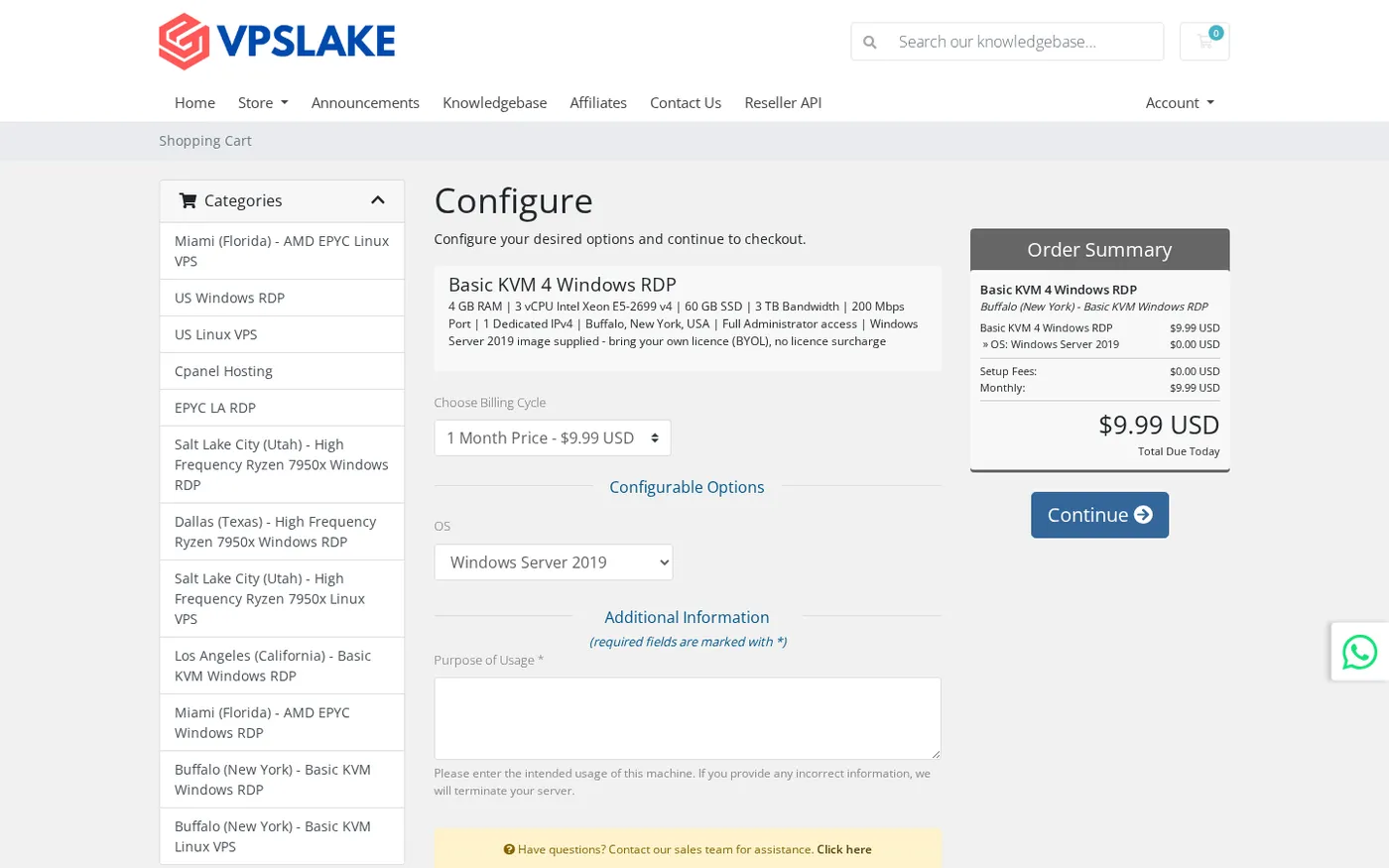
VPSLake’s Buffalo order form lets you select the image instead of locking you into a generic “Windows RDP” label. The same plan family also offers Windows 11 Pro.
Desktop vs server: what actually changes
Windows 10 Pro is a client operating system designed around an interactive desktop. Its Start menu, Settings, desktop applications, browser extensions, and consumer software are familiar if you have used Windows on a personal computer.
Windows Server 2019 is designed to provide services to other computers and users. With the Desktop Experience installed, it still has a graphical interface over RDP, but its default tools and security posture are aimed at administration rather than personal desktop work.
Both images use Microsoft Remote Desktop; the difference is what is installed around the protocol and what the operating system is intended to host.
App and browser compatibility
Windows 10 Pro is usually the safer first choice when your work is mostly inside a browser or depends on desktop software built for client Windows. Store-delivered applications, consumer utilities, browser add-ons, and tools that assume a workstation layout are less likely to require server-specific workarounds.
Windows Server can run many of the same applications, but an installer can check the edition, expect a desktop component, or rely on a service that is not enabled by default. Server security settings can also make downloads or first-run configuration more deliberate. These are manageable on a server you administer, but they add friction when your goal is simply to open a browser and work.
The operating system is not a shortcut around advertising, employer, or platform rules. Follow the platform’s policies and choose Windows 10 because its software experience fits your task, not because an OS choice guarantees approval.
RAM and CPU overhead
There is no reliable rule that Windows Server always uses less RAM or that Windows 10 always uses less CPU. Updates, background services, security tools, drivers, and applications all affect usage, so your workload is the deciding factor.
For a small remote desktop, browser tabs and applications are usually the largest memory users. A single browser profile or MT4/MT5 terminal fits the 4 GB class more comfortably than several heavy profiles; more tabs, terminals, or automation jobs justify 8 GB or 16 GB regardless of the image.
VPSLake’s Buffalo Windows RDP plans use reserved RAM on a private KVM VM. The 4 GB plan is $9.99/mo, the 8 GB plan is $16.99/mo, the 16 GB plan is $29.99/mo, and the 32 GB plan is $54.99/mo. Those resources do not change when you choose Windows 10 Pro or Windows Server 2019; only the image and the way you use it change.
Sessions and licensing
This is the biggest technical difference for buyers.
Windows 10 Pro is intended for one interactive user at a time. It suits a personal remote workstation, but it is not a compliant way to turn one VM into an unlimited shared desktop service. Do not use unofficial RDP patches to bypass the session model.
Windows Server supports Remote Desktop Services, which can provide session-based desktops and RemoteApp programs to multiple users. A production RDS deployment needs the appropriate Windows Server licensing and RDS Client Access Licences. Microsoft’s Remote Desktop Services overview explains the session-host, connection-broker, gateway, and licensing roles.
An inexpensive Windows Server RDP plan does not automatically include a multi-user RDS deployment. Ask what access model is provided, who supplies the licences, and whether you are buying one administrator desktop or a licensed session-host environment.
Windows 10 RDP: best for a familiar desktop
Windows 10 Pro is the better pick when you want the remote machine to behave like a personal Windows computer. The interface is familiar, desktop applications are the main focus, and one person can keep a browser, work tools, and a trading terminal running without adapting to a server-first setup.
It is especially practical when you need one dedicated US IPv4 address, full Administrator access, and a private VM rather than a shared account. VPSLake’s Buffalo plans provide those features, plus browser-console, reinstall, and reboot controls in the client area. Review the Buffalo Windows RDP plans before ordering.
The important caveat is lifecycle support. Microsoft lists Windows 10 Home and Pro as reaching end of support on October 14, 2025. If you need Windows 10 for a specific legacy application, confirm that requirement and plan how you will handle updates and security. If you simply want a modern Windows desktop, select Windows 11 Pro from the same order flow instead.
Windows Server RDP: best for services and administration
Windows Server 2019 is the stronger choice when the VM itself is a service platform. IIS, PowerShell administration, scheduled tasks, file services, and other server components fit its design. It is also the right family when you are building an RDS environment with separate users, session hosts, and licensing.
Server 2019 can still be comfortable for one administrator using a GUI, especially when you want server tools or a controlled background service. You can spend more time adjusting server defaults or checking application compatibility than on Windows 10 Pro.
Use Windows Server because you need its roles, management model, or session architecture. Do not choose it just because a listing says “RDP”; many individual users will have a smoother first login and fewer compatibility questions on a desktop image.
Which image fits ads, forex, bots, and development?
Your use case gives a clear starting point:
- Google Ads or browser-based work: Start with Windows 10 Pro or Windows 11 Pro if your tools are desktop-oriented. Follow Google’s policies; the OS does not guarantee approval.
- MT4 or MT5: Either image works for one terminal or EA. Pick Windows 10 Pro for a normal desktop and size RAM for your terminals and charts; our MT4 and MT5 VPS requirements guide covers sizing.
- Rater or remote-work tools: Windows 10 Pro fits software that expects a standard client desktop. Check the employer’s device and location rules.
- Bots and automation: Windows Server suits background services; Windows 10 Pro is simpler when you also operate the tools manually.
- Development: Choose Windows Server for IIS, server administration, or a Windows service host. Choose Windows 10 Pro for IDEs and desktop testing.
How to choose the right Windows RDP image
Use this checklist before you submit the order:
- Name the application first. Check its supported editions and whether it needs Store, desktop, or server components.
- Count interactive users. One person points to Windows 10 Pro or Windows 11 Pro. Multiple users require licensed Windows Server RDS.
- Size for the workload. Start from RAM, vCPU, storage, and traffic needs, not the operating system name.
- Check support. Windows 10 is past its standard support date, so use it when compatibility justifies it. Otherwise, Windows 11 Pro is the more current desktop image.
- Confirm licensing. VPSLake supplies the selected image, but you bring your own Windows licence; there is no Windows licence surcharge.
- Plan changes carefully. Back up data before reinstalling; reinstalling replaces the operating system and stored files.
The verdict is simple: choose Windows 10 Pro for one familiar desktop, Windows Server 2019 for server roles or licensed multi-user sessions, and Windows 11 Pro for a new desktop without a Windows 10 dependency.
FAQ
Is Windows 10 RDP the same as a Windows VPS?
An RDP connection is how you access a remote Windows computer. A Windows VPS provides the CPU, RAM, storage, IP address, and operating system; RDP is the protocol used to control it.
Can more than one person use Windows 10 Pro RDP?
Windows 10 Pro is designed for one interactive user at a time. Multiple simultaneous sessions require Windows Server with a properly configured and licensed RDS deployment, not an unofficial session patch.
Which uses less RAM, Windows 10 or Windows Server?
Neither image wins in every workload. Services, updates, browser tabs, terminals, and server roles affect usage more than the product name, so size the plan for the applications you will run.
Does VPSLake include a Windows licence?
No. VPSLake supplies the Windows 10 Pro, Windows 11 Pro, or Windows Server 2019 image, and you bring your own Windows licence. There is no Windows licence surcharge.
Is Windows 10 still supported?
Microsoft ended standard support for Windows 10 on October 14, 2025. If you do not have a specific Windows 10 compatibility requirement, choose Windows 11 Pro instead; Microsoft’s Windows 10 lifecycle page has the current support details.