


How much does it cost to run a minecraft server? In 2026, the answer ranges from no extra hosting fee for an occasional home server to $34.99 or more per month for dedicated hardware. For a small always-on world, a managed service or a self-hosted VPS is usually the clearest way to budget.
The important distinction is that player count is only one part of the bill. Mods, simulation distance, backups, uptime, edition, and whether you manage the machine yourself can matter just as much.
The short answer by player count
The table below is a budgeting guide, not a promise of a particular player limit. A lightweight vanilla world with 20 players can need fewer resources than a heavily modded world with five players.
| Typical online group | Home hosting | Managed Minecraft host | Self-hosted VPS | Dedicated server |
|---|---|---|---|---|
| 1–5 friends, occasional play | Existing PC plus electricity when running | Roughly $5–$15/mo in common entry tiers | $5.99–$9.99/mo for 2–4 GB | Usually unnecessary; starts at $34.99/mo |
| 6–20 players, small vanilla world | Electricity, upload capacity, and your own hardware | Roughly $8–$25/mo | $9.99/mo for 4 GB is a practical starting point | Usually unnecessary |
| 20–50 players or a modded world | More power, stronger hardware, and more administration | Roughly $15–$40/mo | $16.99/mo for 8 GB gives more headroom | $34.99/mo can make sense for a busy world |
| 50–100 players or several instances | Often requires a separate always-on machine | Roughly $30–$80+/mo | $29.99/mo for 16 GB or $54.99/mo for 32 GB | $34.99–$64.99/mo, depending on workload |
| 100+ players or a network | Hardware, bandwidth, redundancy, and administration | Quote varies by design | A single VPS may not be the right architecture | $64.99+/mo is a more realistic starting point |
The managed-host figures are planning ranges, not one provider’s quote. Compare RAM, CPU, storage, backups, player slots, and support rather than only the headline price.
Mojang provides the official Java server software at no charge, but you still provide the computer, network, and administration. The official Minecraft server download page explains the Java and Bedrock server differences.
What changes the Minecraft server cost?
RAM is easy to compare, but it is not the whole specification. Ask:
- How many players are online together? Ten occasional players is a different workload from 50 concurrent players.
- Are you running vanilla, plugins, or mods? Modpacks and companion services increase memory and CPU needs.
- Does it need to be online 24/7, and who maintains it? Power, backups, updates, permissions, firewall rules, and recovery all belong in the total cost.
The lowest monthly price is therefore not always the lowest total cost. A managed host bundles more administration; a VPS gives you more control but leaves maintenance to you.
Hosting at home: the hidden monthly costs
Home hosting can be close to free if you already own a suitable computer and only turn it on during play. It becomes a different calculation when the server must stay online day and night.
Use this formula for the electricity portion:
monthly power cost = watts ÷ 1,000 × hours per month × your electricity price per kWhFor a simple example, a machine averaging 50 watts for 30 days uses 36 kWh: 0.05 × 720 = 36. At 18.2 cents per kWh, that is about $6.55 for electricity alone. The U.S. Energy Information Administration’s 2026 electricity outlook gives that rate as a U.S. average forecast; use your own utility rate for a useful result.
Your home total may also include:
- A portion of your existing internet bill if your plan has an upload limit or requires an upgrade.
- Electricity for networking equipment, hardware replacement, backup storage, and your time.
The official instructions note that outside players may require network and firewall configuration, so price your time before calling home hosting “free.”
Managed Minecraft host vs a VPS you control
A managed Minecraft host suits you when you want a game-specific panel and less server administration. Compare RAM, player slots, storage, backups, and included tools; your options depend on the provider’s plan.
Minecraft Realms is the simplest official hosted option for a private group. The official Realms page lists Java Edition Realms at $7.99 per month and shows separate Bedrock subscription options. It is a useful baseline for a small, low-administration world, but it is not the same as renting a general-purpose Linux server.
A VPS gives you root access to a private virtual machine. You choose the Linux distribution, Java version, server software, plugins, scheduled jobs, and backups, and can share the machine with other small services.
The cost comparison should include what the plan provides:
| Cost item | Managed game host | Self-hosted VPS |
|---|---|---|
| Compute and RAM | Bundled into a game plan | You select the VPS size |
| Control panel | Often game-specific | You manage the server or install tools |
| OS updates and security | May be partly handled | Your responsibility |
| Plugins and server jars | Usually supported by the panel | You choose and configure them |
| Backups | May be included or paid | You arrange and verify them |
| Other applications | Limited by the service | Possible on a general Linux VPS |
Self-hosting on a 4–8 GB VPS
VPSLake’s Buffalo Linux VPS options are priced monthly as follows:
| Plan | Monthly price | Published fit |
|---|---|---|
| Buffalo Linux VPS 2 GB | $5.99/mo | Small applications and light workloads |
| Buffalo Linux VPS 4 GB | $9.99/mo | Small Minecraft server, Docker stacks, databases |
| Buffalo Linux VPS 8 GB | $16.99/mo | Minecraft with mods and several applications |
| Buffalo Linux VPS 16 GB | $29.99/mo | Busy Minecraft or game servers |
| Buffalo Linux VPS 32 GB | $54.99/mo | Heavy multi-application workloads |
The 4 GB plan includes 3 vCPU, 60 GB SSD storage, 3 TB traffic, a 200 Mbps port, one dedicated IPv4 address, full root access, and KVM virtualization. The 8 GB plan increases that to 4 vCPU, 100 GB SSD, 5 TB traffic, and a 300 Mbps port. These are VPS resources: you install and operate the Minecraft server yourself.
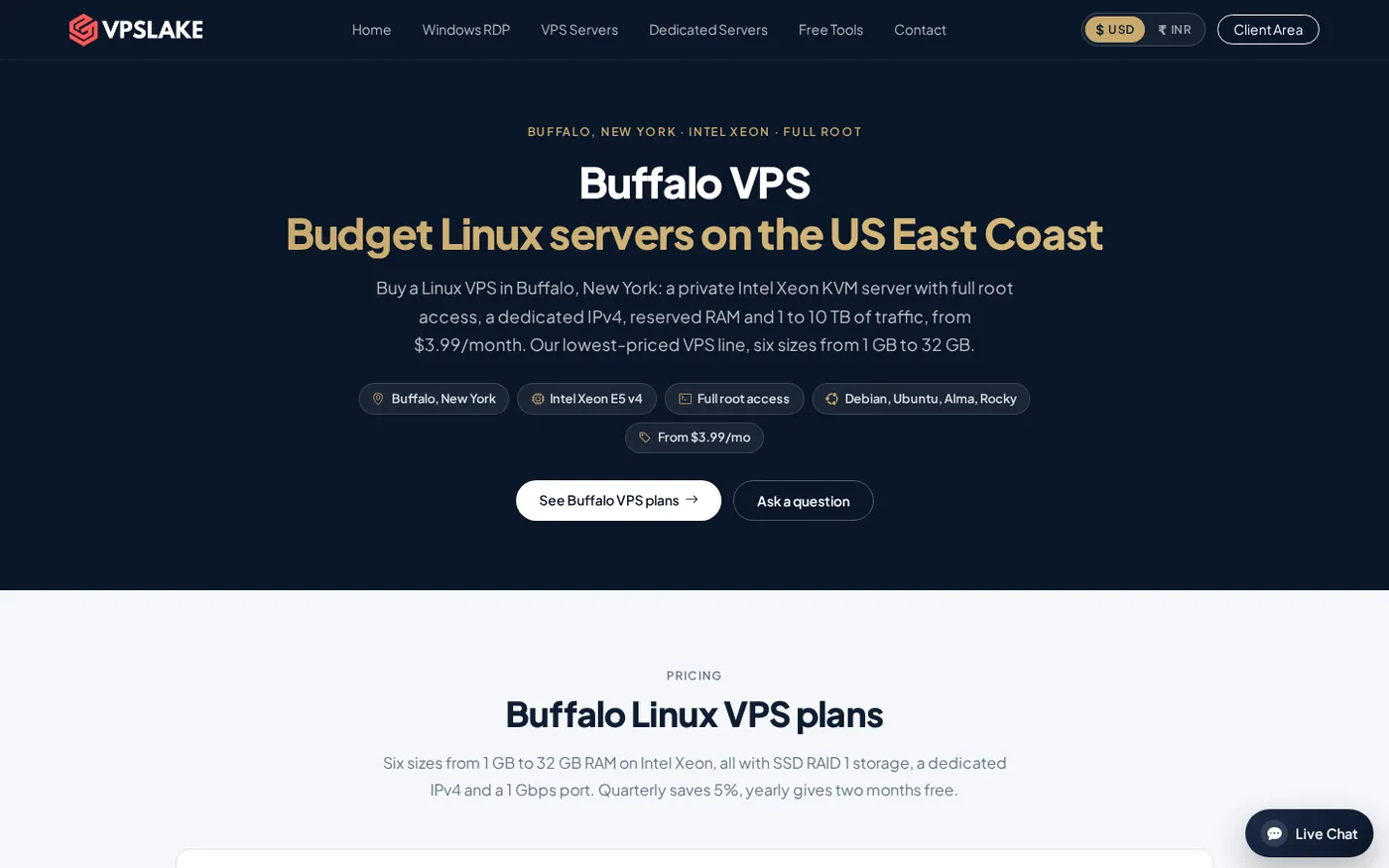
Start with 4 GB for a small vanilla server and move to 8 GB when mods, plugins, or companion services need more headroom. These are Linux VPS resource tiers, so you install and operate Minecraft yourself.
When a dedicated server pays off
A dedicated server is easier to justify when you need several Minecraft instances, a large modded world, a proxy network, databases, or consistent resources without sharing a physical machine with other tenants.
VPSLake’s published dedicated options include:
- DS-1 — $34.99/mo: Ryzen 5 3600, 32 GB RAM, 500 GB NVMe, 30 TB traffic on 1 Gbps, IPMI, and DDoS protection.
- DS-2 — $64.99/mo: Ryzen 7 5800X, 64 GB RAM, 1 TB NVMe, 50 TB traffic on 10 Gbps, IPMI, and DDoS protection.
Dedicated hardware is not automatically better for a small server because unused capacity still costs money. For larger networks, extra CPU, memory, storage, and isolation can be easier to budget than repeatedly resizing instances.
If you are unsure whether you need bare metal, compare your expected concurrent players and number of server instances with the home server vs VPS vs dedicated comparison.
Extra costs: domains, backups, plugins, and payment terms
Add these items to your estimate when they apply:
- A domain name: useful for a memorable address, but not required if players connect by IP.
- Backups: keep one copy outside the server; storage depends on retention and location.
- Plugins and modpacks: many are free, while premium tools, builds, or development may cost extra.
- Taxes, payment fees, monitoring, and your time: these vary by country and by how much reliability and support you need.
VPSLake lists quarterly billing at 5% less and yearly billing as two months free. Treat those as billing-term savings, not as a reason to choose a larger server than your workload needs.
How to choose your monthly budget
Use this decision rule:
- Choose home hosting for occasional play when you already own the hardware.
- Choose a managed service or Realms when low administration matters most.
- Choose a 4 GB VPS for a small always-on world, 8–16 GB for heavier workloads, and dedicated hardware for multiple instances or a growing network.
Before paying, write down the maximum concurrent players, edition, mod/plugin list, backup retention, target region, and whether the server must be online 24/7. That short inventory produces a more reliable budget than choosing a plan from player slots alone.
FAQ
Is it free to run a Minecraft server?
The official server software is free to download, but home hosting still uses electricity, internet capacity, hardware, and your time. A VPS or managed service adds a monthly charge.
How much does a 10-player Minecraft server cost per month?
For a small vanilla group, budget roughly $8–$25/month for a managed host or $9.99/month for a 4 GB VPS in the VPSLake example. Home hosting may be cheaper if you already own suitable hardware.
Is a 4 GB VPS enough for a Minecraft server?
A 4 GB VPS is a reasonable starting tier for a small vanilla server, provided you leave memory for Linux and other services. Heavy modpacks or multiple instances may justify 8 GB or more.
Is a VPS cheaper than Minecraft Realms?
It can be, depending on the tier and what you value. Realms Java is listed at $7.99/month, while the VPSLake 4 GB Linux VPS is $9.99/month; the VPS adds root control, but you handle setup and maintenance.
When should I use a dedicated server for Minecraft?
Consider dedicated hardware when you run multiple instances, need substantial memory, or want a full physical machine for a growing network. For a small private world, a 4–8 GB VPS usually keeps the monthly cost and operational scope more manageable.