


The best cpu for minecraft server hosting is usually the processor with the strongest single-thread performance, not the one with the biggest core-count number. This guide explains the 20 TPS tick budget, shows where extra cores help, and maps sensible hardware choices to small worlds, plugin-heavy servers, and larger networks.
What you need to compare
| Server option | CPU and resources | Practical starting point | Best fit |
|---|---|---|---|
| VPSLake Dedicated Server DS-1 — $34.99/mo | AMD Ryzen 5 3600, 6 cores/12 threads, 32 GB DDR4, 500 GB NVMe | A strong base for a 20–50 player Paper server; test carefully before scaling toward 100 | CPU-first single server, growing community, or several light services |
| Buffalo Linux VPS 4 GB — $9.99/mo | 3 vCPU Intel Xeon E5-2699 v4, 4 GB reserved RAM, 60 GB SSD | Small private or lightly modded server with a controlled player list | Friends, testing, and a low-cost first world |
| Buffalo Linux VPS 8 GB — $16.99/mo | 4 vCPU Intel Xeon E5-2699 v4, 8 GB reserved RAM, 100 GB SSD | More room for mods, plugins, and nearby services; measure tick time as load grows | Modded server or Minecraft plus a few apps |
| 8–16 strong physical cores | Recent Ryzen 7/9 or comparable Intel desktop-class CPU | More headroom for multiple worlds, a proxy, Folia regions, or several server instances | 50–100+ players across a network |
These are planning ranges, not promises. Player count alone does not predict performance: a quiet vanilla world and a redstone-heavy modpack can place very different loads on the same CPU.
Step 1: Why Minecraft cares about single-core speed
A Minecraft Java server advances the world in ticks. The target is 20 ticks per second, giving the server 50 milliseconds to complete each tick. If the work takes longer, ticks queue up, TPS falls, and players notice delayed block updates, stuttering mobs, or slow interaction.
The main tick loop handles much of the simulation that makes a world feel alive: entity AI, redstone, block and fluid updates, scheduled tasks, player actions, and plugin logic. Those operations cannot all be divided freely across every core because they share world state and must happen in a consistent order. That is why a fast core with good instructions-per-clock performance often matters more than eight slow cores.
Clock speed is useful, but it is not the whole comparison. A newer architecture can complete more work per cycle at the same advertised GHz. Ask for the exact CPU model and whether a vCPU is a fair share or a physical allocation.
This concerns the server process, not the graphics card in a player’s PC: the client renders the game, while the server calculates shared world state.
Step 2: Understand what Paper and Folia use
Paper can use multiple cores for networking, chunk work, garbage collection, asynchronous tasks, and suitable plugins. Its documentation still identifies the tick loop as a major source of load and recommends high single-threaded performance with enough threads allocated to the server. More cores do not automatically make one overloaded main thread finish its tick faster.
That distinction matters when comparing a 4-vCPU VPS with a 6-core dedicated CPU. A VPS can suit a small world, but its label does not reveal the underlying CPU’s single-core performance or host contention. A dedicated Ryzen processor gives you a known bare-metal class and more predictable room for background services.
Folia is different: it is a Paper fork using regionized multithreading so independent areas can tick in parallel. PaperMC says it benefits most from skyblock or SMP layouts and calls for at least 16 physical cores as an ideal starting point. It also requires compatible plugins.
For a normal Paper server, prioritize one strong core first, then buy enough additional cores for the operating system, Java, plugins, chunk work, and any other services. For Folia or a network of several server instances, core count becomes much more important.
Step 3: Match the CPU to player count
Use player count as a planning signal, not a benchmark. The same 20 players can be easy on a pre-generated vanilla world or demanding with farms, large view distance, exploration, and many plugins.
Up to 10–20 players
A recent 4-core class is normally a sensible starting point for vanilla or lightly configured Paper. The Buffalo 4 GB Linux VPS gives you 3 vCPUs, reserved RAM, KVM virtualization, a dedicated IPv4, and full root access at $9.99/mo. It suits one small world rather than a public network.
Do not overbuy CPU while leaving the Java heap, operating system, and storage with no room. Sensible simulation distance also matters; uncontrolled chunk generation can create CPU spikes on any plan.
Around 20–50 players
This is where a strong six-core desktop-class CPU becomes a useful target. Plugins, entities, farms, redstone, exploration, and scheduled tasks compete for the tick budget. The DS-1’s Ryzen 5 3600, 32 GB of DDR4, and 500 GB NVMe give a single Paper server useful headroom for the game and supporting services.
The right validation method is to reproduce your busiest activity and watch MSPT, not just average CPU percentage. A server can show moderate total CPU usage while one main thread is already too slow.
Around 50–100 players
At this level, the CPU model, world design, and server software matter as much as core count. A strong six- or eight-core host may fit a well-managed Paper server, but a modded world or heavy plugins can change the result. Plan for more RAM and test before opening at full peak.
Several worlds, a proxy, a database, or a map renderer make extra cores part of the design. A dedicated server is easier to reason about because its CPU, memory, disk, and network resources are under your control.
100 players and beyond
There is no honest universal CPU number for “100 players”. A survival world, minigame network, and Folia-compatible SMP distribute work differently. Larger networks usually need more physical cores, careful world preparation, and separate services rather than one oversized JVM.
At this scale, decide whether you need one instance or several. If players naturally spread across independent regions and plugins support it, Folia can use more cores; otherwise, several Paper instances behind a proxy may be easier to profile.
Step 4: Choose VPS vCPU or dedicated Ryzen
A VPS is often the right first step for a private world, plugin experiments, or a modest group. VPSLake’s Buffalo Linux plans use KVM with reserved RAM, full root access, a dedicated IPv4, and Linux choices including Debian 12 and Ubuntu 24.04. The 4 GB plan is $9.99/mo; the 8 GB plan is $16.99/mo for mods and extra services.
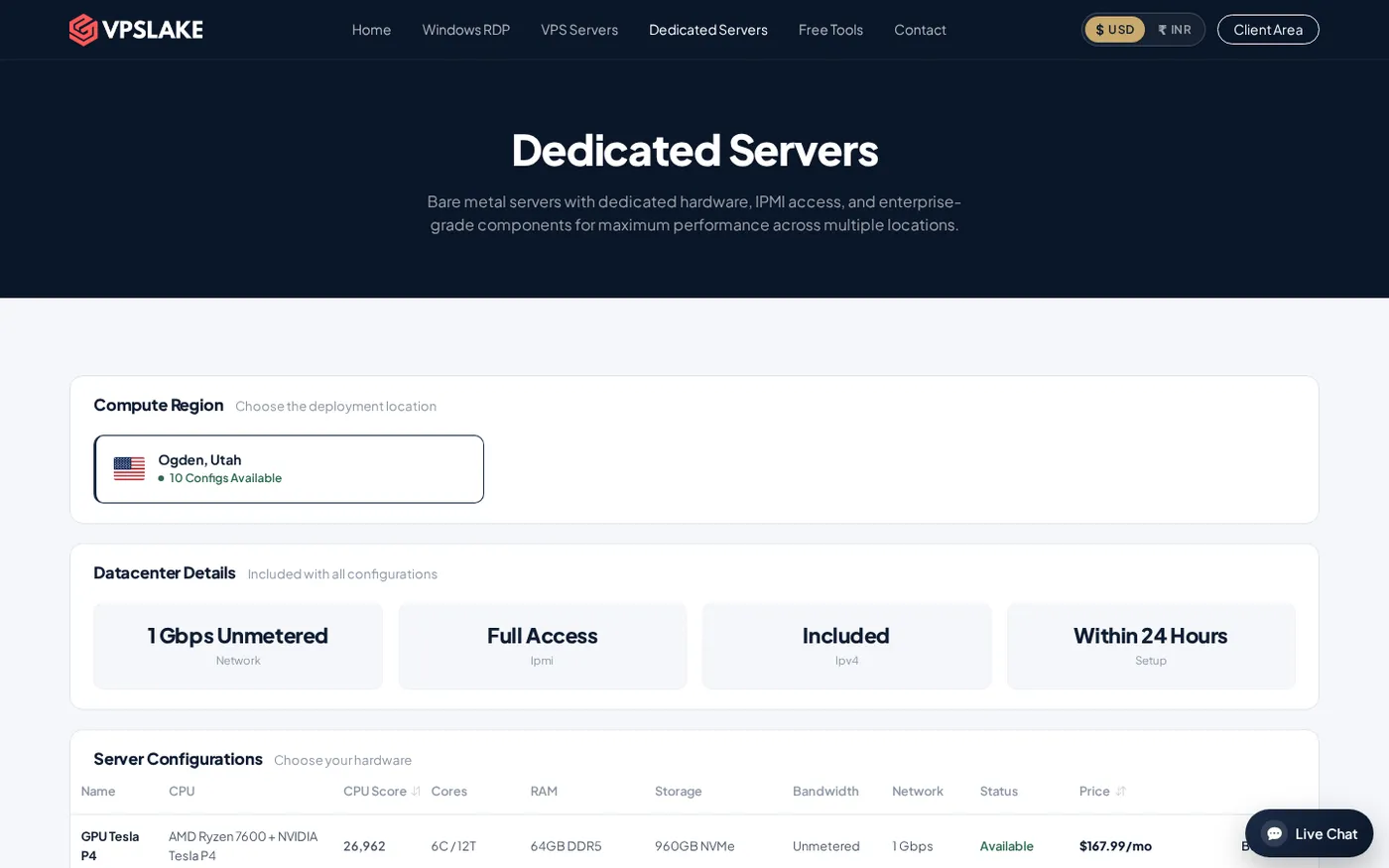
Choose a dedicated server when CPU consistency, busy-period headroom, or multiple Minecraft instances matter. VPSLake’s DS-1 is $34.99/mo and includes the Ryzen 5 3600, 32 GB DDR4, 500 GB NVMe, 30 TB traffic on a 1 Gbps connection, IPMI access, and DDoS protection. It is ordered through WhatsApp from the dedicated server page, with setup listed as 24–48 hours.
For context, see choosing a game server provider and home game server vs VPS vs dedicated server. Compare the Buffalo Linux VPS plans for a smaller Linux machine.
Step 5: Check RAM, disk, and network
CPU is important, but it is not the only reason a Minecraft server lags.
- RAM and heap: Leave room for the world, plugins or mods, Java overhead, and the operating system. More RAM cannot rescue a main thread that misses its tick deadline.
- Storage: NVMe or SSD helps with saves, loading, and chunk generation, but it cannot speed up slow simulation code.
- World settings: View distance, simulation distance, entities, farms, redstone, and unexplored terrain all change CPU load. Measure your configuration.
- Plugins and mods: One synchronous plugin task can delay the main thread. Use
/sparkon supported Paper versions and inspect the report before buying a larger plan. - Network quality: Players need stable connectivity and enough peak bandwidth. A 1 Gbps port does not reduce a long tick or fix a blocking plugin.
The official Minecraft Java server download is Java Edition software, and Minecraft’s official page notes that Java needs a compatible Java runtime while Bedrock uses its own supported server package. Confirm your edition and server software before comparing hardware.
Step 6: Validate the CPU before scaling
Use this checklist before ordering:
- Estimate peak concurrent players, not registered accounts.
- Identify vanilla, Paper, modded, or Folia workloads and list the plugins or mods that do the most work.
- Choose the highest single-thread performance you can reasonably afford for one normal Paper world.
- Add cores and RAM for multiple server instances, proxies, databases, renderers, or Folia regions.
- Ask for the exact CPU model, virtualization type, storage type, traffic allowance, and port speed.
- Test the real world and record MSPT during exploration, combat, farm activity, and peak login periods.
Paper’s performance troubleshooting documentation explains why total CPU usage can look low even while the main tick thread is the bottleneck. The useful question is not “how many cores does the plan advertise?” but “can the busiest tick complete under 50 ms on this workload?”
FAQ
Is Minecraft server performance single-threaded?
The main world tick loop is heavily dependent on one thread, so single-thread performance comes first for a normal Paper server. Other tasks use additional cores, and Folia ticks independent regions in parallel.
Is Ryzen better than Intel for a Minecraft server?
The brand name alone does not decide performance. Compare the exact CPU’s single-thread performance, architecture, physical versus virtual allocation, and host configuration.
How many cores do I need for 100 Minecraft players?
There is no fixed answer because activity, plugins, mods, world layout, and software change the workload. A strong six- or eight-core host can start one optimized server; multiple instances or Folia may need more physical cores.
Is 4 GB RAM enough for a Minecraft server?
It can be enough for a small vanilla or lightly configured Paper server. Modpacks, large distances, and extra services need more memory, with room left for the operating system and Java overhead.
Is a dedicated server better than a VPS for Minecraft?
A dedicated server suits predictable CPU access, more headroom, or several services. A VPS is a lower-cost starting point for a small world; choose by workload and exact CPU allocation, not the label alone.