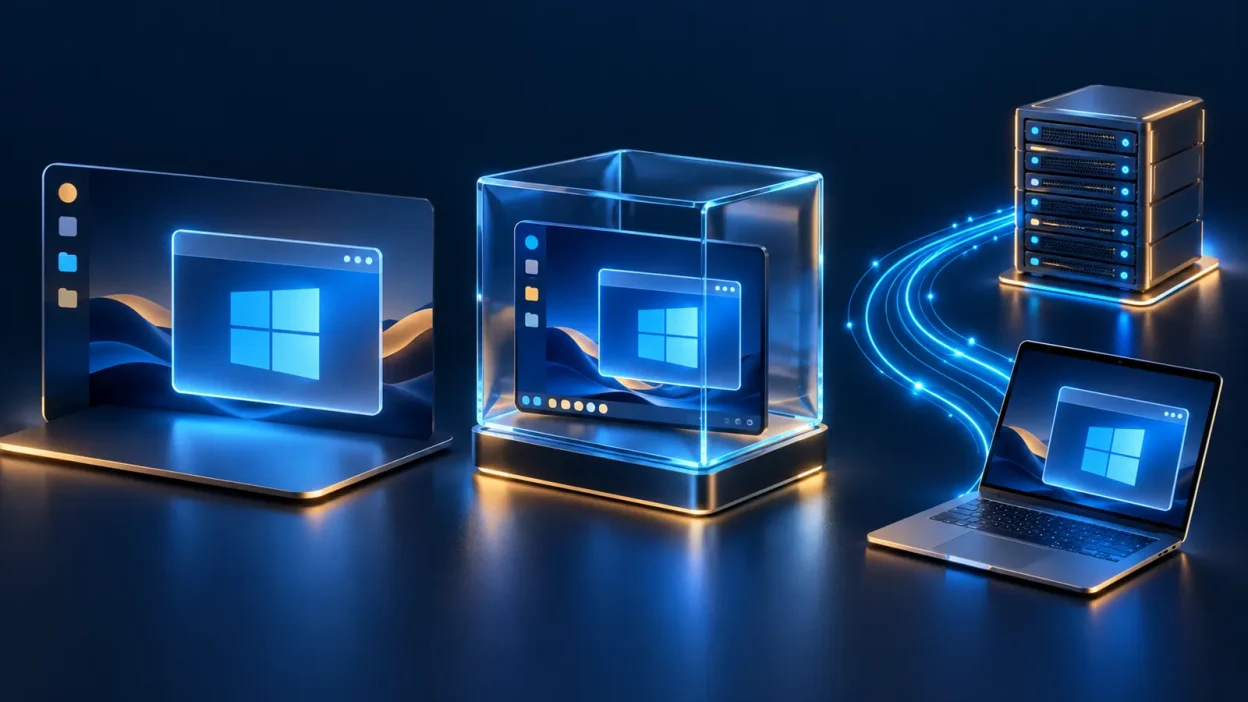
To run windows application in linux, you can use Wine, install Windows in a virtual machine, or connect to a remote Windows computer. Wine is the lightest option, a VM gives you the most local control, and RDP is usually the cleanest choice when the application must behave like it does on Windows.
The three ways to run Windows apps
The right method depends on what the app needs, not just which operating system you prefer. A simple utility may work well through Wine; a program that expects Windows services or drivers is a better match for a complete Windows installation.
| Option | Best for | Compatibility | Where the work happens | Cost pattern |
|---|---|---|---|---|
| VPSLake Buffalo Windows RDP 4 GB | MT4/MT5, Tally, browser tools, or other Windows-only work | Actual Windows environment | Remote Windows VM; your device displays it | $9.99/mo, plus your Windows licence |
| Wine | Smaller desktop utilities and apps with known Wine support | Depends on the app, version, dependencies, and drivers | Locally on Linux or macOS | Wine is free; app licensing still applies |
| Local Windows VM | Apps that need Windows itself but must stay on your computer | High, because Windows runs as a guest OS | Locally inside the VM | VM software plus Windows licence and local hardware |
There is no universal “best” method. The practical decision is whether you want to translate Windows calls into your current OS, run a complete Windows computer beside it, or use Windows on a separate machine through a remote desktop connection.
Wine: the lightest local option
Wine is a compatibility layer for Linux, macOS, BSD, and other POSIX-style systems. It is not a copy of Windows and it does not boot a Windows kernel. Instead, it provides Windows APIs and translates application requests so the program can use the host operating system.
That design keeps overhead low: you do not need to reserve a full virtual machine’s RAM or disk space. Wine is a sensible first test for a small utility, an older program, or an application listed in Wine’s community compatibility database.
The important word is “test”. Compatibility is application-specific. Two versions of the same program can behave differently because of installers, .NET or Visual C++ dependencies, graphics components, database drivers, licensing checks, or background services. A program may open but still have a broken print function, missing fonts, unreliable updates, or an integration that does not work.
Wine is best when you can verify the exact application and version before depending on it. Keep the app’s installer, activation details, and a separate Wine prefix available, then test important workflows rather than stopping at “the window opened”.
Wine can also be a poor fit when the program requires a Windows-only driver, kernel component, or system service. Those requirements are signals that you need a real Windows environment instead of an API compatibility layer.
A local virtual machine: complete Windows beside Linux or macOS
A virtual machine gives Windows its own guest environment while Linux or macOS remains the host. Oracle’s VirtualBox manual describes running multiple operating systems at the same time, including Windows software on Linux or a Mac.
This is the most faithful local approach. The application sees Windows services, the Windows file system, and the normal Windows installation process. It is a strong choice for software that needs Windows itself but does not need direct access to special physical hardware.
The trade-off is resource allocation. You need enough host RAM for both operating systems, disk space for the Windows virtual disk and applications, and a processor that can handle the guest while your normal workload continues. A VM also needs maintenance: Windows updates, snapshots or backups, guest integration tools, activation, and application updates all remain your responsibility.
Office-style applications and administrative tools are usually easier to virtualize than demanding 3D software or workloads with specialized hardware needs. Check that your computer has room for the VM and that your Windows licence permits the intended installation.
A local VM makes sense when:
- You need Windows to work offline or with local files.
- You want full control over the guest system and its snapshots.
- You have sufficient RAM, storage, and CPU capacity.
- You are comfortable managing Windows and its licence on your own hardware.
It is less attractive when you only need one Windows application occasionally, when your laptop is low on storage, or when you want to move the same Windows workspace between several devices.
A remote Windows RDP: the simplest full-compatibility route
Remote Desktop places the Windows installation on another computer. Your Linux laptop or Mac runs an RDP client, while the Windows system runs the application, stores its files, and performs the processing. You interact with the desktop through the network instead of installing Windows locally.
This is the best fit when compatibility matters more than local installation. MT4 or MT5 terminals, Tally, Windows-only business tools, browser profiles, and other desktop software run inside a normal Windows environment.
Microsoft’s Windows App instructions show how to add a remote PC on macOS using its hostname or IP address, then configure options such as display and device redirection. Linux users can use an RDP client suited to their distribution. In both cases, use a strong account password and enable only the local-resource redirection you actually need.
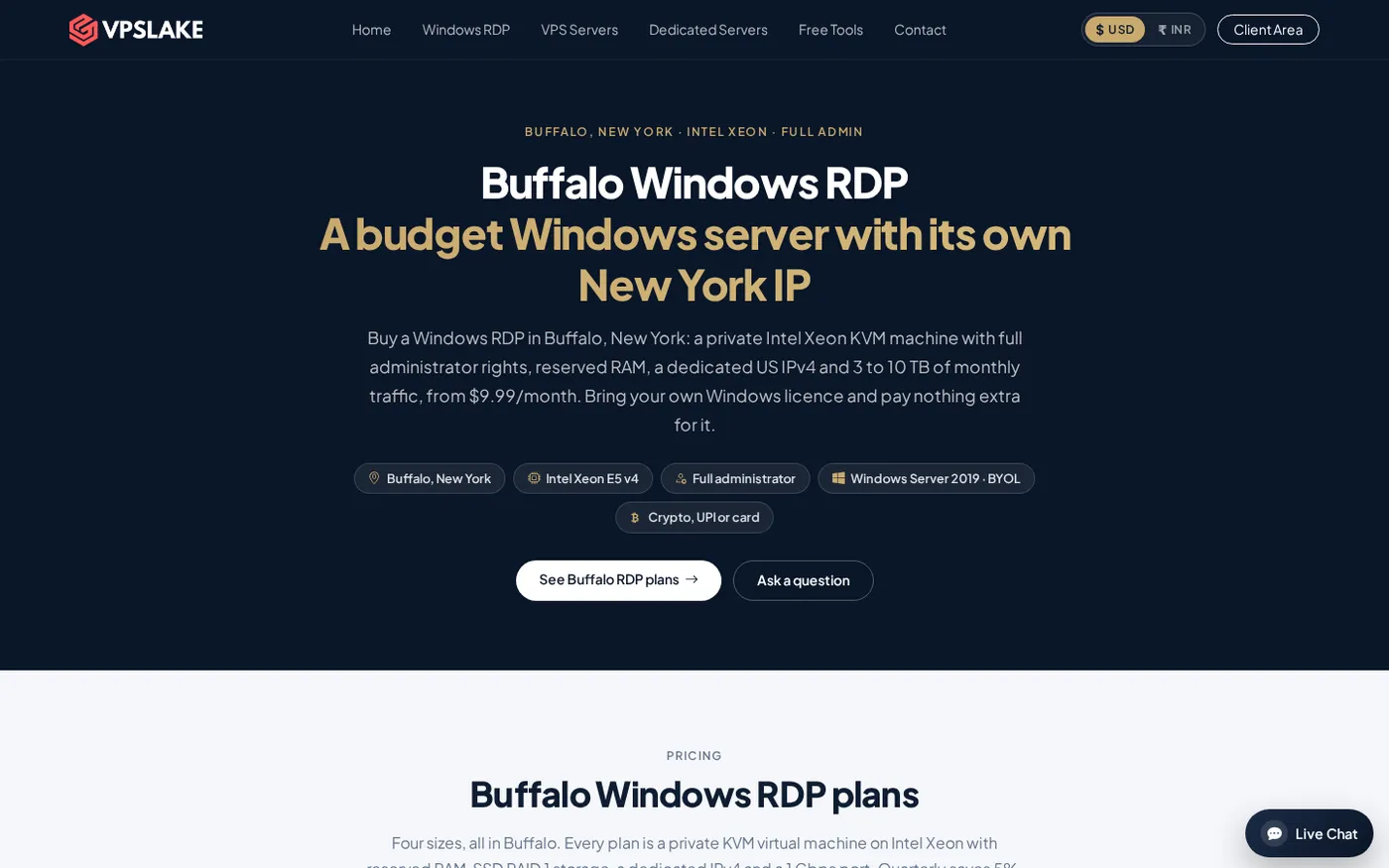
For a hosted option, VPSLake’s Buffalo Windows RDP 4 GB plan is $9.99/mo. It provides 3 vCPU on an Intel Xeon E5-2699 v4, 4 GB reserved RAM, 60 GB SSD storage on RAID 1, 3 TB traffic on a 200 Mbps port, a private KVM VM, Full Administrator access, and one dedicated US IPv4 address. The order form supplies a Windows Server 2019, Windows 10 Pro, or Windows 11 Pro image; you bring your own Windows licence, with no licence surcharge.
That size is aimed at one browser profile, an MT4/MT5 EA, rater work, or a Google Ads account. If you need several simultaneous applications or browser profiles, choose a larger plan rather than assuming every workload needs the same amount of RAM. The client area includes a browser console, reinstall, and reboot controls, so the machine remains manageable even when your local computer is not Windows.
Before buying any remote Windows service, confirm the Windows image, licensing arrangement, administrator access, storage, traffic allowance, and connection method. This Windows VPS buying checklist covers the checks that matter before payment.
Wine vs VM vs RDP: which should you choose?
Use the following rule of thumb:
| Your priority | Start with | Why |
|---|---|---|
| Lowest overhead and a simple app | Wine | It runs locally without a full Windows guest |
| Offline use and full local control | A Windows VM | Windows and the app stay on your computer |
| Reliable Windows behavior without buying a Windows PC | Remote RDP | The remote machine runs the complete Windows environment |
| Access from several computers | Remote RDP | Each device only needs an RDP client and credentials |
| A program with drivers or deep Windows integration | VM or RDP | A complete Windows environment is more predictable than translation |
Cost deserves a careful comparison. Wine itself does not charge a fee, but it does not remove application licence requirements. A local VM uses your hardware and needs a Windows licence, storage, backups, and maintenance. RDP adds a monthly service cost while keeping the Windows computer separate from your daily machine.
For a single non-critical tool, try Wine first. For a controlled lab or offline workflow, use a VM. For a Windows-only application that you need to use regularly from Linux or macOS, remote RDP is usually the most direct answer.
How to choose the right remote Windows setup
Start with the application’s actual resource needs. A basic accounting tool or one MT4 terminal may be comfortable on 4 GB of reserved RAM, while multiple terminals, several browser profiles, or heavier desktop software need more headroom. Count the operating system, the application, browser tabs, and any helper tools together.
Next, decide whether you need Windows 10 Pro, Windows 11 Pro, or Windows Server 2019. Desktop applications often feel more familiar on a Pro image, while Server can suit administrative or always-on workloads. With a BYOL plan, make sure your own licence covers the image and use case before you connect.
Then check how you will move data. RDP can redirect selected local drives, clipboard, audio, or printers, but leaving every redirection enabled is unnecessary. Start with the minimum permissions and add only what the workflow requires. If clipboard transfer is important, this guide to fixing copy and paste in RDP is a useful reference after setup.
Finally, test the workflow rather than only the login. Open the application, sign in, create or load a normal file, print or export if required, and reconnect from a second device. If the setup is new to you, VPSLake’s Windows VPS setup guide explains the first connection and basic checks.
FAQ
Can I run a Windows .exe file on Linux?
Yes, Wine can run many Windows executables on Linux, but support depends on the exact program, version, dependencies, and hardware integrations. If the application needs Windows drivers or services, use a Windows VM or remote RDP instead.
What is the easiest way to run Windows apps on a Mac?
For one compatible app, try Wine. For broad Windows compatibility without buying a separate computer, connect to a remote Windows PC through an RDP client; Microsoft documents adding a remote PC in Windows App on macOS.
Is a virtual machine better than Wine?
A VM is usually more compatible because it runs a complete Windows operating system, while Wine translates Windows application interfaces. Wine uses fewer resources, so it is often the better first test for a small app that has verified support.
Can I use MT4 or Tally from Linux without installing Windows locally?
Yes. You can use a remote Windows RDP and run the application on the remote Windows system while controlling it from Linux. A VPSLake Buffalo Windows RDP plan is $9.99/mo and requires you to bring your own Windows licence.
Do I need a Windows PC to use RDP?
No. The computer you use as the client can be Linux or macOS; the Windows operating system runs on the remote PC. You need network access, an RDP client, the remote address, and valid Windows credentials.
DONE run-windows-apps-without-windows-pc words=1764