


Is a forex VPS worth it? Usually yes when an EA, copier, or MT4/MT5 terminal must keep running while you are away, but it is optional for a manual trader who is always present and already has a dependable computer and connection.
The quick answer
The decision depends on whether your setup must stay online without you. A VPS is a remote Windows computer in a data center where you install and leave your trading terminal running.
| Your setup | Is a forex VPS worth it? | Why |
|---|---|---|
| One or more EAs running 24/7 | Yes | The terminal can keep processing the EA while your laptop is asleep or switched off. |
| Copy trading or a signal subscription | Usually yes | The receiving terminal needs to stay connected for the system to act. |
| Manual day trading from a reliable PC | Usually no | You are already watching the platform and can reconnect when needed. |
| Swing trading with only broker-side stop-loss and take-profit orders | Often no | You may not need a desktop terminal running all day. |
| Unreliable home power or internet | Often yes | The VPS removes your local connection and power supply from the platform’s runtime. |
The important distinction is continuity, not the word “forex” in a hosting plan. A regular Windows VPS can work if it has suitable resources, a nearby location, and the access you need.
What a forex VPS actually does
A forex VPS keeps your trading software in a data center instead of on your home PC. An EA or copier can keep running while your laptop is off, restarting, or disconnected.
It can also shorten the network path to a broker. That may reduce delay, but it does not make a strategy profitable, guarantee an order price, or remove market risk. Match the location to the broker’s actual trade server rather than a generic “fast VPS” claim.
MetaTrader’s own platform help documentation covers virtual hosting and automated trading. MetaTrader’s VPS service also describes its purpose as running MT4 or MT5 robots and signals around the clock with low network latency in a hosted environment. See the official MetaTrader VPS overview.
You need one if your terminal must work without you
A VPS is a sensible operating cost when one of these conditions describes your setup:
- You run an Expert Advisor. An EA may need the terminal, charts, indicators, and permissions active for its logic to run. Closing the terminal or losing the home connection can interrupt that process.
- You copy trades or follow signals automatically. The receiving MT4 or MT5 account needs to be connected when the signal is sent. A VPS gives that terminal a place to stay online.
- You manage several terminals or accounts. Separate terminals can consume more RAM and make a home desktop harder to leave running continuously. A VPS lets you keep the trading environment together and access it from another device.
- Your home setup is not dependable enough. Power cuts, router restarts, sleep settings, and operating-system updates are ordinary sources of interruption. A remote server avoids relying on each one.
- Execution delay is part of your measured setup. If your strategy is sensitive to the connection path, test latency from the proposed VPS to your broker before paying for a longer term. A low number on a marketing page is not a substitute for measuring your broker route.
You probably do not need one if you trade manually
You can usually skip a VPS when you open and close trades yourself, remain at the computer during the session, and do not need an EA or copier to keep running when you leave. A modern home connection is enough for that workflow if your broker’s platform is responsive and you have a practical way to reconnect.
It is also reasonable to wait if you are learning on a demo account and have no unattended strategy. Start with the setup you can monitor, then move to a VPS when continuous operation becomes a real requirement.
Do not buy one because a provider says every trader needs it. A VPS cannot fix poor risk management, a losing EA, bad broker selection, or a distant network route. It only improves the environment in which your setup runs.
Cost versus risk: a simple sum
Treat the monthly price as an infrastructure expense and compare it with the interruption you are trying to avoid. This is not a return forecast; it is a practical hosting decision.
| Question | Example answer | What it tells you |
|---|---|---|
| What must stay online? | One MT5 terminal and one EA | You may only need an entry-level plan. |
| What does hosting cost? | $9.99 per month | This is the recurring operating cost to compare. |
| What happens if the home PC stops? | The EA pauses until you reconnect | You are assessing interruption risk, not a guaranteed loss. |
| How often do you need to intervene? | Once or twice a day | Remote desktop access may matter more than extra CPU. |
| Will you run more terminals later? | Two or three terminals | Leave RAM headroom or plan to resize. |
If you run one EA and only need an always-on Windows terminal, a $9.99 monthly plan may be proportionate. Multiple terminals, large charts, or other desktop applications may justify more RAM. For short manual sessions, the same cost may add little value.
Free broker VPS: check the conditions
Some brokers offer a VPS at no extra charge, but “free” normally comes with eligibility rules tied to activity, balance, deposit, or account status. Read the current terms before treating it as permanent.
Check what the offer provides. It may be a managed trading terminal rather than a full Windows desktop, with restrictions on applications, DLLs, browsers, or multiple terminals.
MetaTrader’s hosted virtual terminal is a useful example of this distinction. Its official service rules say that the active environment is migrated during synchronization, that the user does not have physical access to the rented terminal, and that DLL calls are not allowed. Those restrictions are not automatically bad; they simply mean you should match the service to your software before moving a live setup.
What to look for in a forex VPS
Use this checklist before ordering:
- Broker location: Ask where the broker’s trade server is hosted and measure the route from the VPS. For NY4-hosted brokers, Buffalo is a relevant US East Coast option, not an automatic fit for every broker.
- Windows access: Confirm whether you get a full remote desktop or only a platform-specific hosted terminal.
- Resources: Count terminals, charts, indicators, and other applications before choosing RAM.
- Control: Full Administrator access lets you install, copy files, configure startup, and troubleshoot.
- Network identity: A dedicated IPv4 can make remote access and account management more predictable.
- Licence terms: Check whether Windows is included, supplied as an image, or requires your own licence.
- Recovery tools: Reboot, reinstall, password reset, and a browser console help when normal RDP cannot connect.
- Testing: Measure latency and confirm the EA logs in, receives ticks, and behaves correctly on demo first.
Our option: a Buffalo Windows VPS for MT4 and MT5
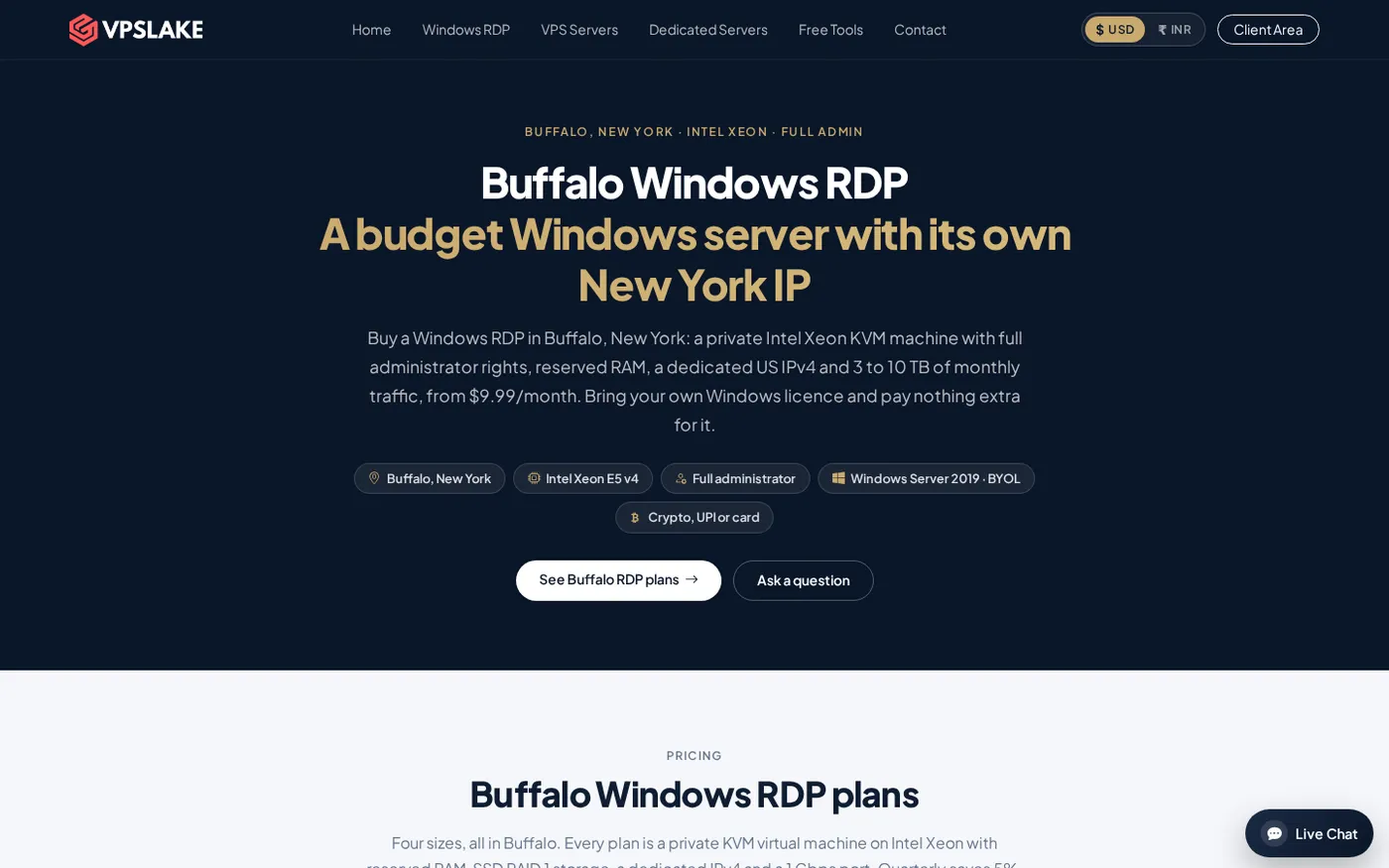
VPSLake’s Forex VPS page is aimed at traders who need a Windows terminal running 24/7. The Buffalo plan starts at $9.99/mo for 4 GB RAM and 3 vCPUs, with a dedicated US IPv4 and Full Administrator access. It is a private KVM VM with reserved RAM, rather than a shared RDP desktop.
The Buffalo location is advertised at about 12–13 ms to Equinix NY4 broker servers. That makes it a low-latency option for NY4 brokers, not a universal latency promise; your own broker route remains the final test.
The same range also offers 8 GB at $16.99/mo, 16 GB at $29.99/mo, and 32 GB at $54.99/mo. Choose the smallest plan that leaves room for your terminals and indicators. Windows Server 2019, Windows 10 Pro, or Windows 11 Pro images are available; bring your own Windows licence, with no licence surcharge.
A five-question decision checklist
Answer these before you buy:
- Does an EA, copier, or alert process need to run while you are away?
- Would a home power, sleep, router, or update interruption affect that process?
- Is the VPS location close to your broker’s actual server?
- Can the plan run your current number of terminals with RAM to spare?
- Can you test the setup on demo before relying on it for live trading?
If you answer yes to the first two and can satisfy the next three, a forex VPS is usually worth the monthly cost. If you answer no to the first question, keep your money and use your normal computer until your workflow changes.
For sizing, see MT4 and MT5 VPS requirements and cheap forex VPS providers.
FAQ
Do I need a VPS for forex trading?
No, not for every trader. You usually need one when an EA, copier, or other terminal process must run while your computer is off or disconnected; manual traders who supervise every session can often trade without one.
Is a forex VPS worth it for MT4 or MT5 EAs?
It often is because the platform has a remote, always-on place to run. The VPS does not improve the EA’s logic or guarantee profitable trades, so test the EA and its broker connection on a demo account before depending on it.
Can I use a normal Windows VPS for forex?
Yes, if it has enough resources, remote desktop access, a location that suits your broker, and licence terms you understand. A plan does not need “forex” in its name, but it does need to support your actual MT4/MT5 workflow.
Is a broker’s free VPS better than a paid VPS?
Not automatically. Compare the eligibility rules, location, terminal or desktop access, software restrictions, and what happens if you no longer qualify; then choose the option that fits your setup rather than the one with the lowest headline price.
What latency should a forex VPS have?
There is no single number that is right for every broker or strategy. Measure latency from the VPS to your broker’s trade server and prioritize a stable, nearby route; a low result to an unrelated server does not prove good execution for your account.
DONE is-forex-vps-worth-it words=1775