Is cheap RDP safe? Yes, when the low price comes from efficient virtualization and a transparent provider—not from stolen access or missing security basics. Before you pay, check who controls the server, what you receive, how you can get help, and whether the first login looks like a clean machine.
Why some RDPs are so cheap
“Cheap” does not automatically mean hacked. A legitimate provider can lower the monthly price through automated provisioning, standard server hardware, a limited location choice, self-service controls, and a bring-your-own-license Windows model. The important question is whether the seller can explain the price in writing.
Compare like with like. A low headline price may cover a shared login, a short trial, a restricted desktop, or access to a machine the seller does not control. A proper VM should state its CPU, RAM, storage, traffic, location, access level, and operating-system terms.
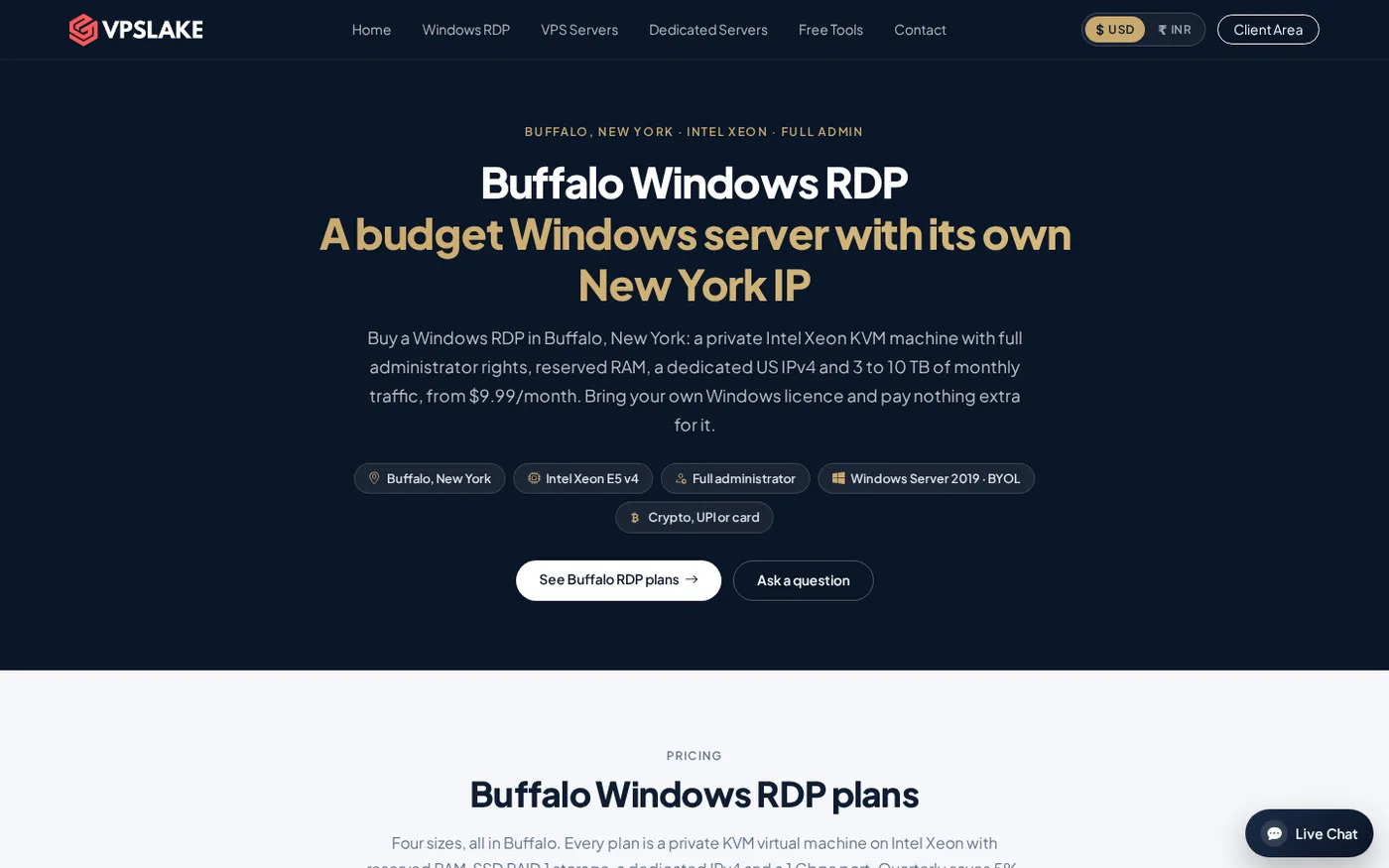
For example, VPSLake’s Buffalo Windows RDP 4 GB plan is listed at $9.99/mo. It specifies 3 vCPU, 4 GB reserved RAM, 60 GB SSD, 3 TB traffic on a 200 Mbps port, Full Administrator access, a private KVM VM, and one dedicated US IPv4. You choose a Windows Server 2019, Windows 10 Pro, or Windows 11 Pro image and bring your own Windows license, with no license surcharge.
9 red flags before you buy
One warning does not prove a seller is fraudulent, but several together should stop the purchase until the provider gives you clear answers.
- The offer explicitly says “hacked RDP” or “stolen RDP.” This is access to someone else’s computer, not a hosting product. Do not test it, resell it, or send money for it.
- There is no identifiable company or provider domain. A professional seller should show a consistent business name, domain, support route, terms, and contact details. A brand-new social profile with no verifiable website is not enough for a server that may handle your files and accounts.
- The seller only communicates through Telegram or a personal chat account. Messaging can be useful for support, but it should not be the only record of the purchase. You need a web order, invoice, ticket, or account history you can retrieve later.
- There is no invoice, order ID, refund policy, or service description. Ask what you are buying, when billing renews, what happens after payment, and how cancellation or a refund request works. If the answers change in chat, walk away.
- The provider cannot state who operates the server. You should know whether you are buying a private VM, a shared RDP login, or a resale account. “Admin access” alone does not tell you what is behind it.
- The listing hides basic specifications. Missing RAM, CPU, storage, traffic, location, IP type, operating-system image, or port speed makes it impossible to judge value. “Unlimited” or “full power” is marketing, not a specification.
- The seller asks for access to your local computer. Never install an unknown remote-support tool, send your main computer’s password, or enable local drives and devices just because a seller says it is needed to activate the RDP. A provider should provision the remote server without taking control of your personal device.
- You receive an unexpected RDP file or are pushed to open one immediately. An RDP file can request clipboard, drive, camera, smart-card, or other redirections. Microsoft explains that an unsigned file can come from anyone and recommends checking the address and enabling only the redirections you need. Use the Microsoft RDP-file security guidance before opening an unfamiliar file.
- The seller refuses normal security questions. Ask whether the image is freshly provisioned, whether you receive a unique administrator credential, whether you can reinstall the VM, and which support channel handles a suspected compromise. Evasive answers matter more than a small price difference.
What hacked RDPs can cost you
The biggest problem with a hacked RDP is that you have no reliable boundary between your session and the criminal’s access.
The original owner may still have an account, persistence, monitoring software, or saved credentials on the machine. A seller may give several buyers the same login, and anything you upload may be visible to people outside your transaction.
Activity from a compromised machine can also be connected to its real owner, the hosting provider, or your account. You may lose the IP, your work, or access to third-party services. Changing the password after buying stolen access does not make it legitimate.
RDP itself deserves care even when the provider is legitimate. Microsoft lists direct internet exposure, patching, lateral movement, MFA, session security, and logging among the security considerations for remote desktop. CISA likewise recommends limiting RDP exposure and strengthening remote access controls in its guidance for securing Remote Desktop Protocol.
What a safe cheap RDP looks like
Use this short checklist while comparing providers:
| Check | What you should be able to confirm |
|---|---|
| Provider identity | A real website, consistent brand, support route, terms, and order history |
| Machine type | A private VM or clearly described service, not an unexplained shared login |
| Resources | CPU, reserved or allocated RAM, storage, traffic allowance, and port speed |
| Access | Your own credentials, stated administrator rights, and a way to reset or reinstall |
| Location | The datacenter region and whether the IP is dedicated or shared |
| Windows terms | The exact image and whether you bring your own license or pay a license charge |
| Payments | A checkout or invoice from the provider, with a retrievable receipt |
| Security path | Support for suspected compromise, password reset, reinstall, and account recovery |
The VPSLake Buffalo plans show these details before checkout: private KVM virtualization, reserved RAM, Full Administrator access, a dedicated US IPv4, browser console, reinstall and reboot controls, and payment by crypto, UPI, or card. You can evaluate the service without relying on a chat promise.
For more buying checks, see How to Buy a Windows VPS: 10 Checks Before You Pay. Identify the provider, confirm resources, understand licensing, and keep the order record.
First-hour checks after buying
Do these checks from a clean local computer. They are not a substitute for provider security, but they help you detect an unexpected or badly prepared machine early.
- Save the evidence. Keep the invoice, order ID, assigned IP, plan name, setup email, and support details. You should be able to open a support request without searching through an old chat.
- Change the first password. Sign in with the supplied credential, create a long unique password, and do not reuse it on your email, payment account, or local computer. If the provider offers password reset in the client area, confirm that it works.
- Confirm the operating system and resources. Run
winverandsysteminfo, then check Task Manager for memory, CPU, and disk. The result should match the order and selected image.
- Review users and administrator membership. Run
net userandnet localgroup administrators. Look for accounts you did not create. Some images have service accounts, so ask for an explanation before uploading data.
- Check updates and built-in protection. Open Windows Update and Windows Security. Install available security updates, confirm that protection is active, and restart if required. Do not disable security tools because a seller or an unknown installer requests it.
- Inspect startup items and scheduled tasks. Review Task Manager’s Startup apps and open
taskschd.mscto look for entries you do not recognize. Do not delete a system task blindly; record the name and ask the provider first.
- Review the RDP connection settings. Keep Network Level Authentication enabled where supported. Microsoft says NLA authenticates the user before a session is established and recommends it for most environments; see the official NLA guidance. In the local RDP client, leave drive, clipboard, camera, and other redirections off unless you have a specific need.
- Test support with a normal question. Ask where to report a suspected compromise, how reinstall works, and how to cancel. Do not send your local password to “verify” the server.
If the machine fails a check, disconnect it from sensitive work, do not upload passwords or personal files, and contact the provider through its official support route. For a VPSLake Buffalo VM, the client area includes reinstall and password-reset controls, which can give you a clean starting point when you have not stored important data yet. You can also review the VPSLake refund policy before purchasing.
How to choose without paying for risk
Start with the workload, then choose the smallest plan with enough RAM and CPU. A single browser profile, light rater work, or one MT4/MT5 terminal may fit a 4 GB plan; several profiles or terminals need more headroom. Do not accept a shared password, unexplained software, or an untraceable seller just to pay less.
The best budget RDP is predictable: provider, VM type, location, resources, licensing, payment record, and recovery path are all clear.
FAQ
Is cheap RDP safe for personal work?
It can be, if you buy a private, clearly described VM from a provider with a traceable checkout and support process. Use a unique password, apply updates, keep local redirections disabled, and avoid storing highly sensitive data until the first-hour checks are complete.
How can I tell if an RDP is hacked?
You cannot prove a clean history from one visual check. Look for unexplained users, administrator memberships, startup items, scheduled tasks, unknown software, unexpected RDP settings, and answers that do not match the plan you purchased. If you remain uncertain, stop using the VM and request an official reinstall or provider investigation.
Is buying hacked RDP illegal?
Hacked RDP means access obtained without the owner’s permission. Buying or using it can expose you to criminal activity, stolen data, service suspension, and disputes about who controlled the machine. Buy a properly provisioned server instead, and keep the invoice and account record.
What should I ask before buying cheap RDP?
Ask for the provider identity, VM type, CPU, RAM, storage, traffic, location, IP type, Windows image and licensing terms, billing cycle, support route, reinstall option, and refund policy. If the seller cannot answer in writing, the low price is not worth the uncertainty.
Is a dedicated IP enough to make cheap RDP safe?
No. A dedicated IP can make the service easier to identify and use, but it does not prove that the VM is clean or that the provider is trustworthy. You still need clear ownership, unique credentials, current updates, sensible RDP settings, and a support path.