
The best vps for discord bot projects in 2026 is a small Linux VPS with root access, enough reserved RAM, and a service manager that starts the bot again after a reboot. VPSLake’s Buffalo Linux VPS starts at $3.99/mo, giving a lightweight bot its own KVM server instead of asking a free tier to keep a background process awake.
What a Discord bot really needs
Discord does not publish one universal CPU or RAM requirement for every bot. A simple slash-command, moderation, or webhook bot uses very different resources from a bot that also runs a database, audio processing, image work, or several worker processes.
The important detail is that a bot normally keeps a persistent Gateway WebSocket open for server events, with heartbeats and reconnect handling. Discord’s Gateway documentation covers that connection lifecycle. Your VPS needs headroom for the runtime and libraries, but not a large server simply because the bot is online all day.
Use this as a practical starting point, then check memory after deployment:
- 1 GB: one small command, moderation, or webhook bot with a modest dependency set.
- 2 GB: several bots, a small database, or scheduled workers.
- 4 GB or more: audio, image processing, multiple services, or a busy community bot.
CPU matters during bursts rather than while the bot is waiting for events. Storage is usually modest, although logs, uploads, and a database can change that calculation. A dedicated IPv4 helps when third-party APIs expect a stable address.
For Python, isolate dependencies in a virtual environment; the Python venv documentation explains the standard approach. For Node.js, use a project-local package.json and lockfile.
Free hosting vs a $4 VPS
Free hosting is useful for learning, a short demo, or a bot that can be offline without consequences. It is not automatically 24/7 hosting. Many free tiers have sleep rules, runtime quotas, limited background processes, or storage that should not be treated as permanent.
The comparison is less about the headline price and more about control:
| Hosting choice | What you get | Best fit |
|---|---|---|
| VPSLake Buffalo Linux VPS (1 GB) | Full root, KVM isolation, reserved RAM, dedicated IPv4, and a normal Linux environment | One small bot that should remain available |
| $5.99 Linux VPS | 2 vCPU, 2 GB reserved RAM, 40 GB SSD, and 2 TB traffic | Several bots, a small database, or extra workers |
| Free tier | Little or no monthly cost, but platform rules and quotas | Experiments and temporary demos |
| Managed bot host | A simplified upload or dashboard workflow | Users who do not want to administer an operating system |
| Larger VPS | More RAM and CPU for databases, media work, or multiple bots | A growing project with several services |
A paid VPS gives you a predictable place for the application, secrets, logs, and a systemd unit. You still have to update the OS, protect SSH, and follow Discord’s developer policies, but you are not waiting for a free platform to decide whether the process may continue.
1. VPSLake Buffalo Linux VPS — best overall
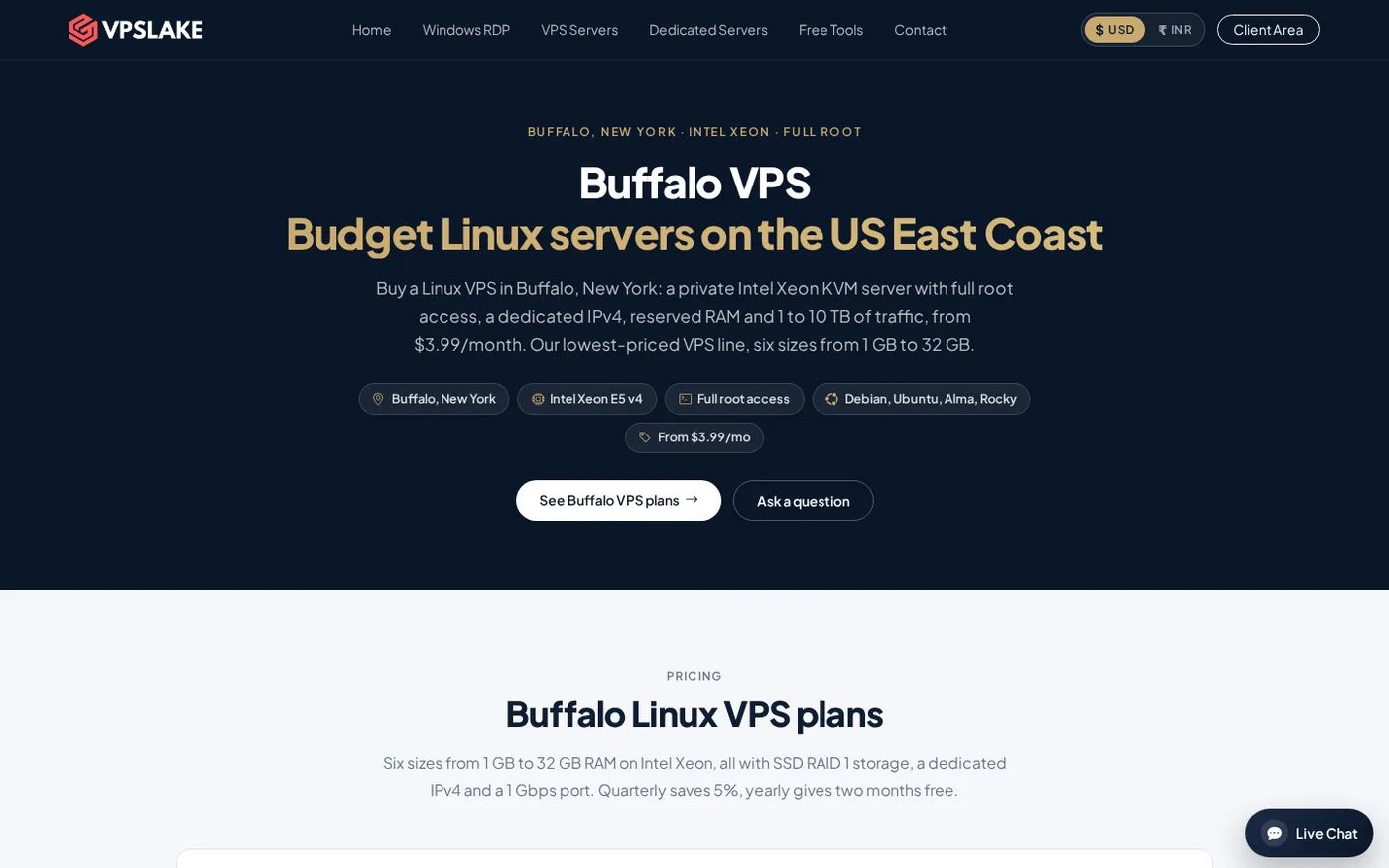
The Buffalo Linux VPS is a strong starting point when you want a low monthly price and control. The 1 GB plan is $3.99/mo and includes 1 vCPU, 1 GB reserved RAM, 20 GB SSD, 1 TB traffic on a 100 Mbps port, a dedicated IPv4, full root access, and KVM virtualization. You can select Debian 12, Ubuntu 24.04, AlmaLinux 9, or Rocky Linux 9.
The Buffalo location is on the US East Coast, near Toronto and New York City. Its dedicated address and root access make API allowlists, firewall rules, and deployment scripts easier to manage.
For one lightweight bot, start with 1 GB and watch free -h and systemctl status. The 2 GB Buffalo plan costs $5.99/mo and includes 2 vCPU, 40 GB SSD, 2 TB traffic on a 200 Mbps port, and the same root/KVM setup. Choose it for multiple bots, a database, or other small services.
The Buffalo Linux VPS plans accept crypto, UPI, or card.
2. Free hosting — best for an experiment
Choose a free tier only when an occasional sleep or redeploy will not affect anyone. It is useful for testing a command handler, learning a library, or showing a prototype.
Before relying on it, check five details: whether long-running processes are allowed, what happens after inactivity, whether outbound WebSocket traffic is supported, whether the filesystem persists, and what the monthly usage quota is. A free plan that sleeps the process is not equivalent to a VPS that starts a service at boot.
Do not put a production bot token in a public repository or client-side project. Store it in a restricted environment file and rotate it in the Discord Developer Portal if exposed.
3. Managed bot hosting — best when you want fewer server tasks
Managed bot hosting can remove operating-system work. A dashboard may handle deployments, logs, restarts, and environment variables, which is useful if you want to focus on bot code.
Your workflow then follows the host’s runtimes, process limits, storage rules, and deployment model. A VPS is a better fit when you want one Linux machine for the bot, database, monitoring, or other small services around it.
Keep the bot running with systemd
After the bot works in an SSH session, run it as a system service rather than leaving a terminal open. systemd launches it at boot, records logs, and restarts it after an unexpected failure. It does not replace the bot’s own Gateway reconnect logic.
For a Python bot on Ubuntu or Debian, create a restricted service account and a project directory:
sudo adduser --system --group --home /opt/discord-bot discordbot
sudo mkdir -p /opt/discord-bot/app
sudo chown -R discordbot:discordbot /opt/discord-bot
sudo apt update
sudo apt install -y python3-venv python3-pip
Copy your project into /opt/discord-bot/app, then install its dependencies in a virtual environment:
cd /opt/discord-bot/app
sudo -u discordbot python3 -m venv .venv
sudo -u discordbot .venv/bin/pip install -r requirements.txt
sudo install -o root -g discordbot -m 640 /dev/null /etc/discord-bot.env
sudo nano /etc/discord-bot.env
Put the token in that environment file, for example DISCORD_TOKEN=your_token_here, and make sure your code reads it from the environment rather than hard-coding it. Create /etc/systemd/system/discord-bot.service:
[Unit]
Description=Discord bot
Wants=network-online.target
After=network-online.target

[Service]
Type=exec
User=discordbot
Group=discordbot
WorkingDirectory=/opt/discord-bot/app
EnvironmentFile=/etc/discord-bot.env
ExecStart=/opt/discord-bot/app/.venv/bin/python bot.py
Restart=on-failure
RestartSec=5

[Install]
WantedBy=multi-user.target
Load and enable the unit:
sudo systemctl daemon-reload
sudo systemctl enable --now discord-bot.service
systemctl status discord-bot.service --no-pager
sudo journalctl -u discord-bot.service -n 50 --no-pager
Success looks like an active (running) service, a login message in the journal, and the bot appearing online. If it exits, journalctl shows the Python traceback.
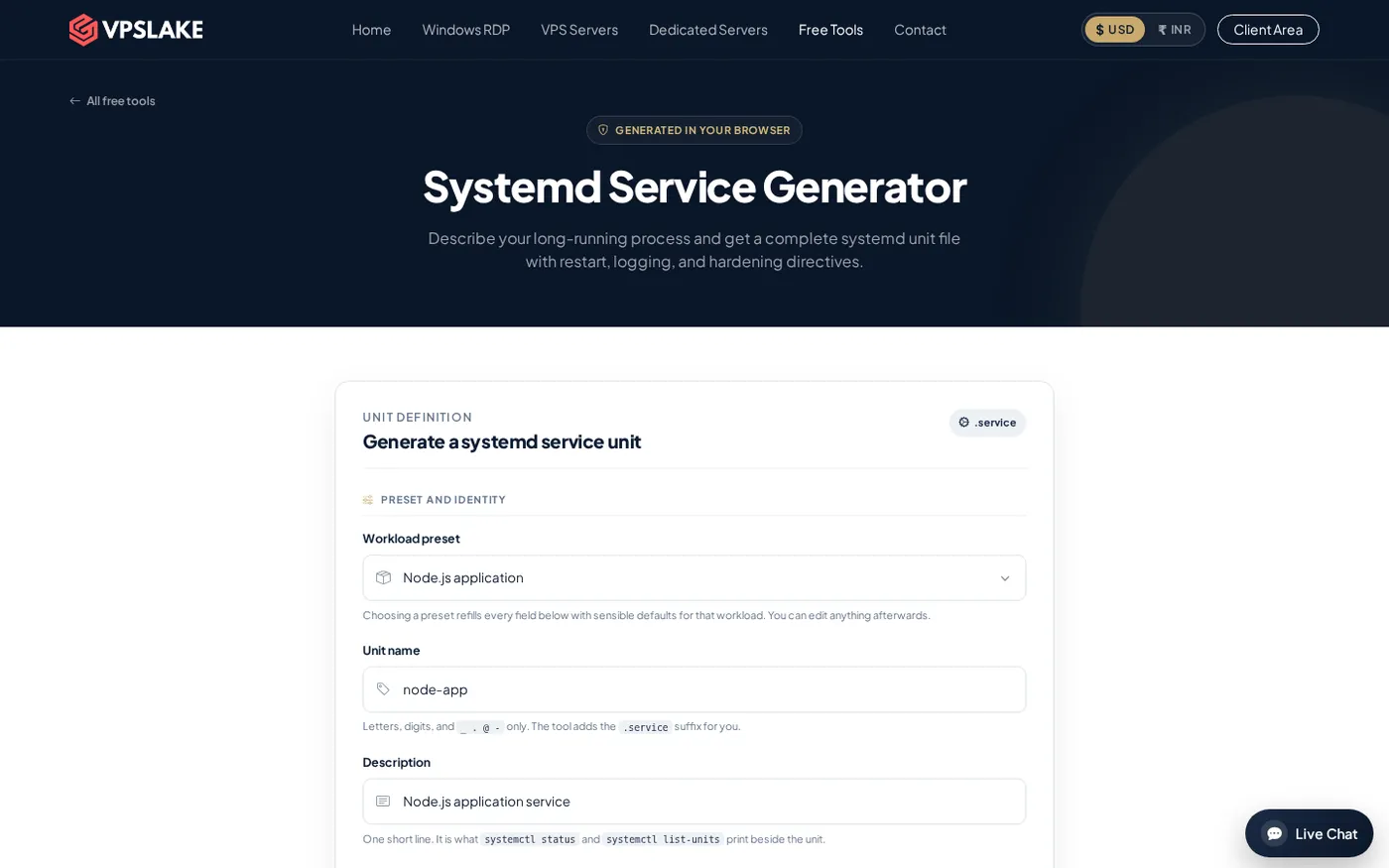
VPSLake also provides a systemd service generator if you want help preparing the unit fields before copying the file to your server.
4. A 2 GB VPS — best when the bot is growing
Move to 2 GB when the bot is not the only workload. Signs include swap activity, slow deployments while the bot is busy, a database competing for memory, or several services sharing the machine. Measure with free -h, du -sh, and the service journal before upgrading.
The Buffalo 2 GB plan is $5.99/mo, while the 4 GB plan is $9.99/mo with 3 vCPU, 60 GB SSD, and 3 TB traffic on a 200 Mbps port. The 4 GB size makes more sense for image work, a database, or a group of bots and workers.
If you are comparing several server workloads rather than hosting only a bot, use this VPS provider checklist to check location, storage, traffic, access, and upgrade terms together. Readers buying from India can also compare the broader options in this cheap VPS guide.
How to choose your Discord bot VPS
Use this short decision path:
- Choose 1 GB for one lightweight bot with no database-heavy workload.
- Choose 2 GB for several bots, a database, or a bot plus monitoring and scheduled jobs.
- Choose 4 GB when audio, image processing, or multiple applications share the server.
- Confirm that the plan includes root access, a supported Linux image, a stable IPv4, and enough storage for logs and data.
- Install the bot as a systemd service and keep the token outside the code repository.
- Watch memory and logs for a day before deciding whether you need more resources.
The best value is usually the smallest paid VPS that leaves measurable headroom. For a single bot, VPSLake’s $3.99/mo Buffalo plan covers the core requirements without common free-tier sleep rules. If your bot includes a database or several workers, start at 2 GB.
FAQ
How much RAM does a Discord bot need?
There is no single Discord-published RAM requirement. One small text or moderation bot can often start on 1 GB, while multiple bots, databases, audio, or image processing justify 2–4 GB; measure actual usage after deployment.
Can I host a Discord bot on a free VPS?
You can use a free tier for experiments, but check its sleep rules, quotas, background-process policy, WebSocket support, and persistent storage first. A free service that pauses inactive apps is not a dependable choice for a bot that must stay available.
Is Linux or Windows better for Discord bot hosting?
Linux is usually the simpler and lower-cost choice for Python or Node.js bots because runtimes, SSH, virtual environments, and systemd fit the deployment model well. Choose Windows when your application specifically depends on Windows software or a desktop workflow.
How do I keep a Discord bot online 24/7?
Run it on an always-on VPS, install its dependencies in a project environment, and manage it with systemd using Restart=on-failure and enable --now. Your bot code must still handle Discord Gateway reconnects and keep its token private.
When should I upgrade from 1 GB to 2 GB?
Upgrade when memory stays consistently tight, swap is active, or a database and other workers compete with the bot. The Buffalo 2 GB plan adds reserved RAM and CPU headroom while keeping the same KVM and root-access setup.