
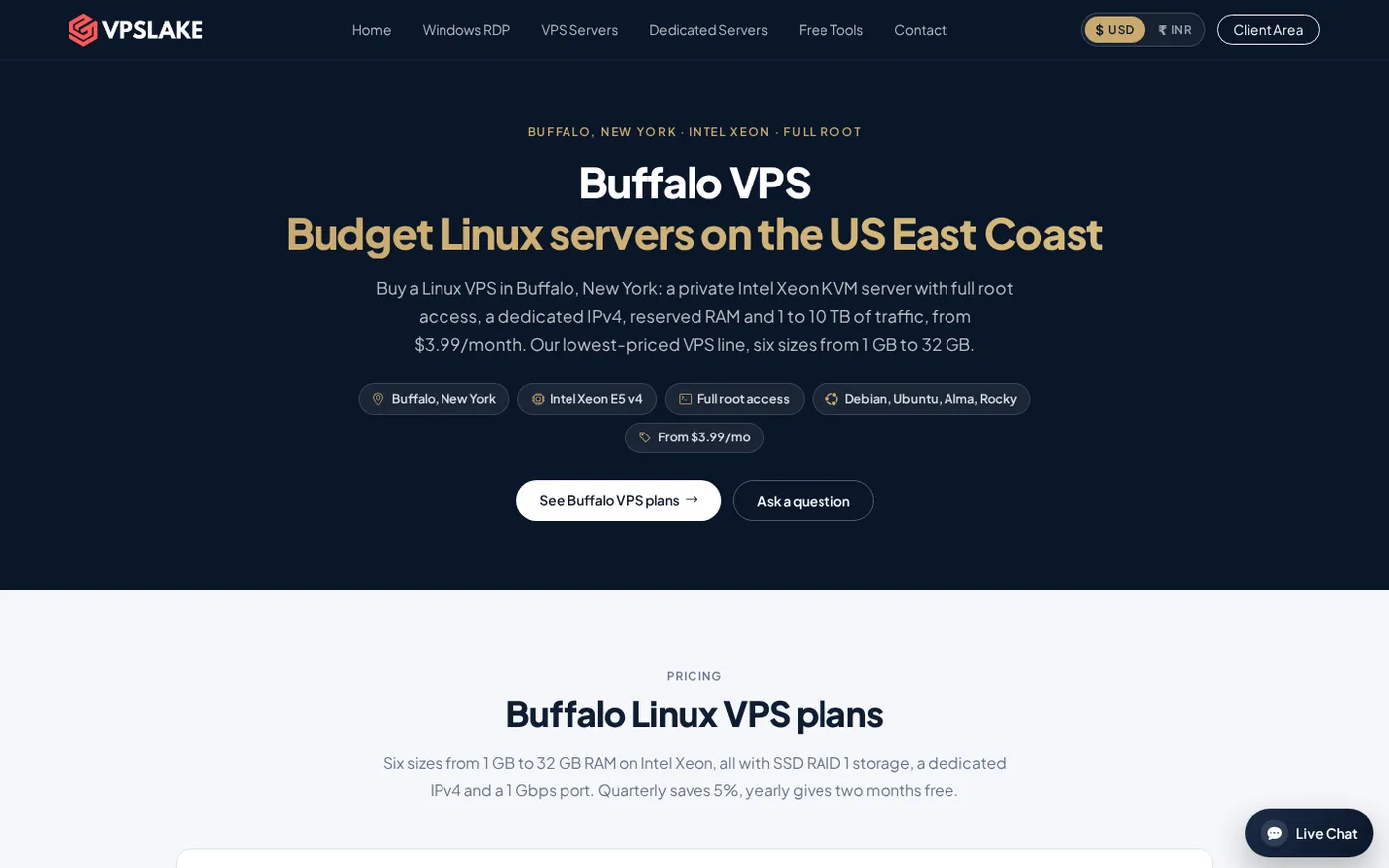
If you are comparing a new york vps, VPSLake’s Buffalo, New York location gives you a low-cost Linux server on the US East Coast from $3.99 per month. You get full root access, a dedicated IPv4 address, KVM virtualization, and a choice of four Linux distributions, so you can match the server to a small website, bot, Docker stack, or development project.
What you need before choosing
This is a buying guide, so collect five details before you order:
- Where most of your users or services are located.
- Whether the workload needs 1, 2, 4, or 8 GB of reserved RAM.
- How much SSD storage and monthly traffic you need.
- Which Linux distribution your software supports.
- Whether you need a simple test server or a machine you will keep online for a production service.
Choose by RAM and workload first, then use storage and traffic to confirm the fit. A $3.99 VPS suits a small service; multi-container apps need more headroom.
Step 1: Understand where Buffalo is and why it matters
Why: “New York VPS” can mean New York City, while this server location is Buffalo in western New York.
Buffalo sits on the eastern end of Lake Erie in western New York. It is an East Coast US location that can suit visitors in the northeastern United States and Canada, as well as services that need a US IP without using the West Coast.
The important distinction is location, not the label. A Buffalo VPS is not the same as a New York City VPS, and latency depends on the ISP and route between your users and the datacenter. If your audience is spread across continents, test from the networks that matter before moving a busy application.
Action: write down your top user regions and choose Buffalo when the US Northeast or Canada is a meaningful part of that audience.
Success looks like: your expected users fit the East Coast location and you have not assumed that “New York” means a particular city-level latency.
Step 2: Match the plan to your workload
Why: RAM is often the first limit on a small Linux server, especially when you run several services at once.
The 1 GB plan suits a tiny bot, VPN, test box, or single lightweight service. The 2 GB plan is a more flexible entry point for a Telegram or Discord bot, small website, or n8n installation. Choose 4 GB for a Docker stack, database-backed application, or small self-hosted Minecraft server; 8 GB suits several apps, modded Minecraft, or CI runners.
Every Buffalo Linux plan uses reserved RAM and a private KVM VM with full root access for packages, services, and firewall rules. It is a normal server environment rather than a shared RDP session.
Leave memory for the operating system, caches, logs, updates, and traffic spikes instead of adding only the application requirements.
If you are unsure whether Linux or Windows fits your software, compare the management model and application support in Windows VPS vs Linux VPS.
Step 3: Compare Buffalo plans and price per GB
Why: A plan’s monthly price is easier to judge when you can see the included memory, storage, traffic, and port speed together.
Here is the current Buffalo Linux VPS range. The approximate price per GB is calculated from the monthly price and RAM; it is a budget measure, not a performance rating.
| Plan | vCPU and RAM | SSD storage | Traffic | Port | Monthly price | Approx. price/GB |
|---|---|---|---|---|---|---|
| Basic KVM 1 | 1 vCPU, 1 GB | 20 GB | 1 TB | 100 Mbps | $3.99/mo | $3.99 |
| Basic KVM 2 | 2 vCPU, 2 GB | 40 GB | 2 TB | 200 Mbps | $5.99/mo | $3.00 |
| Basic KVM 4 | 3 vCPU, 4 GB | 60 GB | 3 TB | 200 Mbps | $9.99/mo | $2.50 |
| Basic KVM 8 | 4 vCPU, 8 GB | 100 GB | 5 TB | 300 Mbps | $16.99/mo | $2.12 |
| Basic KVM 16 | 6 vCPU, 16 GB | 200 GB | 8 TB | 500 Mbps | $29.99/mo | $1.87 |
| Basic KVM 32 | 8 vCPU, 32 GB | 300 GB | 10 TB | 1 Gbps | $54.99/mo | $1.72 |
All plans use SSD storage in RAID 1, include one dedicated IPv4 address, and offer Debian 12, Ubuntu 24.04, AlmaLinux 9, or Rocky Linux 9. Traffic is included up to the allowance; after that, the port is throttled rather than billed as an overage.
The 2 GB plan is a strong default with 2 vCPU, 40 GB storage, 2 TB traffic, and a 200 Mbps port. Choose 4 GB or 8 GB for databases, containers, or game servers.
Step 4: Compare the value with large cloud regions
Why: A cheap VPS should be compared with a similar public VM, not with a free trial or a completely different managed product.
Large public clouds commonly list a basic 1 GiB Linux VM at about $6 per month. That is a useful reference point, not a performance comparison: CPU, backups, billing, support, and location availability vary.
| Option | Starting memory | Monthly reference | What to check |
|---|---|---|---|
| Buffalo Linux VPS | 1 GB | $3.99/mo | Dedicated IPv4, full root, KVM, 20 GB SSD, 1 TB traffic |
| Buffalo Linux VPS | 2 GB | $5.99/mo | 2 vCPU, 40 GB SSD, 2 TB traffic, 200 Mbps port |
| Large public-cloud baseline | 1 GiB | About $6/mo | Region, CPU model, IPv4 treatment, backups, and transfer terms |
VPSLake gives you a defined Buffalo plan with dedicated IPv4, reserved RAM, and KVM access at the listed prices. Compare the complete bundle before deciding: memory, storage, transfer, port speed, IPv4, console access, and billing cycle.
For a checklist, see How to Choose a VPS Provider.
Step 5: Pick the Linux operating system
Why: The distribution affects package commands, default configuration, documentation, and how easily your deployment instructions transfer to the server.
Choose Debian 12 for a conservative, widely documented server base. Debian’s official release information identifies it as oldstable with Long Term Support through June 30, 2028; read the Debian 12 release information before a long-lived deployment.
Ubuntu 24.04 is a good choice when your application documentation targets Ubuntu or you want the current LTS option shown in Ubuntu’s official documentation. Check the Ubuntu Server documentation for release-specific installation and administration guidance.
AlmaLinux 9 and Rocky Linux 9 are suitable choices when you prefer the RHEL-compatible ecosystem and its package-management conventions. Check that your control panel, application, or vendor instructions support the distribution before deploying.
After the server is ready, connect over SSH, update the operating system, create a non-root administrator, add SSH-key access, and allow only the ports your service needs. For Debian or Ubuntu, the first update commonly begins with:
sudo apt update && sudo apt full-upgrade -yFor AlmaLinux or Rocky Linux, the corresponding package update is:
sudo dnf upgrade -ySuccess looks like: you can connect with your chosen key, the package update completes without errors, and the firewall exposes only SSH and the application ports you actually use.
Step 6: Order, verify, and keep the server within its limits
Why: A correct plan and OS choice still need a quick post-order check before you put a real service on the VPS.
Select the Buffalo Linux plan, choose the distribution, and pay by crypto, UPI, or card. Setup is automatic after payment. In the client area, verify the IPv4 address, OS, storage, and traffic allowance, then test SSH and the browser console.
The client area also provides reinstall and reboot controls. Keep deployment files and backups outside the VPS, and monitor disk space and memory. A 200 Mbps port is not the same as a 1 Gbps port, so choose the plan whose limits fit your workload.
If traffic approaches the allowance, check the transfer meter and plan an upgrade before throttling. If memory stays high, move from 1 GB to 2 GB or from 2 GB to 4 GB before heavy swapping begins.
Common problems when choosing a New York VPS
“New York” does not mean New York City. Confirm that the advertised location is Buffalo and judge it by your users’ real network paths.
The cheapest plan is not always the cheapest complete setup. A database, Docker, monitoring, and web server can make 2 GB a better starting point. Include IPv4, storage, traffic, and port speed in your comparison.
A Linux VPS is not a Windows desktop. Linux suits SSH-managed websites, APIs, containers, bots, and automation. If a program requires Windows, check the Windows-specific comparison before ordering.
A price-per-GB table does not measure CPU performance. Also check vCPU count, storage, traffic, virtualization, and application requirements.
FAQ
What is the cheapest New York VPS plan?
The Buffalo Linux VPS 1 GB plan is $3.99/mo. It includes 1 vCPU, 20 GB SSD storage, 1 TB traffic, a 100 Mbps port, one dedicated IPv4 address, full root access, and KVM virtualization.
Is Buffalo a good location for a New York VPS?
Buffalo is a practical US East Coast location for users in the northeastern United States, Canada, and services that need a US IP. It is not New York City, so test latency from your important user networks instead of assuming the city name guarantees a specific result.
Which Linux distribution should I use on a Buffalo VPS?
Choose Debian 12 for a conservative and widely documented base, Ubuntu 24.04 when your software documentation targets Ubuntu LTS, or AlmaLinux 9/Rocky Linux 9 for a RHEL-compatible environment. The best choice is the distribution supported by your application and deployment instructions.
How much RAM do I need for a Linux VPS?
Use 1 GB for one small service or a test box, 2 GB for a bot, small website, or light automation stack, and 4 GB or more for multiple containers, databases, or a self-hosted game server. Leave memory for the operating system, logs, updates, and temporary workload spikes.
Does the Buffalo Linux VPS include a dedicated IP?
Yes. Each Buffalo Linux plan includes one dedicated IPv4 address, full root access, and KVM virtualization. After included traffic is used, the port is throttled rather than billed.