
Windows 365 vs RDP VPS is a comparison VPSLake wins for most solo users, traders, raters, developers, and browser-based workflows. The Buffalo Windows RDP VPS gives you more RAM for less money and more direct control; Windows 365 is the simpler choice when an organization wants Microsoft’s subscription and management model.
Quick verdict: VPSLake is the winner
Choose VPSLake’s Windows RDP VPS as the winner if you already have a valid Windows licence, want full Administrator access, need a dedicated public IPv4, or want to run more memory for the monthly budget. Choose Windows 365 if you want Microsoft to provision a one-user Cloud PC, include the Windows Cloud PC entitlement in the subscription, and provide a straightforward browser or Windows App entry point.
The price gap is substantial. Microsoft’s current US Windows 365 Business pricing page lists $28 per user/month for 4 GB RAM, $36 for 8 GB, and $56 for 16 GB, before tax. VPSLake’s Buffalo plans list those RAM levels at $9.99, $16.99, and $29.99 per month. The VPS option is BYOL: VPSLake supplies the Windows image and you bring your own licence.
| Option | Verdict | Monthly price | Resources compared | Control and network | Windows licensing |
|---|---|---|---|---|---|
| VPSLake Windows RDP VPS | Winner for control and value | $9.99/mo | 4, 8 or 16 GB plans | Full Administrator; 1 dedicated US IPv4 | Bring your own licence; no surcharge |
| Windows 365 Business | Managed Cloud PC alternative | $28/user/month | 4, 8 or 16 GB plans | Standard User by default; dedicated IPv4 not listed | Windows Cloud PC licensing included |
What a Windows RDP VPS is
A Windows RDP VPS is a private virtual machine that you access with Remote Desktop Protocol. The provider allocates compute, RAM, storage, network access, and an operating-system image; you manage the Windows environment after deployment.
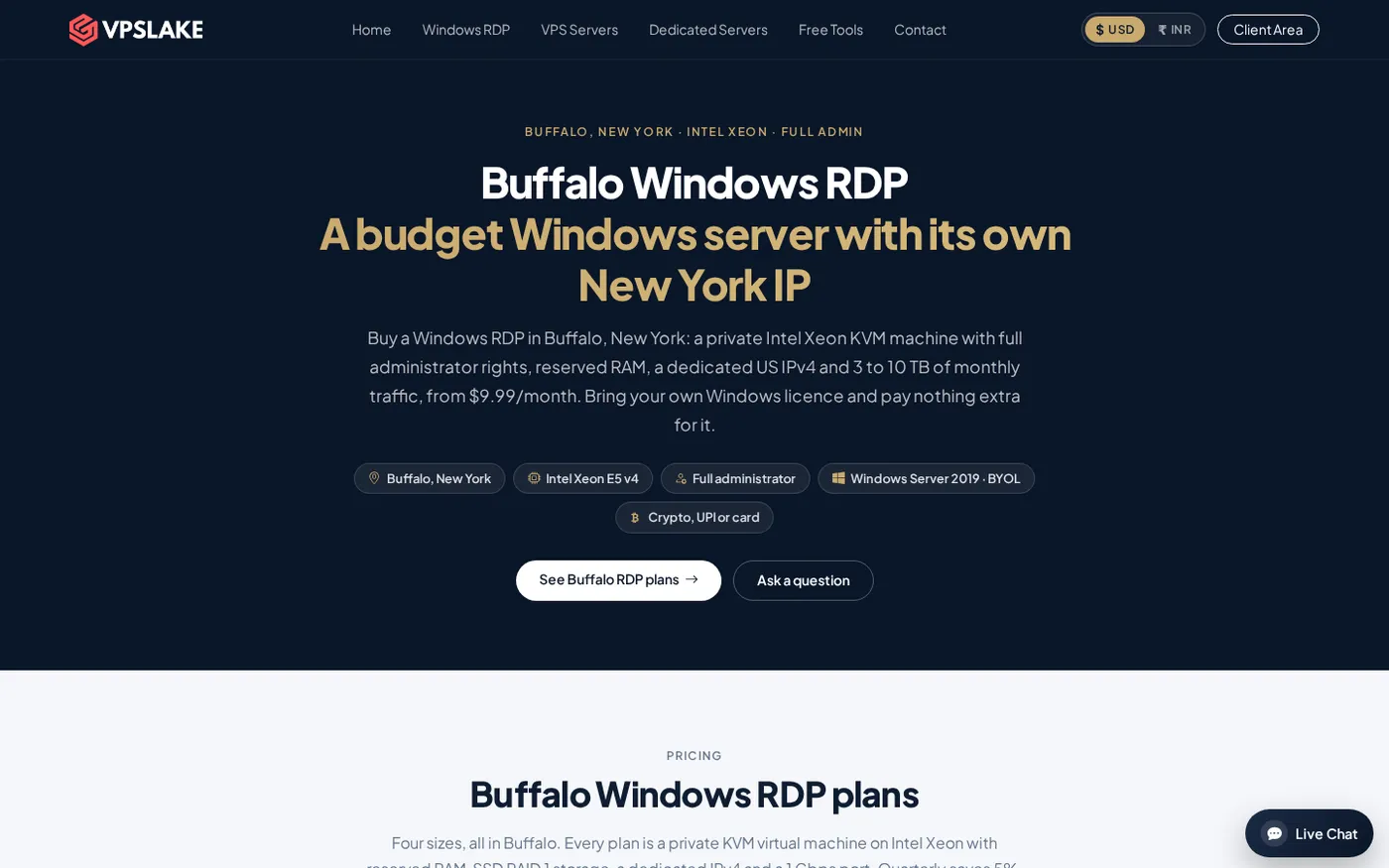
VPSLake’s Buffalo plans use a private KVM VM with reserved RAM, full Administrator access, and one dedicated US IPv4. The order form lets you choose a Windows Server 2019, Windows 10 Pro, or Windows 11 Pro image. Setup is automatic after payment, and the client area provides browser console, reinstall, reboot, and password-reset controls.
The Windows 11 RDP option starts at 4 GB RAM, 3 vCPU, and $9.99/mo. The 4 GB plan also includes 60 GB SSD storage, 3 TB traffic, and a 200 Mbps port. An 8 GB plan provides 4 vCPU, 100 GB SSD, 5 TB traffic, and a 300 Mbps port for $16.99/mo. A 16 GB plan provides 6 vCPU, 200 GB SSD, 8 TB traffic, and a 500 Mbps port for $29.99/mo.
Those are server resources rather than a per-user productivity bundle. You can install the applications and services your workflow requires, create scheduled tasks, and choose server or desktop Windows. You also manage the operating system, security settings, and licence obligations yourself.
What Windows 365 is
Windows 365 is Microsoft’s Cloud PC service. It automatically creates a cloud-hosted Windows 10 or Windows 11 desktop when an administrator assigns a licence to a user. Each Cloud PC has a one-to-one relationship with its assigned user, so it feels more like renting a persistent work computer than renting a general-purpose server.
Windows 365 Business is aimed at smaller organizations and is managed through the Microsoft 365 admin center or the Windows 365 website. Microsoft supports browser access and the Windows App across common desktop and mobile platforms. Its Windows 365 overview explains the Cloud PC model and how assigning a licence starts provisioning.
That simplicity is its main advantage. An owner can assign a user, wait for the Cloud PC to provision, and let Microsoft handle the underlying cloud infrastructure. It is designed around a person using a persistent desktop, not around comparing raw server resources.
Price per month at 4, 8 and 16 GB
The cleanest comparison is the monthly cost for a single Cloud PC or VPS at three common RAM sizes. Microsoft’s official Windows 365 Business pricing table shows 2 vCPU/4 GB, 2 vCPU/8 GB, and 4 vCPU/16 GB plans with 128 GB storage. The listed prices exclude tax.
| RAM | Windows 365 Business | VPSLake Windows RDP | VPSLake monthly saving | Cost per GB: Windows 365 | Cost per GB: VPSLake |
|---|---|---|---|---|---|
| 4 GB | $28.00 | $9.99 | $18.01 | $7.00 | $2.50 |
| 8 GB | $36.00 | $16.99 | $19.01 | $4.50 | $2.12 |
| 16 GB | $56.00 | $29.99 | $26.01 | $3.50 | $1.87 |
At the published monthly rates, the 12-month difference is $216.12 at 4 GB, $228.12 at 8 GB, and $312.12 at 16 GB. VPSLake also lists a 5% quarterly saving and two months free on yearly billing, so the long-term difference can be larger.
The comparison is not only about RAM. At 4 GB, the VPS has more listed vCPU than the Windows 365 Business 4 GB plan, but it has 60 GB rather than 128 GB storage. At 8 GB, VPSLake lists 4 vCPU and 100 GB SSD, while the Windows 365 comparison plan lists 2 vCPU and 128 GB storage. At 16 GB, VPSLake lists 6 vCPU and 200 GB SSD, while Windows 365 lists 4 vCPU and 128 GB storage.
Match the plan to the work instead of comparing a headline price alone. If storage is the deciding resource, Windows 365’s listed 128 GB allocation may matter. If RAM, CPU, Administrator access, and a dedicated IPv4 matter more, the RDP VPS offers stronger value at each size.
Admin rights, IP and software freedom
Control is the biggest practical difference after price.
Windows 365 Business Cloud PCs are created with a Standard User account by default. An administrator can change the organization setting so new Cloud PCs use Local Administrator accounts, but that is an administrative action in the Windows 365 management layer. Microsoft documents these defaults in its guide to changing Windows 365 Business organization settings.
VPSLake’s Windows RDP product provides Full Administrator access on the private VM. That is useful when your work requires installing system-level tools, configuring services, changing firewall rules, managing multiple applications, or controlling the Windows environment without asking a separate tenant administrator.
The network model is also different. Windows 365 uses Microsoft’s Cloud PC connectivity and does not require traditional inbound access to a VM. Its plan page does not present a dedicated public IPv4 as a standard resource. VPSLake’s Buffalo plan explicitly includes one dedicated US IPv4.
Neither option makes a risky workflow safe by itself. Use strong credentials, keep Windows updated, enable appropriate firewall rules, and install only software you trust. A public IPv4 gives you control, so it also makes basic server hardening part of your responsibility.
Licences: included vs bring your own
Windows licensing changes the arithmetic.
With Windows 365 Business, the Cloud PC subscription is the Microsoft licensing route for the Windows desktop. You pay a per-user monthly fee for the Cloud PC and do not separately add a Windows image licence to the prices above.
With VPSLake, Windows is BYOL. VPSLake supplies the Windows Server 2019, Windows 10 Pro, or Windows 11 Pro image, but you bring your own Windows licence. There is no Windows licence surcharge on the listed VPS plan. Treat the $9.99, $16.99, and $29.99 figures as the infrastructure price, and confirm that your licence covers the way you intend to use the remote installation.
BYOL is most attractive when you already have the right licence or value the lower recurring infrastructure cost. Windows 365 is easier if you prefer one Microsoft subscription. Always state the licensing difference when comparing prices.
Who should pick which?
Pick VPSLake when control and monthly value matter
A Windows RDP VPS is the winner for a solo operator or small business that needs full Administrator access, a dedicated US IPv4, more RAM per dollar, or the freedom to install and configure software directly. The Buffalo plans also accept crypto, UPI/card payments through Razorpay and Cashfree, and international cards through Paddle.
The $9.99 4 GB plan is a practical starting point for one browser profile, MT4/MT5 EA, rater work, or one Google Ads account. Move to $16.99 for several profiles or terminals, and $29.99 when your workload needs more memory. Keep BYOL in your budget.
If you are comparing Windows environments more broadly, VPSLake’s Windows 10 RDP page explains the available image choices. For a setup checklist after purchase, see how to set up a Windows VPS. If file transfer is part of your workflow, the article on fixing copy and paste in RDP covers a common client-side issue.
Pick Windows 365 when the desktop is for a managed user
Windows 365 is the better fit for a team that wants a persistent desktop assigned to each person, web access, Microsoft 365 administration, and a simple provisioning workflow. It also suits buyers who want the Windows Cloud PC licence handled inside the subscription and are comfortable paying a fixed per-user rate.
You are paying for a packaged Cloud PC service, not only for RAM and virtual CPU.
How to choose in five checks
- Decide who manages the desktop. Choose Windows 365 for Microsoft’s per-user management path; choose a VPS when you want to manage Windows yourself.
- Compare the RAM tier. Use 4 GB, 8 GB, or 16 GB as the starting point, then check CPU and storage rather than relying on the plan name.
- Confirm licensing. Windows 365 includes its Cloud PC licensing model. VPSLake is BYOL, with no Windows licence surcharge.
- Check the IP requirement. If you need a dedicated US IPv4, confirm it is included in the plan. VPSLake includes one on Buffalo Windows RDP plans.
- Price a full year. Multiply the monthly price by 12, then check billing-cycle discounts and any tax or separate licence cost before ordering.
FAQ
Is Windows 365 cheaper than a Windows RDP VPS?
No, not at the current listed monthly prices for 4 GB, 8 GB, or 16 GB. Windows 365 Business lists $28, $36, and $56 per user/month, while VPSLake lists $9.99, $16.99, and $29.99 for Buffalo Windows RDP. The VPS price is BYOL, so include your own Windows licence in the total cost.
Does Windows 365 include a Windows licence?
Windows 365 is sold as a per-user Cloud PC subscription, so its Windows Cloud PC licensing is part of that service price. A Windows RDP VPS is different: VPSLake supplies the image, but you bring your own Windows licence and there is no licence surcharge.
Which gives you more control, Windows 365 or an RDP VPS?
A Windows RDP VPS gives you more direct server control because VPSLake provides Full Administrator access on the private VM. Windows 365 Business uses a Standard User default, although an organization administrator can change the account type for new Cloud PCs.
Do Windows 365 and an RDP VPS include a dedicated IP?
VPSLake’s Buffalo Windows RDP plans include one dedicated US IPv4. Windows 365’s standard Business pricing comparison does not list a dedicated public IPv4 as a plan resource, so do not assume one is included when you need a stable server address.
Is a Windows RDP VPS a good Windows 365 alternative?
Yes, when your priority is lower monthly infrastructure cost, full Administrator access, a dedicated IPv4, and freedom to configure the server. Windows 365 remains the simpler option for a managed user Cloud PC with Microsoft provisioning and licensing in one subscription.