
The best rdp provider in usa should give you a genuinely private Windows machine, a dedicated US IPv4 address, full administrator control, and a price you can understand. For most budget buyers, VPSLake’s Buffalo, New York Windows RDP is the strongest overall pick because the 4 GB plan is $9.99/mo, includes reserved resources and private KVM, and supports crypto, UPI, and cards; you bring your own Windows licence.
Quick verdict
VPSLake is the best overall choice for a private, budget USA RDP when you already have a valid Windows licence or can arrange one. Its entry Windows RDP starts at $9.99/mo, with a private KVM VM, reserved RAM, full Administrator access, a dedicated US IPv4, and a choice of Windows Server 2019, Windows 10 Pro, or Windows 11 Pro images.
The price is easy to compare because VPSLake does not add a Windows licence surcharge: the service is BYOL, so you bring the licence. Microsoft’s guidance explains that Remote Desktop Services licensing is separate from simply having Windows and is generally handled per user or per device; check your position before production use. See Microsoft’s RDS payment guidance.
| Provider | Private/admin access | US IPv4 | Licence and buying notes | Best fit |
|---|---|---|---|---|
| VPSLake Buffalo Windows RDP | Private KVM, full Administrator | Dedicated US IPv4 | $9.99/mo; BYOL Windows image, no licence surcharge; crypto, UPI, and cards | Best overall value |
| RDPextra | Public US plans advertise private RDP and admin access | US options advertised | Check the Windows licence arrangement and final checkout total | Buyers wanting more locations |
| QloudRDP | Public USA plans advertise private servers and full admin | Dedicated US IPv4 advertised | Check whether the plan’s Windows terms match your licence needs | Buyers wanting a wider location menu |
| PrivateRDP | Public USA plans advertise full admin access | One IPv4 advertised | Check OS version, licence terms, and support conditions | Buyers comparing multiple US cities |
The alternatives are worth checking if you need many geographic choices. For a private US Windows desktop with local-friendly payments and a disclosed BYOL price, VPSLake is the better fit.
How we scored US RDP providers
An American IP alone does not make an RDP service good. I scored providers on the parts that affect daily use, ownership, and total cost:
- Privacy and isolation: Is the machine a private virtual machine, or are several customers sharing one Windows session?
- Control: Do you receive full administrator rights, or only a restricted account?
- US network identity: Does the plan include one dedicated US IPv4 address rather than a shared address?
- Resources: Are RAM and CPU clearly stated, and is the port appropriate for the plan?
- Windows cost: Is the licence arrangement clear? A low monthly number is not comparable if one provider includes a licence and another expects BYOL.
- Practical buying: Can you pay with the method you use, and can you reinstall or reboot without waiting for support?
This method is for browser profiles, MT4/MT5 terminals, rater work, legitimate ad-management tasks, development tools, and small remote offices. It is not a ranking of residential proxies or anonymous services.
VPSLake Buffalo Windows RDP
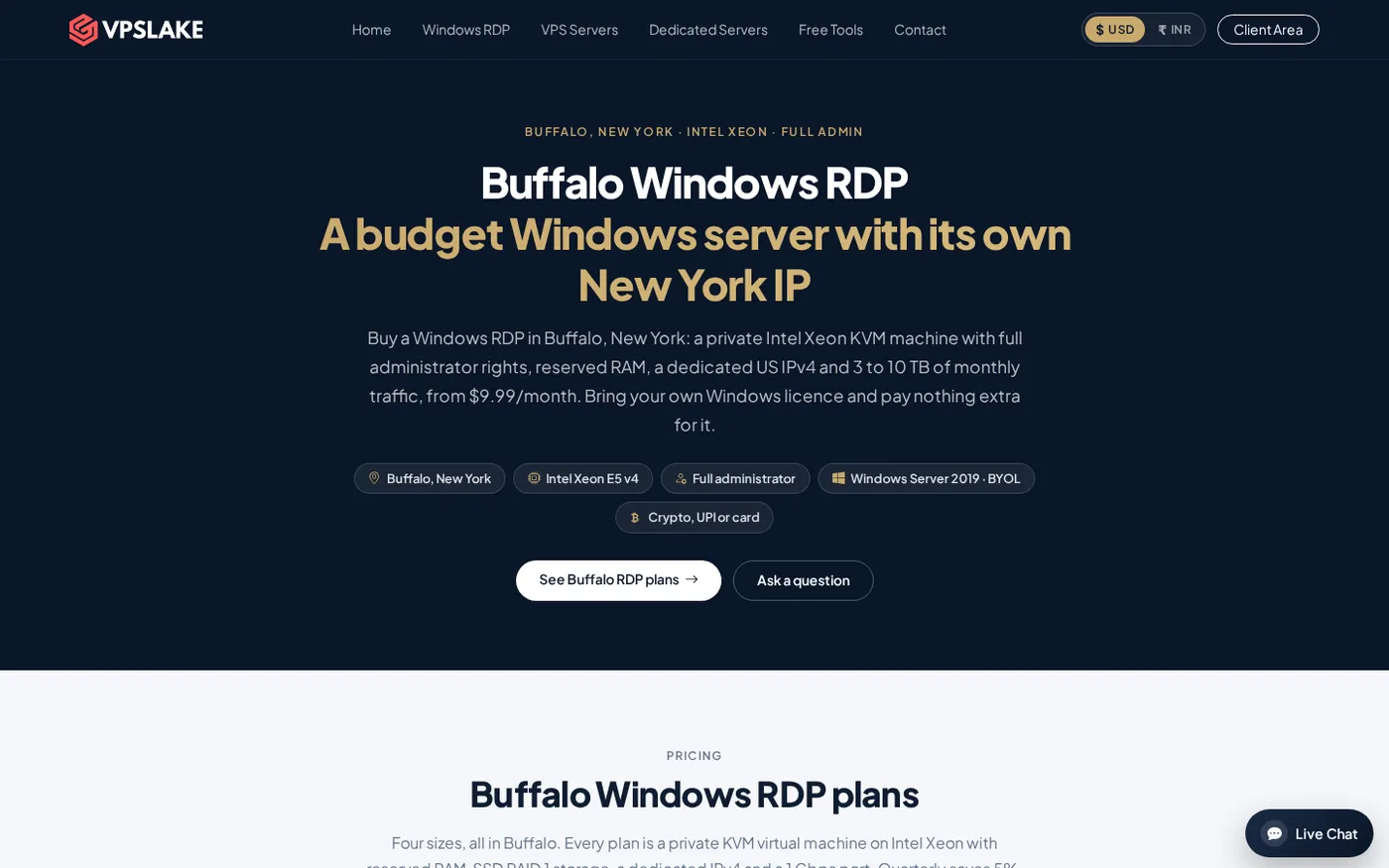
VPSLake wins this comparison because the basic plan brings the core features together in one private, clearly priced RDP service. The 4 GB Buffalo plan provides 3 vCPU, 4 GB reserved RAM, 60 GB SSD storage in RAID 1, 3 TB traffic, and a 200 Mbps port. It is a private KVM virtual machine rather than a shared RDP login.
You also receive full Administrator access and one dedicated US IPv4 address. That lets you install permitted software, configure Windows, create user accounts, and manage the machine directly. The client area includes browser console access, reinstall, reboot, and password reset controls.
The order form provides a Windows Server 2019, Windows 10 Pro, or Windows 11 Pro image. The image is supplied, but the licence is yours to bring; a paid Windows licence is not included. This keeps the advertised price at $9.99/mo and avoids comparing a licence-inclusive product with a BYOL product as if they were identical.
Payments include crypto through Cryptomus, UPI and cards through Razorpay or Cashfree, and international cards through Paddle. Quarterly billing saves 5%, yearly billing gives two months free, and setup is automatic after payment. The first purchase has a 5-day money-back policy under the published terms.
Choose the 4 GB plan for one browser profile, a single MT4/MT5 expert advisor, rater work, or a normal remote desktop workload. Move to 8 GB at $16.99/mo for several browser profiles or terminals, 16 GB at $29.99/mo for heavier multi-profile work, or 32 GB at $54.99/mo for a team or large workload. Every price is monthly and remains BYOL.
For the exact Buffalo configurations, see the Buffalo Windows RDP plans. If you want a normal desktop interface, the Windows 10 RDP page explains the image choice and plan range.
RDPextra
RDPextra is an alternative for a buyer who values a broad location menu. Its public page lists US, California, New York, and Los Angeles options, plus locations outside the US, and advertises full admin access on its US tiers.
Before ordering, confirm the US city, CPU and RAM allocation, dedicated-IP terms, Windows version, licence model, and renewal price. Location breadth does not necessarily mean a lower total cost.
QloudRDP
QloudRDP’s USA page presents private US servers with full administrator access, a dedicated IPv4, several configuration levels, and multiple payment methods. It may suit buyers who need a specific region more than the lowest entry price.
Compare its final checkout with your required RAM, traffic allowance, Windows terms, support conditions, and refund policy. Those details matter more than a headline port number for a daily desktop workload.
PrivateRDP
PrivateRDP lists several American cities, full administrator access, an IPv4 address, and Windows Server options. It may suit a buyer who wants to compare multiple US regions in one catalogue.
Verify RAM, storage, traffic, setup time, and licence terms before treating its entry price as equivalent to VPSLake’s 4 GB plan. Compare like with like: memory first, then CPU, storage, traffic, and Windows cost.
Price table: licence included versus BYOL
Do not compare only the number beside “per month”. Separate infrastructure cost from Windows licensing. VPSLake’s plan is $9.99/mo with BYOL: you bring the licence, while VPSLake supplies the selected image and virtual machine.
| Cost question | VPSLake Buffalo 4 GB | What to ask another provider |
|---|---|---|
| Monthly infrastructure price | $9.99/mo | Is the displayed price still the renewal price? |
| Windows licence | BYOL; no licence surcharge | Included, BYOL, or charged separately? |
| Windows choices | Server 2019, Windows 10 Pro, Windows 11 Pro image | Which versions are actually available? |
| RAM and isolation | 4 GB reserved RAM, private KVM | Is RAM reserved and is the machine private? |
| Administration | Full Administrator | Are there account or software restrictions? |
| US address | One dedicated US IPv4 | Is the IPv4 dedicated or shared? |
| Payments | Crypto, UPI, and card | Can you pay with your preferred rail? |
Use Microsoft’s Windows Server licensing documentation to check the documents for your deployment. Hosting-page wording is not a substitute for confirming proper licensing.
Which provider fits your use?
Choose VPSLake for one private Buffalo Windows machine, full admin rights, a dedicated US IPv4, and a clearly stated starting price. It is practical for buyers who use UPI or crypto and want a Windows 10 Pro or Windows 11 Pro image.
Choose a larger catalogue provider when you genuinely need a city or country that VPSLake does not offer. Do not choose on location count alone: confirm the exact IP type, resource allocation, licence model, and renewal price.
For trading, start with the RAM required by your terminals and indicators, then check broker-server distance for your own account. VPSLake’s Buffalo location is designed for low-latency access to New York-area broker infrastructure, not a fixed execution result. Read our guide to MT4 and MT5 VPS requirements.
For remote work or browser tasks, 4 GB is the sensible starting point. If you need more profiles or terminals, scale to 8 GB or 16 GB instead of moving to a shared login. After purchase, use the Windows VPS setup checklist.
FAQ
What is the best RDP provider in USA for a dedicated IP?
VPSLake is a strong choice for a private Buffalo KVM VM, full Administrator access, and one dedicated US IPv4. The 4 GB plan is $9.99/mo with a BYOL Windows image, so confirm your licence before ordering.
Is VPSLake RDP shared or private?
VPSLake Buffalo Windows RDP plans use private KVM virtual machines with reserved RAM. You receive your own Administrator account and dedicated US IPv4 instead of joining a shared Windows session.
Does a USA RDP include a Windows licence?
It depends on the provider and plan. VPSLake supplies a Windows Server 2019, Windows 10 Pro, or Windows 11 Pro image, but Windows is BYOL: you bring the licence and there is no licence surcharge in the listed price.
Which VPSLake RDP plan should I choose?
Choose 4 GB at $9.99/mo for one browser profile, one MT4/MT5 terminal, rater work, or a general remote desktop. Choose 8 GB at $16.99/mo or 16 GB at $29.99/mo for several profiles or heavier applications.
Can I pay for USA RDP with UPI or crypto?
Yes. VPSLake supports crypto through Cryptomus, UPI and cards through Razorpay or Cashfree, and international cards through Paddle. The client area handles the Buffalo server’s reinstall, reboot, console, and password-reset controls.
DONE best-rdp-provider-usa words=1590