


A rustdesk server self hosted on a VPS gives you your own ID and relay infrastructure for remote access instead of depending only on RustDesk’s public servers. A small Linux VPS is enough for a personal setup or a small team, provided it has a public IPv4 address, the right ports, and persistent storage for its keys.
Why run your own RustDesk server
RustDesk Server OSS is the open-source backend for RustDesk. Self-hosting lets you keep the rendezvous service and any relay traffic on infrastructure you control, which is useful when you manage several computers, want a consistent server address, or need a predictable place for your clients to connect.
The server does not replace the RustDesk client installed on each computer. Instead, it helps those clients find one another and provides a relay path when a direct peer-to-peer connection cannot be made. You still control user access, operating-system updates, firewall rules, backups, and the server key.
RustDesk also offers a Pro edition with features such as a web console, API, OIDC, LDAP, 2FA, device management, access control, and multiple relays. For a straightforward ID-and-relay setup, the OSS server is the relevant starting point.
What hbbs and hbbr do
RustDesk Server OSS consists mainly of two services. They work together, but they have different jobs:
| Service | Role | When it carries traffic |
|---|---|---|
| hbbs | ID, rendezvous, signalling, and NAT-traversal coordination | When clients register and try to establish a direct session |
| hbbr | Relay server | When the clients cannot connect directly and the session must be relayed |
Most successful connections can use a direct path between the two endpoint computers. If that path fails, hbbr carries the screen, keyboard, mouse, and other session traffic. That distinction matters for VPS sizing: CPU and RAM needs are modest, but relay bandwidth grows with the number of concurrent sessions and screen activity.
The server’s public key is also important. RustDesk generates an Ed25519 key pair on first run; clients use the public key to verify that they are talking to your self-hosted server. Keep the private key in the server’s persistent data and treat it as sensitive.
Choose the right VPS size
RustDesk’s official requirements describe a basic cloud server as sufficient for a normal deployment. The practical choice depends less on the binaries and more on how often sessions fall back to the relay.
| Use case | Starting plan | Why |
|---|---|---|
| One or two computers, occasional support | 1 GB VPS | Enough headroom for the OSS services and a light relay workload |
| A small team or several always-on endpoints | 2 GB VPS | More room for Docker, monitoring, and simultaneous sessions |
| Frequent relay use or several active sessions | 4 GB VPS | More memory and CPU headroom as relay traffic and maintenance grow |
VPSLake’s Buffalo 1 GB Linux VPS is $3.99/mo and includes 1 vCPU, 1 GB reserved RAM, 20 GB SSD storage on RAID 1, 1 TB traffic, a dedicated IPv4 address, KVM, and full root access. Its port is 100 Mbps. The 2 GB plan is $5.99/mo with 2 TB traffic and a 200 Mbps port; the 4 GB plan is $9.99/mo with 3 TB traffic and a 200 Mbps port.
Those traffic allowances are not a promise that every session will use the relay. Direct connections can avoid sending the desktop stream through the VPS. If your deployment regularly relays high-resolution sessions, measure traffic before choosing a larger group of endpoints.
You can compare Buffalo Linux VPS plans and select Debian 12, Ubuntu 24.04, AlmaLinux 9, or Rocky Linux 9. Debian 12 is a sensible choice for the commands below.
What you need
Before you begin, have these items ready:
- A Linux VPS with a public IPv4 address and full root access.
- Debian 12 or another supported Linux distribution.
- An SSH client and the server IP address.
- The RustDesk client installed on each computer you want to connect.
- A backup location for the RustDesk data directory and generated key pair.
Step 1: Prepare the VPS
Why: A public, reachable host avoids home-router forwarding and gives every RustDesk client one stable server address.
Choose a Linux VPS with a public IPv4 address and full root access. After payment, record the server IP, login details, and the operating system you selected. Use SSH from your computer to connect:
ssh root@SERVER_IPUpdate the system before installing Docker:
apt update && apt upgrade -yCreate a non-root administrator if you normally operate Linux servers that way, then keep root access available for the initial firewall and Docker setup. A public VPS avoids home-router forwarding.
If you already use Docker on Debian, VPSLake’s Docker on Debian 12 walkthrough covers the host preparation separately.
Step 2: Deploy RustDesk Server OSS with Docker
Why: Docker keeps the two RustDesk services together and makes later upgrades or moves easier to repeat.
RustDesk’s installation documentation recommends Docker for a reproducible deployment. On a clean Debian or Ubuntu VPS, install Docker using Docker’s official convenience script, then download the RustDesk Compose file:
curl -fsSL https://get.docker.com | sh
mkdir -p ~/rustdesk-server
cd ~/rustdesk-server
wget https://rustdesk.com/oss.yml -O compose.yml
Start the services in the background:
docker compose -f compose.yml up -dCheck that the containers are running:
docker compose -f compose.yml psThe Compose file defines the hbbs and hbbr services and their data locations. Do not delete the persistent data directory when replacing the containers: it holds the generated server key and other state needed by existing clients.
To inspect recent output if a service does not start, run:
docker compose -f compose.yml logs --tail=100 hbbs hbbrSuccess looks like both services running without a repeated restart loop. The public key is normally in the RustDesk data directory as id_ed25519.pub; keep a copy of that public key ready for client configuration.
Step 3: Open only the required ports
Why: The services cannot register clients or relay sessions until the required TCP and UDP traffic can reach the VPS.
For the core OSS setup, RustDesk documents TCP ports 21115–21117 and UDP port 21116 as the minimum useful set. The wider TCP range 21114–21119 is used by the full set of documented services, while TCP 21118 and 21119 are WebSocket ports for the web client.
On a host using UFW, the core rules are:
ufw allow 21115:21117/tcp
ufw allow 21116/udp
ufw enable
ufw status verbose
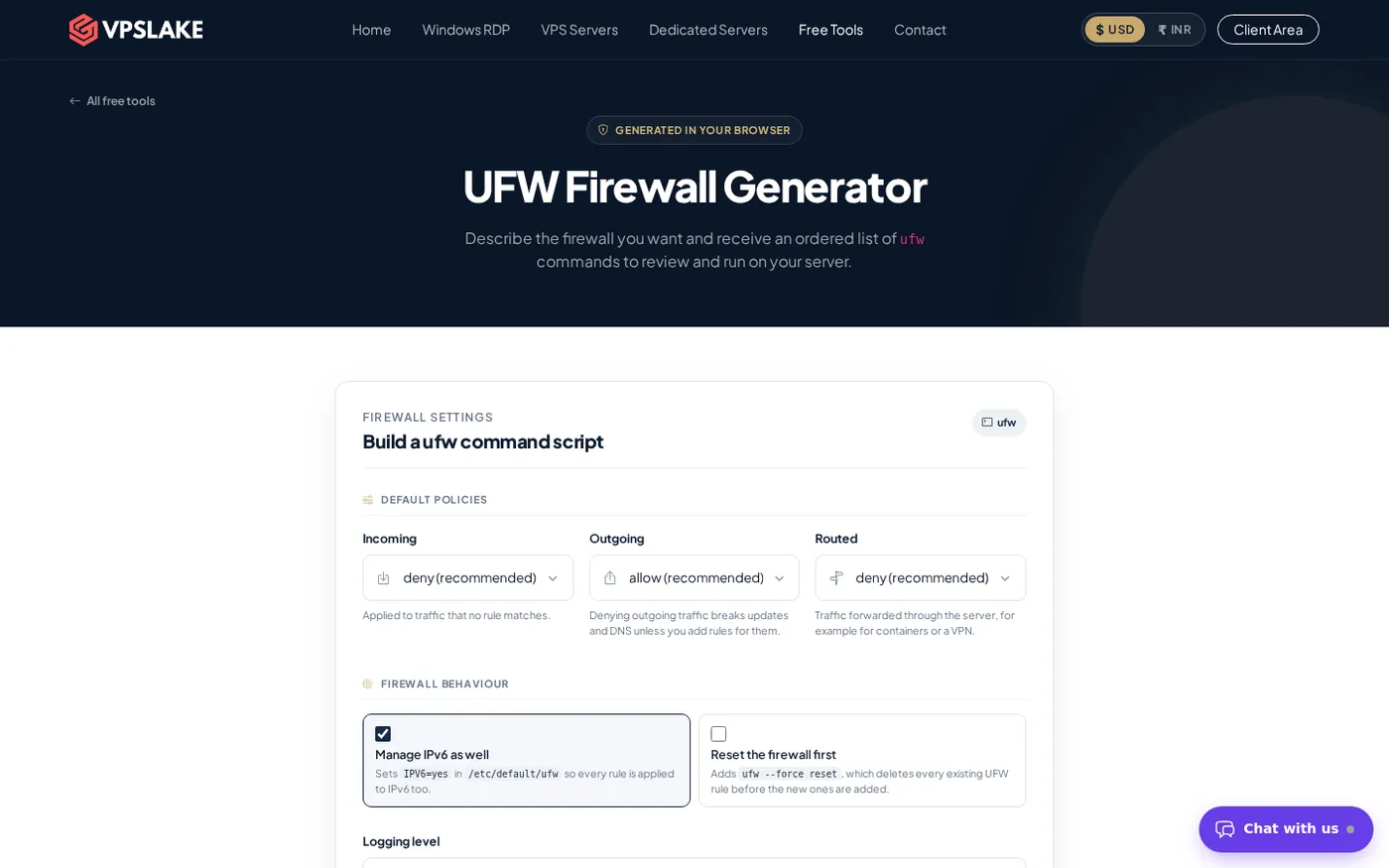
If you are using the RustDesk web client, follow the official reverse-proxy instructions before exposing its WebSocket ports. Keep TCP 21118 and 21119 closed when you do not use the web client. If you need help generating a UFW ruleset, VPSLake’s free UFW firewall generator can produce a starting configuration.
Step 4: Point RustDesk clients at the VPS
Why: Each client needs the ID server address and public key to find your backend and verify it.
Install the RustDesk client on each computer you want to manage. In the client, open the network settings and enter the VPS hostname or public IP as the ID Server. Then enter the server’s public key from id_ed25519.pub.
For a basic same-host hbbs and hbbr deployment, the client can usually derive the relay address from the ID server. If you use a separate relay host or a non-default port, set the Relay Server explicitly according to the RustDesk documentation.
The essential values are:
- ID Server: the public DNS name or IP address of your hbbs host.
- Relay Server: the hbbr address when it is separate or needs to be specified manually.
- Key: the public key generated by your server, not a password and not a Pro license key.
After saving the settings, test from two networks if possible, such as a home connection and a mobile hotspot. A client that registers successfully but cannot complete a session usually points to a missing relay rule, a blocked UDP port, or an incorrect key.
Step 5: Verify and maintain the deployment
Why: Service status, listening ports, logs, and backups catch the most common setup errors before you rely on the server.
Use the following checks after the first connection:
cd ~/rustdesk-server
docker compose -f compose.yml ps
docker compose -f compose.yml logs --tail=50 hbbs hbbr
ss -lntup | grep -E '2111[4-9]'
Keep the VPS operating system and RustDesk containers updated. Before an update, back up the Compose data directory and server key pair.
For a small deployment, a 1 GB plan is a reasonable starting point. Move to the 2 GB or 4 GB plan when monitoring shows sustained memory pressure, when you add other services, or when relay concurrency makes the original host too busy.
Self-hosting cost vs AnyDesk or TeamViewer
The Buffalo 1 GB VPS costs $3.99/mo, so the infrastructure entry point is predictable and low. VPSLake also offers quarterly billing at 5% less and yearly billing with two months free. The OSS deployment does not add a per-seat license charge.
AnyDesk and TeamViewer are managed products with their own subscription structures, administration features, and support options. A self-hosted RustDesk setup trades that managed model for control of the VPS, network rules, keys, upgrades, and backups. For a household, small support team, or lab that already has someone comfortable with Linux, the VPS model can keep the recurring server cost tied to infrastructure rather than the number of remote endpoints.
The right comparison is not only the monthly price. Check whether you need a central web console, identity integration, device policies, audit features, or a managed support workflow. RustDesk Server Pro addresses several of those business requirements; OSS is focused on the core ID and relay functions.
FAQ
How much RAM does a self-hosted RustDesk server need?
RustDesk’s official documentation says the hardware requirements are very low. A 1 GB VPS is a practical starting point for a light personal deployment; choose 2 GB or 4 GB when you expect more concurrent relay sessions or plan to run other services on the host.
What ports does a RustDesk server need?
The minimum useful set is TCP 21115–21117 and UDP 21116. RustDesk also documents TCP 21114–21119 for the broader deployment, with TCP 21118 and 21119 intended for WebSocket use. Keep ports you do not need closed.
What are hbbs and hbbr in RustDesk?
hbbs is the ID, rendezvous, and signalling service. hbbr is the relay service used when two endpoints cannot establish a direct connection.
Where do I find the RustDesk server key?
The public key is normally generated on the first run and stored as id_ed25519.pub in the server’s RustDesk data directory. Enter that public key in the client network settings and preserve the matching private key in persistent storage.
Can I run RustDesk Server OSS on a $4 VPS?
Yes, a Buffalo Linux VPS 1 GB at $3.99/mo is a suitable starting point for a small deployment with light relay use. Watch memory and traffic as you add endpoints; the 2 GB and 4 GB plans provide more headroom for busier setups.
RustDesk self-hosting documentation explains the server architecture and port roles, while the official OSS installation guide covers Docker, firewall, and client configuration details.