

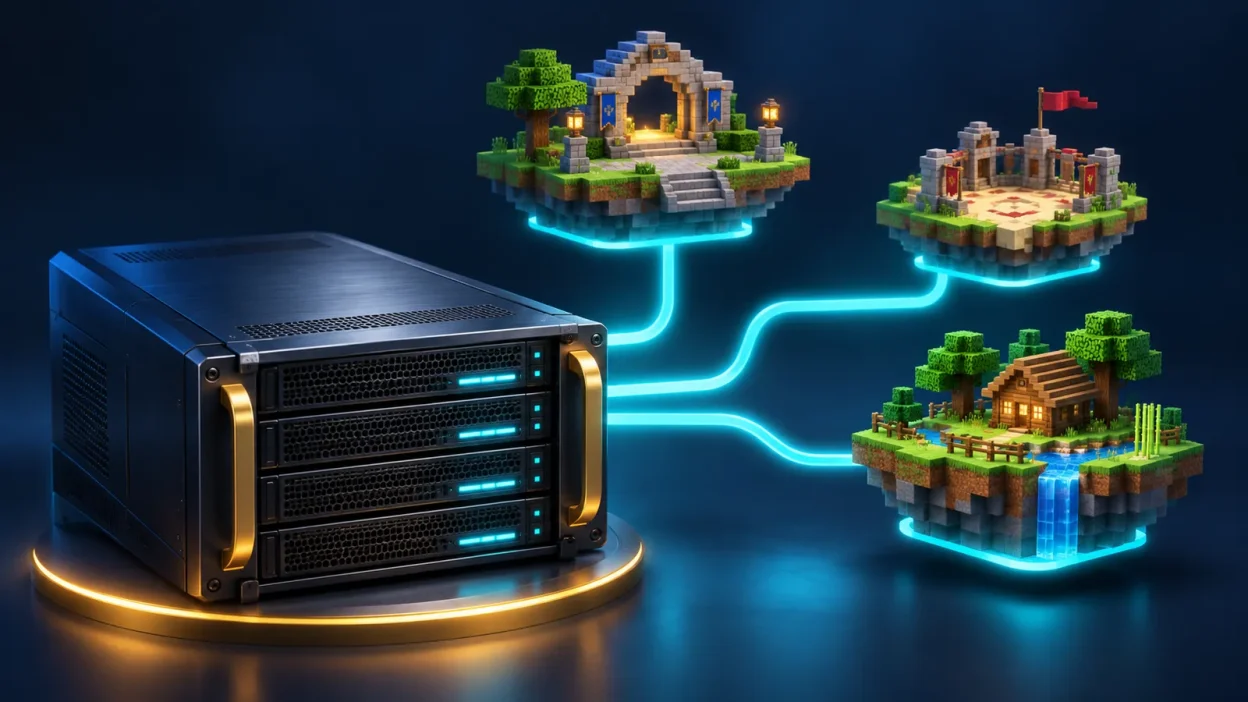
A dedicated server for minecraft network workloads gives you room for a proxy, lobby, game servers, databases, and monitoring on one physical machine. The right choice depends less on a headline player count and more on how many backend servers you will run, how heavily they are modded, and how much headroom you want for growth.
VPSLake’s DS-2 is the practical starting point for a serious network: 8 AMD Ryzen 7 5800X cores, 64 GB RAM, 1 TB NVMe, 50 TB traffic, and a 10 Gbps connection for $64.99/mo. You manage the Minecraft software yourself; VPSLake supplies the dedicated hardware, IPMI, and DDoS protection.
When a network outgrows a VPS
A single survival server and a Minecraft network are different workloads. One server process might need a few gigabytes of memory, but a network adds a Velocity or BungeeCord proxy, lobby, authentication or limbo server, multiple game modes, databases, backups, and web or Discord integrations.
The proxy routes players between separate backend servers. Velocity’s configuration can define lobby, factions, and minigames entries, each with its own CPU, heap, world storage, and plugins.
Start with a VPS for one light server, a plugin test, or a small private community. VPSLake’s 4 GB Buffalo Linux VPS suits a small Minecraft server; the 8 GB plan is better for mods or several applications. Move to dedicated hardware when you need several active backends, predictable CPU access, or more memory headroom.
How a Velocity network uses CPU and RAM
Think about your network as a resource budget rather than one Minecraft instance.
| Component | What it does | What to budget for |
|---|---|---|
| Velocity proxy | Accepts connections and routes players | A modest heap plus JVM and OS overhead; size it for peak concurrent connections |
| Lobby or limbo | Handles the first destination and idle players | Small to moderate heap, depending on plugins and activity |
| Survival or SMP | Runs world ticks, entities, redstone, chunks, and plugins | The largest CPU and RAM allocation in most networks |
| Minigame backends | Runs separate arenas, maps, or modes | One budget per active backend, with extra room for peak events |
| Database and services | Stores permissions, economy, statistics, maps, or web data | Memory and fast storage outside the game-server heaps |
Velocity’s documentation recommends reserving memory for the proxy, JVM overhead, and Linux instead of assigning every gigabyte to Java. Its rough starting point is twice the proxy heap plus 2 GB for the proxy environment, with 512 MB per 500 players plus extra room for the proxy heap. These are proxy guidelines, not a promise about total network capacity.
For the backends, add the heaps together, then reserve memory for Linux, the proxy, databases, backups, and file caches. If Paper servers need 40 GB combined, 64 GB leaves a much healthier operating margin than 48 GB.
Read the PaperMC guide to Minecraft server memory and performance for the single-server side of the calculation before adding your backend estimates together.
Single-core speed: why Ryzen matters
More cores help a network because several Java processes can run at the same time. They do not make every individual server process scale linearly, though. Paper’s performance notes explain that a major source of server load is the tick loop, which uses a single thread; a tick that takes more than 50 milliseconds causes the server to fall behind its 20-tick-per-second target.
That is why CPU frequency and single-thread performance matter for the busiest backend. Extra cores still help because the proxy, chunk work, database, backups, and other backends can run alongside that main tick loop.
The Ryzen 7 5800X in DS-2 is a useful balance for this layout: 8 cores and 16 threads for parallel services, with a desktop-class Ryzen CPU for the backend that is most sensitive to tick time. It is not a guarantee of a player limit. Plugins, view distance, simulation distance, entities, redstone, world generation, and modpacks can change the result substantially.
Use /spark or your server software’s performance tools after launch. Measure milliseconds per tick during a real peak instead of judging total CPU percentage alone. Many cores can show low overall usage while one busy backend is limited by its main thread.
Size a dedicated server by network shape
Player count helps, but start by listing the processes you plan to run and estimating peak concurrency on each backend.
- List the proxy, lobby, authentication or limbo service, each game mode, database, map renderer, backup task, and monitoring service.
- Assign a separate RAM budget to every Paper, Fabric, or other backend. Add more for large worlds, heavy plugins, modpacks, many entities, and high simulation distance.
- Reserve memory for Linux, Java overhead, the proxy, database caches, and burst capacity. Do not set all server heaps to the machine’s total RAM.
- Count CPU-sensitive backends separately. One busy survival world may need more single-thread performance than several quiet lobbies.
- Estimate storage from world growth, plugins, logs, backups, and staging copies, not just the initial server JARs.
- Re-check the plan against your peak event: a tournament, launch day, vote event, or update can put every backend under load at once.
As a planning guide, a small network with a proxy, lobby, authentication service, and one lightly configured game server can begin on a capable VPS. A network with several active backends, a growing player community, or large mod/plugin stacks is better suited to at least 32 GB of RAM and fast dedicated storage. DS-1 offers that entry point; DS-2 gives 64 GB and more room for multiple worlds and services.
These are sizing bands, not guaranteed slots. A 40-player network with a heavy modpack can need more resources than a 100-player network running several simple minigames. Keep the player-count estimate alongside the backend count and measured tick time.
DS-2 vs DS-1 for a Minecraft network
Both plans are bare-metal servers with IPMI, DDoS protection, a premium Tier-1 network, and 24–48 hour setup. DS-2 is first because it is the recommended choice for a network that already expects several backends or wants expansion room.
| Plan | Hardware | Network storage and traffic | Price | Best fit |
|---|---|---|---|---|
| DS-2 — recommended | Ryzen 7 5800X, 8C/16T, 64 GB DDR4 | 1 TB NVMe, 50 TB on 10 Gbps | $64.99/mo | Proxy, lobby, several game servers, database, and growth headroom |
| DS-1 | Ryzen 5 3600, 6C/12T, 32 GB DDR4 | 500 GB NVMe, 30 TB on 1 Gbps | $34.99/mo | First bare-metal network with a proxy and a smaller number of backends |
Choose DS-1 when you are moving off a VPS and your layout fits comfortably inside 32 GB after reserving system overhead. It can host a proxy, lobby, and one or more modest backends, but you should keep a close eye on heap usage, world growth, and peak tick time.
Choose DS-2 when the network is the business, not just a weekend server. Its extra 32 GB gives you room to split worlds into separate processes, keep a database on the same machine, stage backups, and add another game mode without immediately rebuilding the host. The larger NVMe disk and 50 TB traffic allowance also give a network more operating room than DS-1.
NVMe, bandwidth, DDoS protection, and IPMI
NVMe helps with world saves, chunk loading, logs, backups, and restarts. It does not solve a CPU-bound tick loop, so pair fast storage with a fast CPU and sensible plugin configuration. VPSLake’s dedicated server comparison explains why capacity and drive type are separate decisions.
Bandwidth is about more than the port number. Player traffic is usually modest beside downloads and backups, but a large network benefits from headroom for resource packs, maps, updates, and concurrent connections. DS-1 includes 30 TB on 1 Gbps; DS-2 includes 50 TB on 10 Gbps.
DDoS protection is part of the network design, not a substitute for backend security. PaperMC’s Velocity security documentation recommends a firewall and explains why backends should accept connections only from the proxy. On one host, binding backends to localhost can be simple; a firewall remains important.
IPMI gives you out-of-band console, power, and recovery access when the operating system or Minecraft process is not responding. That matters on a self-managed network where you control the OS, Java runtime, proxy, plugins, backups, and access rules.
Ordering and setup time
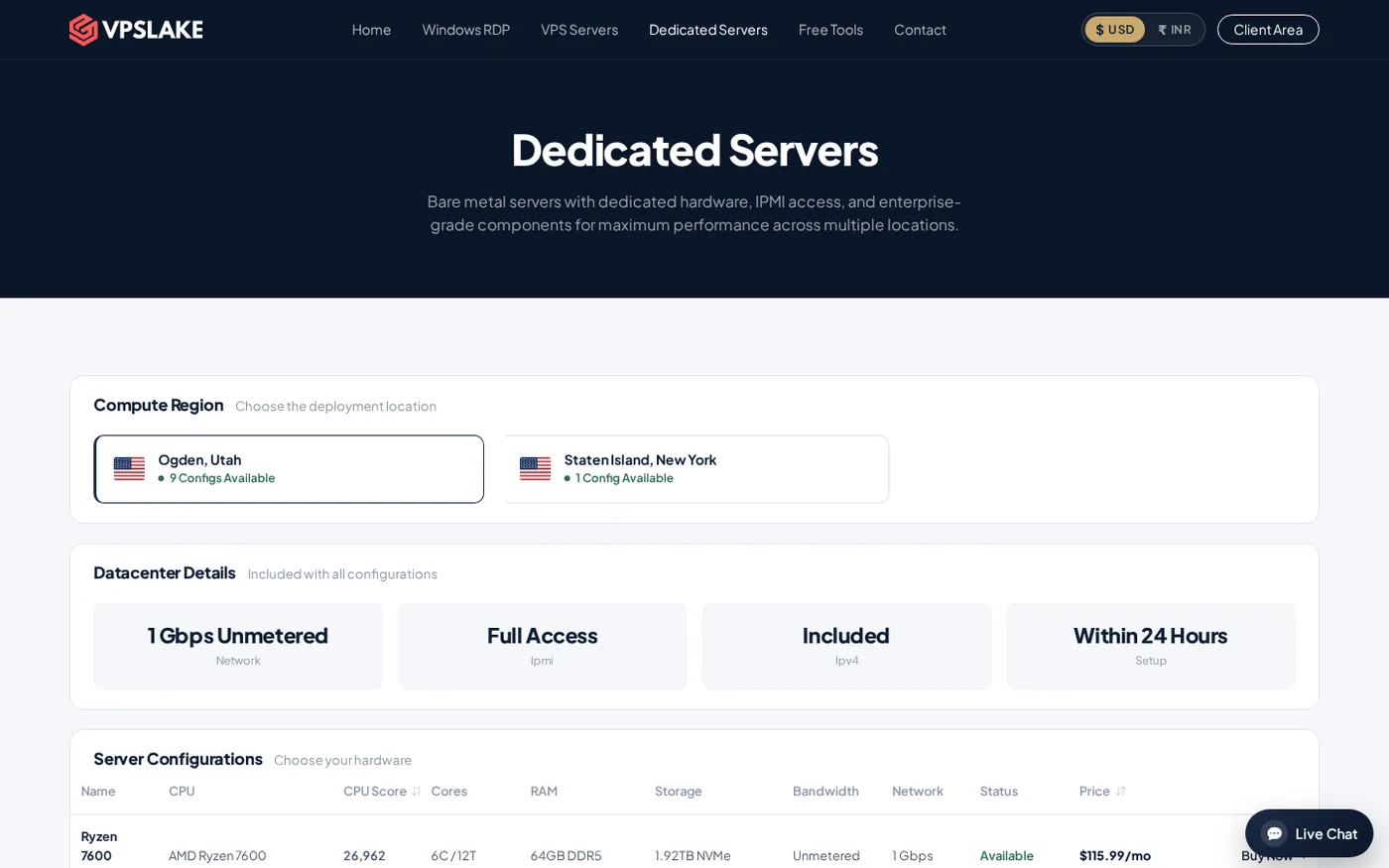
Dedicated servers are ordered through WhatsApp from the VPSLake dedicated server page, not through a normal VPS checkout. Setup is listed at 24–48 hours. Send a compact plan with the Minecraft version, proxy, backend count, peak players, mod or plugin load, preferred location, and any database or extra services.
After provisioning, update the proxy and backends, use a supported forwarding mode, restrict backend ports, and test backups. Velocity’s player-information-forwarding documentation says modern forwarding is available for Minecraft 1.13 and newer with compatible software; older versions may need another arrangement. Keep the forwarding secret private.
VPSLake provides the hardware and infrastructure features, not a managed Minecraft panel or prebuilt network. You install and maintain Velocity, Paper or another server implementation, plugins, worlds, and backups yourself. This suits operators who want root-level control.
FAQ
What is the best dedicated server for a Minecraft network?
For most growing networks, DS-2 is the best balance: Ryzen 7 5800X, 64 GB RAM, 1 TB NVMe, and 50 TB traffic at $64.99/mo. DS-1 is the lower-cost choice when the layout fits inside 32 GB with OS room.
How much RAM does a Minecraft network need?
Add every backend’s memory budget, then reserve room for the proxy, Java, Linux, databases, backups, and bursts. Plugins, mods, worlds, entities, and peak players change the total.
Is a VPS enough for a Minecraft network?
A VPS can cover a proxy, lobby, small community, or network test. Dedicated hardware fits several busy backends, predictable CPU access, larger memory headroom, and growing worlds.
Is Velocity better than BungeeCord for a network?
Both route players between backends, so check Minecraft-version and plugin compatibility. Velocity has current documentation for configuration, tuning, forwarding, and security; test your stack before moving production players.
Does VPSLake provide a Minecraft game panel?
No. VPSLake provides self-managed dedicated servers and Linux VPS plans. You install and operate the proxy, game servers, plugins, security rules, and backups.