


Monthly vs yearly VPS billing comes down to a trade-off: keep your cash and flexibility, or commit upfront to reduce the effective cost. VPSLake’s Buffalo Windows RDP is our pick for moving from monthly testing to discounted long-term use; a short first term still gives you time to confirm the plan, location and software fit.
Our pick: VPSLake Buffalo Windows RDP
The best term depends on how certain you are about the workload. VPSLake’s Buffalo Windows RDP is a useful example because the same 4 GB plan is available with a monthly price of $9.99/mo, plus quarterly and yearly billing choices on the order form.
| Option | What you pay for | Saving or trade-off | Best for |
|---|---|---|---|
| VPSLake Buffalo Windows RDP | The 4 GB private KVM plan, listed at $9.99/mo | Quarterly saves 5%; yearly gives two months free | A Windows desktop, MT4/MT5 terminal, rater work or one browser profile |
| Monthly VPS billing | One billing month at a time | Maximum flexibility; no long prepaid commitment | Testing a new workload or uncertain projects |
| Quarterly VPS billing | Three months at a time | A smaller commitment with a 5% saving at VPSLake | A workload that is likely to run for a season or quarter |
| Yearly VPS billing | Twelve months at a time | Two months free at VPSLake against the monthly price | A proven, always-on workload you expect to keep |
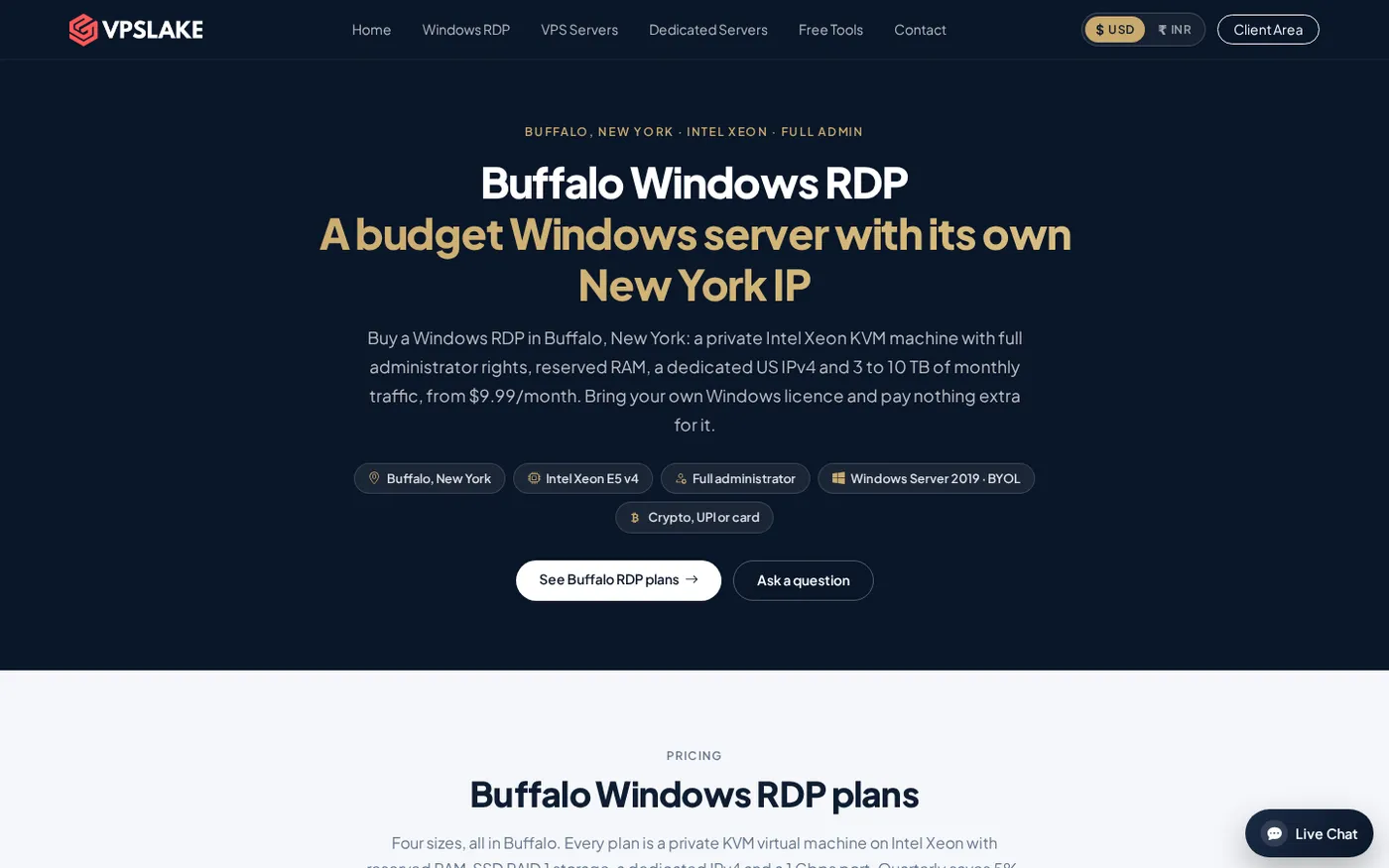
The product is a private KVM VM with reserved RAM, full Administrator access and a dedicated US IPv4. Windows is BYOL: VPSLake supplies the image with no licence surcharge.
How VPS billing cycles work
A billing cycle is the period covered by one payment: one month, three months or twelve months. The server resources do not become better because you pay for longer; the term changes how often you pay and whether a discount applies.
Before choosing yearly billing, check the checkout page or invoice for:
- The total due today, not only the effective monthly figure.
- The renewal amount and renewal date.
- Whether the discount continues at renewal and what happens if you cancel early.
- Whether taxes, currency conversion or payment fees change the final total.
Billing behaviour is provider-specific; the AWS flat-rate plan guide is one official example of monthly cancellation at the end of the current cycle.
What you save: monthly vs quarterly vs yearly
Use the monthly price as the baseline, then compare how many months you actually pay for.
For the VPSLake 4 GB Windows RDP plan:
- Monthly billing charges the listed monthly rate each month.
- Quarterly billing applies a 5% saving to the quarterly term.
- Yearly billing covers twelve months while charging for ten months at the monthly-price baseline because two months are free.
That makes the headline yearly saving 2 out of 12 months, or about 16.7%, when the listed monthly price remains the comparison point. The quarterly saving is smaller, but it requires less cash upfront and gives you a shorter review point.
| Billing term | Months of service | VPSLake saving | Effective saving compared with twelve monthly charges |
|---|---|---|---|
| Monthly | 1 at a time | None | 0% |
| Quarterly | 3 at a time | 5% | 5% on the quarterly term |
| Yearly | 12 at a time | 2 months free | About 16.7% |
Do not compare only the percentage: if you are still testing a location, operating system or workload, flexibility may be worth more than the discount.
Intro prices and renewal traps to check
The phrase “yearly VPS plan” does not by itself tell you whether the next year costs the same. A careful comparison separates the first term from the renewal term.
Look for these common traps:
- Effective monthly display: A page may show a monthly equivalent while charging the full term today. Confirm the checkout total.
- First-term promotion: A discount may apply only to the first invoice. Record the renewal price before paying.
- Automatic renewal: Add a calendar reminder for the renewal date and keep the invoice.
- Early cancellation: Never assume an annual payment can be divided back into monthly payments or that unused months are refundable.
VPSLake lists Buffalo Windows RDP prices in USD per month and shows the billing cycle on the order form. Indian buyers should check the final INR amount at checkout because the displayed site price and invoice can differ slightly.
Refunds and the first-purchase window
A refund policy reduces the risk of testing a provider, but it does not make a yearly plan equivalent to monthly billing. Read the window and exclusions before you pay.
VPSLake’s refund policy says the 5-day money-back guarantee applies to eligible first purchases of Windows RDP, VPS and dedicated server plans. It does not cover renewals, upgrades or add-ons. A refund request must be made within five calendar days of the initial purchase, and an approved refund terminates the service and permanently deletes its data, so keep a backup first.
Treat the first five days as a fit check, not as permission to run a yearly service for months and then request the unused balance. If unsure, start monthly and choose a longer cycle once the result is clear.
When monthly billing is smarter
Choose monthly billing when flexibility is worth more than the discount. It is usually the right starting point when:
- You are testing a new application, automation stack or Windows image.
- You have not confirmed that the datacenter location gives you acceptable latency.
- Your project is seasonal, client-based or likely to end within a few months.
- You may need more RAM, a different operating system or another server soon.
Monthly billing is also sensible when comparing providers. Run the workload, measure connection quality and confirm that the plan has enough CPU, RAM, storage and traffic before committing a full year.
When yearly billing wins
Yearly billing is the better value when the server is already a known quantity. It fits a website, bot, remote desktop routine or trading terminal that you expect to run continuously and that has passed your initial checks.
It is especially attractive when:
- The renewal price is clear and acceptable.
- You can comfortably pay the full term today.
- The workload is unlikely to change size during the term.
- You have a backup and migration plan.
- The provider’s refund and cancellation terms match your expectations.
For MT4 or MT5, confirm the RAM and CPU needed by your terminals and EAs before committing. VPSLake’s guide to MT4 and MT5 VPS requirements is a useful sizing reference. Start with the smallest plan that comfortably handles the actual workload, not the cheapest plan regardless of resource needs.
Our recommendation by use case
The right answer is not “always monthly” or “always yearly.” Use the shortest cycle while learning, then use the yearly discount for a stable service.
| Use case | Recommended first term | What to do next |
|---|---|---|
| New Windows RDP or VPS buyer | Monthly | Test login, IP location, software and performance before committing |
| One browser profile or rater work | Monthly, then yearly if stable | Move to yearly when the workflow and resource use are predictable |
| MT4/MT5 EA that is already proven | Yearly | Check terminal memory use and keep a recovery copy of the setup |
| Always-on bot or small website | Quarterly or yearly | Choose yearly if you expect twelve months of continuous service |
| Seasonal or short client project | Monthly | Avoid paying for unused months |
| Several established servers | Yearly for stable nodes | Keep new or changing nodes on monthly billing |
The VPSLake Buffalo Windows RDP range gives you a straightforward path: start with the 4 GB plan at $9.99/mo, confirm the workload, then use a longer cycle if the server is earning its place. Larger plans are available when the workload needs more reserved memory.
A five-minute billing decision
Before clicking pay, answer these questions:
- Will this server run for at least three months?
- Is the plan size proven for my workload?
- Can I afford the full term without affecting other bills?
- Have I recorded the renewal date, read the refund rules and prepared a backup?
If you answer “no” to any of the first three, choose monthly. If you answer “yes” to all five and the service is stable, yearly billing is usually the best value. Quarterly is the middle ground when you want a discount but still want an earlier decision point.
FAQ
Is yearly VPS billing cheaper than monthly billing?
It is cheaper when the provider’s annual discount is real and the server stays active for the full term. At VPSLake, yearly billing gives two months free against the monthly price, while quarterly billing saves 5%.
Should I choose monthly or yearly VPS billing as a beginner?
Choose monthly while you confirm the provider, location, operating system and workload. Once the VPS has passed those checks and you expect to keep it for a year, move to the yearly cycle for the lower effective cost.
Does the 5-day VPSLake refund window apply to a yearly plan?
The policy says the 5-day money-back guarantee applies to an eligible first purchase, including VPS and Windows RDP plans. Renewals, upgrades and add-ons are excluded, so read the policy and request any refund within five calendar days.
Can I switch from monthly to yearly VPS billing later?
Do not assume that every provider handles a cycle change the same way. Check the client area or ask support whether the current service can be changed, and confirm how any unused monthly time is handled before ordering a new term.
Does yearly billing give me more VPS resources?
No. A billing discount should not change the advertised CPU, RAM, storage, traffic or IP allocation. Compare the same plan at each billing cycle and choose a larger plan only when your measured workload needs it.