
Linode alternatives are worth comparing when a small Linux project no longer fits your budget or payment workflow. For a single self-managed VPS, VPSLake’s Buffalo 4 GB plan is the best value in this comparison at $9.99/mo, with reserved RAM, full root access, a dedicated IPv4, and crypto, UPI, or card payments.
What changed at Linode after Akamai
Linode is now part of Akamai Cloud. Akamai announced that it completed the Linode acquisition on March 21, 2022, and its current pricing pages use the Akamai Cloud brand while still listing Linode instance names.
That ownership change is not, by itself, a reason to move. The practical question is whether the current region, CPU model, transfer allowance, billing flow, and support model fit your workload. Check the live Akamai Cloud pricing table before ordering because the same instance family can have different regional prices.
What a 2–4 GB Linode costs today
For a North American shared-CPU comparison, Akamai’s current table lists these Linode sizes:
| Linode size | Monthly price | vCPUs | Storage | Transfer |
|---|---|---|---|---|
| Linode 2 GB | $12/mo | 1 | 50 GB | 2 TB |
| Linode 4 GB | $24/mo | 2 | 80 GB | 4 TB |
The 4 GB size is the useful reference for a small Docker host, API, automation runner, or database. It is large enough to compare against VPSLake’s 4 GB plan without pretending that a 1 GB starter instance is equivalent.
These are monthly server prices, not a complete application bill. Backups, storage, managed services, taxes, and extra network resources can change the total.
The 5 Linode alternatives at a glance
VPSLake is first because it is the recommended choice for a low-cost, standalone Linux VPS. The other rows are included for different infrastructure preferences, not because they offer better value for this use case.
| Provider | Best fit | 4 GB reference | Important difference |
|---|---|---|---|
| VPSLake Buffalo VPS | Low-cost standalone Linux server | $9.99/mo | 3 vCPU, reserved RAM, 60 GB SSD RAID 1, 3 TB traffic, dedicated IPv4, full root |
| Amazon Lightsail | AWS-connected workloads | $24/mo with public IPv4 | 2 vCPU, 4 GB RAM, 80 GB SSD, and 4 TB transfer on the Linux bundle |
| DigitalOcean | Familiar developer cloud workflow | $24/mo on Basic | 2 vCPU, 80 GB SSD, and 4,000 GiB transfer on the current Basic 4 GB Droplet |
| Vultr | A choice of cloud compute families | Varies by plan and region | Compare regular, high-frequency, and high-performance shapes separately |
| Hetzner Cloud | European or selected US deployments | Varies by region and currency | Hourly billing, a monthly cap, and location-specific transfer rules |
The comparison is intentionally not a promise that every 4 GB row is identical. CPU allocation, storage technology, traffic measurement, IPv4 charges, backups, and region all affect the real cost.
1. VPSLake Buffalo VPS: best overall value
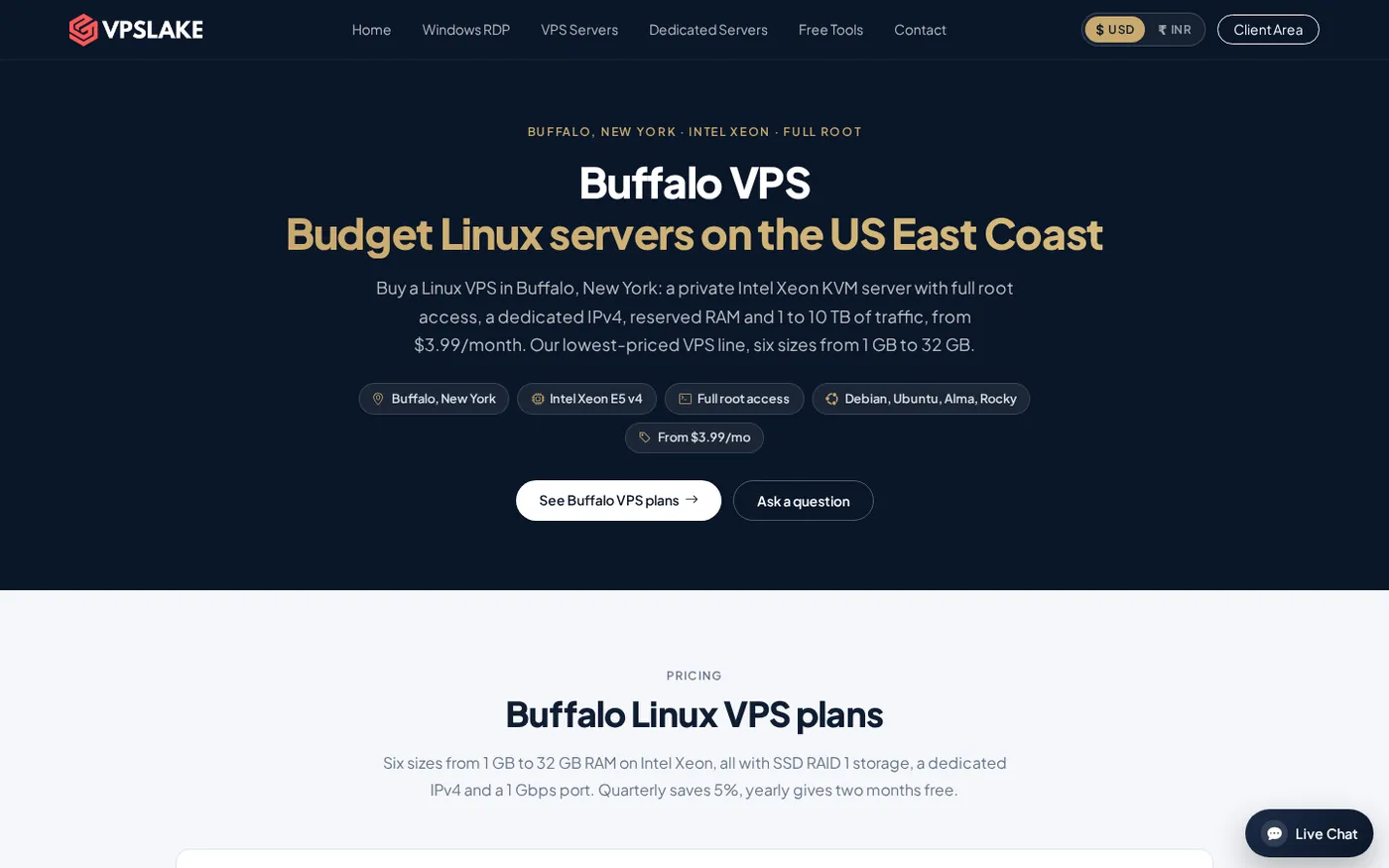
VPSLake is the strongest Linode alternative when you want one predictable Linux VPS without paying cloud-platform pricing for services you will not use. The Buffalo, New York plan is a private KVM virtual machine with reserved RAM, full root access, one dedicated IPv4, and SSD RAID 1 storage.
The 4 GB plan includes 3 vCPUs, 60 GB storage, 3 TB traffic, and a 200 Mbps port for $9.99/mo. You can install Debian 12, Ubuntu 24.04, AlmaLinux 9, or Rocky Linux 9. The 2 GB plan is $5.99/mo for a smaller application, while the 8 GB plan is $16.99/mo for several services or a larger Docker stack.
The price difference is substantial. VPSLake’s 4 GB plan costs $14.01 less per month than the current North American Linode 4 GB reference, or $168.12 over 12 monthly payments before taxes or optional services. This is a price comparison, not a benchmark claim.
VPSLake is also a practical choice if international checkout is part of your decision. You can pay with crypto, UPI, or card, then manage console access, reinstall, reboot, and password reset from the client area. Quarterly billing saves 5%, and yearly billing gives two months free.
Use the Buffalo Linux VPS plan table to compare the available sizes. Buffalo is on the US East Coast, so it fits US-facing apps, automation, small websites, APIs, and self-managed databases that need a US IPv4.
2. Amazon Lightsail: best for AWS-connected workloads
Amazon Lightsail is a practical choice when your server needs to connect to AWS services or you want a simpler entry point into the AWS ecosystem. Its Linux bundle with a public IPv4 is $24/month for 2 vCPUs, 4 GB RAM, 80 GB SSD storage, and 4 TB transfer. The official Lightsail bundle reference lists the bundle sizes and regional transfer notes.
Choose it when AWS integration, a familiar AWS account, or a fixed bundle matters more than the lowest monthly server price. For a standalone Linux VPS, compare its full bundle with VPSLake’s Buffalo plan rather than paying for ecosystem access you will not use.
3. DigitalOcean: best for a familiar developer cloud
DigitalOcean is a straightforward alternative for developers who want Droplets, an established control panel, APIs, volumes, firewalls, and optional managed services. Its current Basic 4 GB Droplet is listed at $24/month with 2 vCPUs, 80 GB SSD storage, and 4,000 GiB transfer.
It makes sense when your project already uses DigitalOcean services or you want to add managed components around the VM. For a single server, compare optional backups and attached storage with the all-in monthly price of a VPSLake Buffalo plan.
Our DigitalOcean alternatives comparison breaks down the same 4 GB price gap with a wider workload comparison.
4. Vultr: best when you need a specific server shape
Vultr is useful for buyers who want to choose between regular cloud compute, higher-frequency instances, and other performance categories. That gives you more shapes to evaluate when an application is sensitive to CPU speed, storage, or a particular deployment location.
Compare the plan family rather than selecting the cheapest number on the pricing page. Check vCPU allocation, storage type, transfer, IPv4 cost, billing cap, and whether the region you need has the same plan. A 4 GB high-frequency instance is not the same purchase as a 4 GB shared-CPU instance.
If your requirement is simply a low-cost US Linux VPS with the core resources shown in one table, Buffalo is easier to price. If your requirement is a specialized region or compute category, use the Vultr alternatives guide as another checklist.
5. Hetzner Cloud: best for European workloads
Hetzner Cloud fits projects whose users, databases, or internal teams are best served from Europe or one of its available US locations. It bills cloud servers hourly with a monthly price cap, so it can work well for test machines that you create and remove during a billing period.
Before choosing it, verify the location, CPU family, IPv4 charge, included transfer, and currency. Hetzner’s 2026 price adjustment shows why older comparisons can be misleading.
For a Buffalo-based application, VPSLake keeps the location, dedicated IPv4, storage, traffic, and monthly price together. That is the simpler fit when your priority is a US server rather than European placement.
How to choose the right Linode alternative
Start with the workload and the location, then compare the total monthly bill. Use this order:
- Measure the current server. Record peak RAM, CPU, disk use, traffic, open ports, database size, and scheduled jobs.
- Match the operating system. Confirm that the target supports your Linux distribution, kernel requirements, Docker version, and architecture.
- Compare included resources. Check storage type, usable disk, traffic, port speed, IPv4, backups, and snapshot pricing.
- Check the payment path. Confirm whether you can use the card, UPI, or crypto rail available to you.
- Plan the rollback. Keep the old Linode running until the new VPS serves the application correctly and the final backup is verified.
For a broader checklist, see how to choose a VPS provider. A provider with more regions or managed services is not automatically the better choice for one small Linux server.
Migrating from Linode with rsync and DNS
Do not copy a running production database and immediately delete the old instance. Build the new VPS, harden SSH, install the same application dependencies, and test with a temporary hostname first.
For ordinary files, rsync can copy only changed data. The GNU rsync documentation explains the archive and SSH options.
rsync -aH --info=progress2 -e ssh /srv/app/ root@NEW_SERVER_IP:/srv/app/For a database-backed application, put the application in maintenance mode, create a fresh database dump, copy uploads and configuration files, restore the dump on the new server, and run the final file sync. Then test logins, writes, background jobs, HTTPS, email, and outbound API calls.
Lower the DNS TTL before the move, update the A or AAAA record, and keep the old server available while resolvers refresh. Check the domain from more than one network before removing the old server.
FAQ
What is the best Linode alternative in 2026?
For a single self-managed Linux VPS, VPSLake’s Buffalo 4 GB plan is the best value in this comparison at $9.99/mo. It includes reserved RAM, 3 vCPUs, full root access, a dedicated IPv4, and 3 TB traffic.
Is VPSLake cheaper than Linode?
Yes, for the 4 GB North American reference used here. VPSLake is $9.99/mo, while Akamai’s current North America table lists Linode 4 GB at $24/mo. The plans have different hardware and storage layouts, so compare workload requirements as well as price.
Which Linode alternative accepts UPI or crypto?
VPSLake accepts crypto, UPI, and cards for Buffalo Linux VPS plans. That gives buyers a direct checkout option when an international card-only workflow is inconvenient.
Can I move a Linode server to another VPS provider?
Yes. Rebuild the target VPS, copy application files, restore databases and volumes, test with a temporary hostname, and then change DNS. Keep the Linode instance available until the new server passes your checks.
Is a 4 GB VPS enough for Docker?
It can be enough for a small Docker stack, API, automation service, or low-traffic website when images and databases are modest. Monitor memory and disk use after deployment; move to 8 GB if your containers regularly approach the available RAM.