


An rdp free trial can help with a connection check, but it rarely proves that the service suits ongoing work. A paid RDP with a money-back window gives you time to test the IP, resources, access and workflow on the server you may keep.
| Option | What you usually receive | Best use | Main question to ask |
|---|---|---|---|
| VPSLake Buffalo Windows RDP | Private KVM VM, reserved RAM, dedicated US IPv4 and full Administrator access from $9.99/mo | Testing a real working setup before continuing | Does the 5-day money-back policy apply to my first purchase? |
| Free RDP trial | Temporary access, often with limits on time, resources or networking | Checking whether your device can connect | Is the server private, and what ends when the trial ends? |
| $1 RDP trial | A low-cost test with a short term or reduced specification | Testing basic login at the lowest upfront cost | Is it the same plan, IP type and support as the paid service? |
VPSLake paid RDP: best for a real test
The strongest reason to choose a paid plan is that the test environment can match the one you intend to use. VPSLake’s Buffalo Windows RDP 4 GB plan is $9.99/mo with 3 vCPU, 4 GB reserved RAM, 60 GB SSD storage, 3 TB traffic, a 200 Mbps port, a dedicated US IPv4 and a private KVM VM.
You also get full Administrator access and a choice of Windows Server 2019, Windows 10 Pro or Windows 11 Pro images. VPSLake supplies the image; you bring your own Windows licence, with no licence surcharge.
The plan is designed for one browser profile, MT4/MT5 EA use, rater work and a Google Ads account. It includes browser console, reinstall and reboot controls in the client area, crypto, UPI and card payments, and automated provisioning after payment.
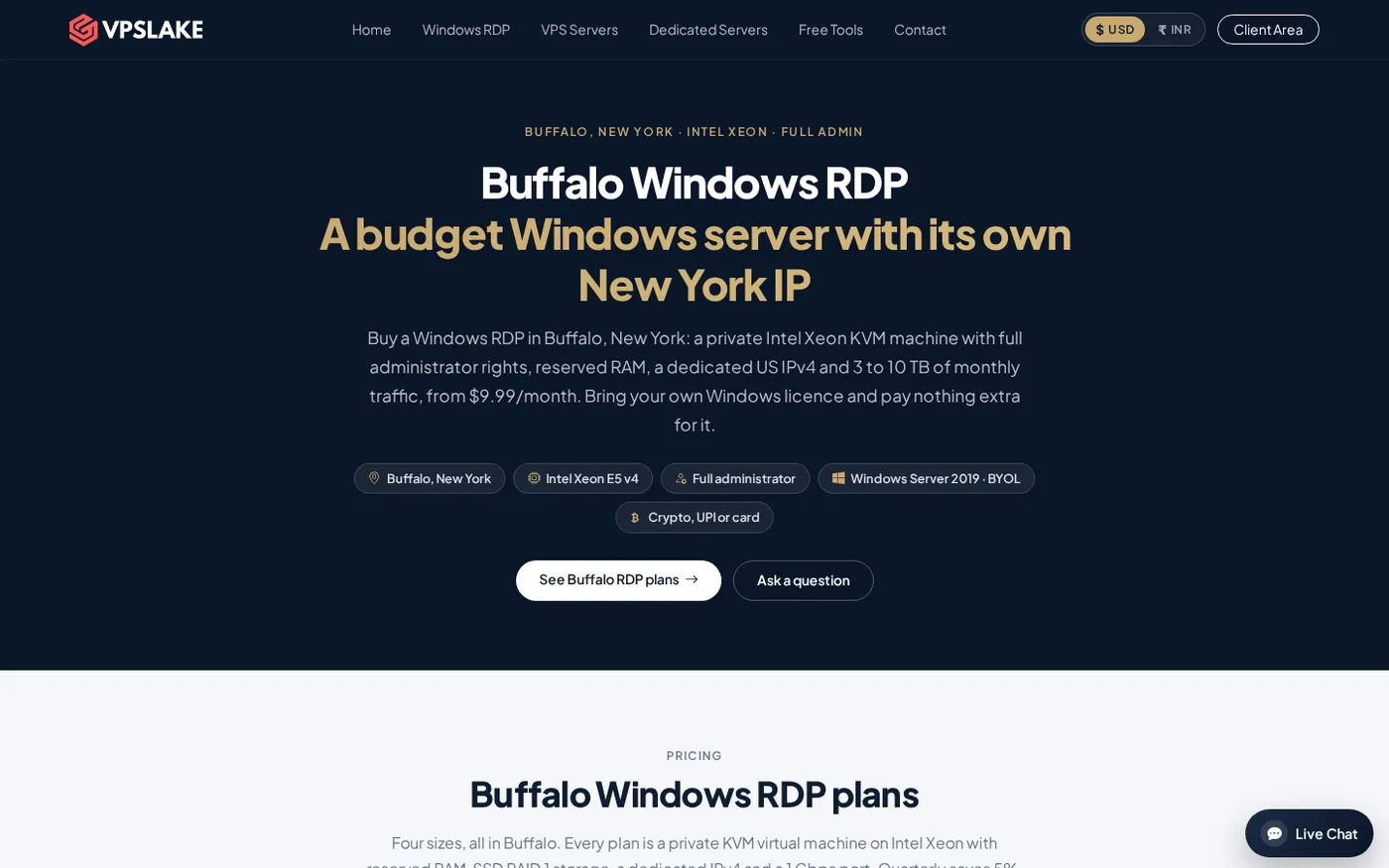
The important distinction is isolation. A private KVM VM with reserved RAM is a different test from a shared desktop, login or IPv4, especially for a browser, trading terminal or work application.
What “free RDP” usually means
“Free RDP” is a search phrase, not a consistent technical specification. An offer may mean a short-lived Windows desktop, a promotional account, a shared environment, a cloud-credit arrangement or a trial that requires manual approval. Read the terms before treating it as a normal RDP subscription.
Check these items first:
- Trial duration: Is access measured in hours, days, or until a usage quota is reached? What happens at expiry: shutdown, deletion or conversion to a paid plan?
- Server type: Is the session on a private VM, a shared machine or a multi-user desktop? “Full access” should not be assumed from a marketing headline.
- IP address: Is the IPv4 dedicated to you, or shared with other customers? Ask whether the address and location stay the same after the trial.
- Resources: Confirm RAM, vCPU, storage and traffic. A trial with a smaller specification cannot tell you how the paid plan will feel under normal load.
- Windows image and licence: Confirm the Windows edition and who is responsible for licensing. A free image is not automatically a licence for your use.
- Support and recovery: Find out whether you can reset a password, reinstall the image or reboot yourself.
Microsoft says Remote Desktop access can expose apps, files and network resources. Treat a trial login as access to a real computer: use a unique password and do not copy sensitive data into an environment whose ownership terms you have not checked. Microsoft’s Remote Desktop guidance recommends Network Level Authentication for most environments.
Risks: shared boxes, logged sessions and abused IPs
Shared resources can make the test misleading
If several users share the host or CPU allocation, a quiet trial may feel fine while a busy period feels different. Ask whether the specification is reserved for your VM and whether you have administrator rights. VPSLake’s Buffalo plan uses a private KVM VM and reserved RAM, so the test matches the service you can continue using.
A shared login is a privacy boundary
Never use a shared Windows username for personal accounts, trading credentials, advertising accounts or work files. A provider should explain whether the account, VM and storage are assigned to you alone.
Check clipboard, drive and printer redirection too. Microsoft documents that Remote Desktop can expose local resources, so enable only what you need and see Microsoft’s security warnings for RDP files before accepting an unknown connection file.
A shared or previously used IP can affect your workflow
When an IPv4 address is shared, another customer’s activity may affect its reputation or the number of users who appear behind it. Ask whether the IP is dedicated, whether the location is fixed and whether you keep it after the trial. A dedicated IP is a stable network identity to evaluate, not a guarantee of approval by any platform.
What $1 RDP trials usually cut
A $1 RDP can be a legitimate promotion, but the price alone does not tell you what you are buying. The usual trade-off is that one or more parts of the service are smaller, shorter or less flexible:
- The access period may be much shorter, and the machine may have less RAM, fewer vCPUs or less storage than the regular plan.
- The IP may be shared, forwarded through a non-standard port or replaced after the trial.
- Reinstall, reboot, console and password-reset controls may not be included.
- The $1 price may exclude the Windows licence, taxes, payment fees or the normal renewal rate; support may cover connection problems only.
Compare the trial with the paid specification line by line. If the VM, image, IP arrangement or resource tier changes, the trial proves only that you can log in. Recreating files, profiles and applications after each short trial can cost more time than the price saves.
A safer test: paid plan with money-back
VPSLake offers a 5-day money-back period on a first purchase, giving you a defined window to test the same paid configuration you may retain. Review the refund policy before ordering.
Use the window for operational tests, not prohibited activity or irreplaceable data. Use a unique password, keep sensitive credentials out of the session and record the plan details you received.
If you already have a Windows licence, the Buffalo plan lets you select the supplied Windows image and use your own licence without a Windows licence surcharge. If you need a normal desktop rather than Windows Server, choose the Windows 10 Pro or Windows 11 Pro image on the order form. If you need a server-style environment, select Windows Server 2019.
For connection setup, VPSLake’s Windows VPS setup checklist covers the first administrative checks. The point is to test the service you actually ordered.
How to test an RDP in your first 48 hours
Run this checklist during the first two days. It catches differences that a quick login test misses.
- Confirm the basics. Check the Windows edition, RAM, vCPU count, storage and public IPv4 against the order page.
- Test normal connections. Connect from the device and network you will use, reconnect after a short disconnect and verify the IP and location.
- Measure your workload. Open the browser profile, MT4/MT5 terminal or work application you plan to run and watch Task Manager while it is active.
- Test administration. Confirm console, reboot, password-reset and reinstall controls where included. Back up files before reinstalling.
- Review security. Use a strong unique password, keep Network Level Authentication enabled when supported and remove software you do not need. See Microsoft’s Remote Desktop client documentation.
- Test the workflow. Move a non-sensitive sample file, reconnect after a local network change and check that required apps stay usable.
- Decide before expiry. Note the IP, resources, access controls and support response, then use the published refund process if the plan does not match the offer.
If copy and paste behaves unexpectedly, use VPSLake’s guide to fix copy-paste not working in RDP before deciding that the whole server is unsuitable. A single client setting can look like a provider problem.
How to choose between free, $1 and paid RDP
Choose a free RDP only for a short, low-stakes connectivity check after the provider explains who controls the machine, how long access lasts and what data is retained.
Choose a $1 trial only when it uses the same VM type, Windows image, IP arrangement and support path as the normal plan. Otherwise, treat it as a login demo.
Choose a paid RDP with a money-back period when you need to evaluate a real monthly setup. VPSLake’s Buffalo Windows RDP is the more useful test because the 4 GB plan has reserved RAM, a private KVM VM, full Administrator access and a dedicated US IPv4 at a clear monthly price.
The final check is licensing. VPSLake is BYOL: the Windows image is supplied, but you provide the Windows licence. Verify that this fits your use before testing.
FAQ
Is a free RDP trial safe?
It can be safe for a limited connectivity check if the provider clearly assigns the account, explains the network setup and gives you control of the Windows login. Treat an unknown shared session as untrusted, use a unique password and do not upload sensitive data.
Is a $1 RDP trial worth it?
It is worth considering only when the $1 service matches the paid plan’s VM, resources, IP type, Windows image and support. If it is smaller or shared, it proves that you can connect but not that the regular plan will meet your workload.
Can I test paid RDP without a long commitment?
Yes. VPSLake states that its first purchase has a 5-day money-back period. Read the refund policy before ordering and use the period to test your actual workload, administration controls and connection stability.
Does VPSLake include a Windows licence?
No. VPSLake supplies the Windows Server 2019, Windows 10 Pro or Windows 11 Pro image, and you bring your own Windows licence. The plan has no Windows licence surcharge.
What should I test first on an RDP?
Start with the assigned resources, public IP, Windows edition and administrator access. Then run the browser, trading terminal or work application you actually need, test reconnecting and confirm that the recovery controls work.