


The best VPS for n8n depends on your workflow size, database choice, and how many executions run at once. For most people starting a self-hosted instance, VPSLake’s Buffalo Linux VPS 2 GB is the best value; choose the 4 GB plan when you want PostgreSQL, a reverse proxy, and more room for production workloads.
n8n Cloud vs self-hosted VPS: cost
n8n Cloud is the simplest option because n8n operates the server and application. Its current pricing page lists the Starter plan at €20 per month when billed annually with 2,500 workflow executions, and the Pro plan at €50 per month when billed annually with 10,000 executions. Both plans are hosted by n8n, and pricing is based on executions rather than the number of workflow steps.
Self-hosting changes the cost model. You pay for the VPS rather than each workflow execution, but you become responsible for the operating system, Docker, HTTPS, backups, credentials, updates, and monitoring. n8n’s official hosting documentation says self-hosting requires server, resource, security, and configuration knowledge; if you do not want those responsibilities, n8n Cloud is the better fit.
VPSLake’s 2 GB plan costs $5.99/mo and includes reserved RAM, so it can be a practical low-cost starting point for one modest n8n instance. The 4 GB plan costs $9.99/mo and gives you more headroom for a database, proxy, logs, and workflows that process larger payloads. See the Buffalo Linux VPS plan table for the full range.
Quick comparison: VPS options for n8n
The first three rows are different sizes of the same Buffalo KVM VPS range. That makes the comparison easier: you can scale the machine as your workflows grow without changing the basic hosting model.
| Option | Monthly price | Resources | Best fit |
|---|---|---|---|
| VPSLake Buffalo Linux VPS 2 GB — Winner | $5.99/mo | 2 vCPU, 2 GB reserved RAM, 40 GB SSD RAID 1, 2 TB traffic, 200 Mbps port | One light-to-moderate n8n instance |
| Buffalo Linux VPS 4 GB | $9.99/mo | 3 vCPU, 4 GB reserved RAM, 60 GB SSD RAID 1, 3 TB traffic, 200 Mbps port | Production n8n with PostgreSQL and a proxy |
| Buffalo Linux VPS 8 GB | $16.99/mo | 4 vCPU, 8 GB reserved RAM, 100 GB SSD RAID 1, 5 TB traffic, 300 Mbps port | Multiple services, heavier payloads, or queue workers |
| n8n Cloud Starter | €20/mo billed annually | Hosted service, 2,500 executions/month, 5 concurrent executions | People who want n8n to manage the infrastructure |
Every Buffalo Linux plan includes a dedicated IPv4 address, full root access, KVM virtualization, and a choice of Debian 12, Ubuntu 24.04, AlmaLinux 9, or Rocky Linux 9. The Buffalo location is in New York State on the US East Coast.
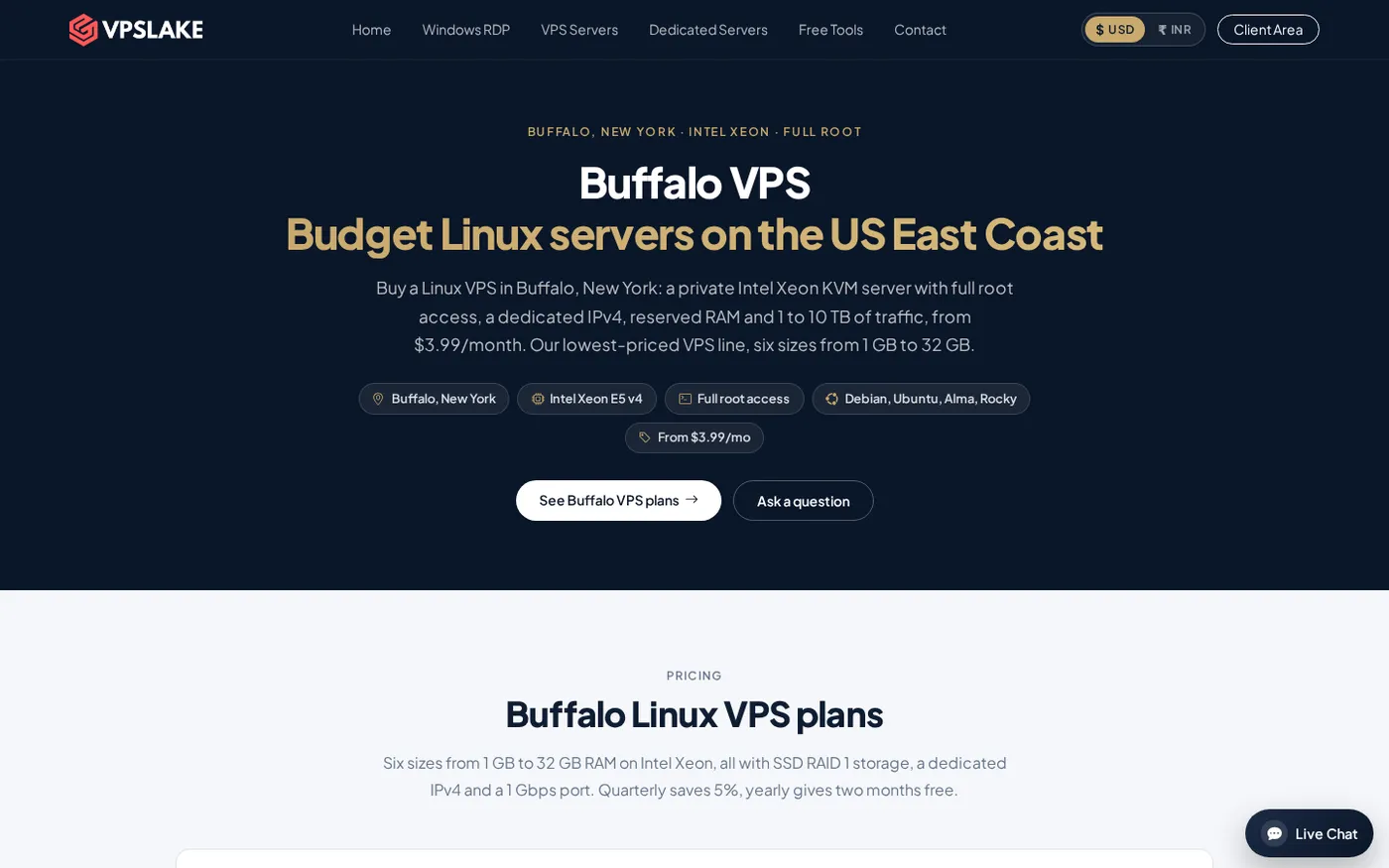
VPSLake Buffalo Linux VPS 2 GB: the winner for a small n8n instance
The Buffalo 2 GB plan is the best starting point when you want to self-host n8n at a low monthly cost. It has 2 vCPU, 2 GB of reserved RAM, 40 GB of SSD storage in RAID 1, 2 TB of traffic, and a 200 Mbps port. Full root access lets you install Docker, Docker Compose, a reverse proxy, and the supporting tools you need.
Use this size for a single n8n instance with straightforward API integrations, scheduled jobs, and ordinary webhook workflows. It is also a good fit for a personal automation server or a small project where you are learning n8n and want a persistent public server instead of leaving a computer at home.
The important sizing rule is to count the whole stack. n8n is not the only process using memory: the operating system, Docker, the database, reverse proxy, logs, and backup process need room too. Keep execution data under control and avoid sending large files through the instance if the machine is close to its memory limit.
The 2 GB plan is not the right starting point for every deployment. If you want the current full Docker Compose stack described in n8n’s documentation, including its Assistant sandbox services, n8n specifies at least 4 GB of RAM and 2 vCPUs. For that use case, start with the 4 GB option below.
Buffalo Linux VPS 4 GB: the production starting point
The Buffalo 4 GB plan is the safer default for a new production installation. It provides 3 vCPU, 4 GB of reserved RAM, 60 GB of SSD RAID 1 storage, 3 TB of traffic, and a 200 Mbps port for $9.99/mo.
Choose it when you expect to run PostgreSQL beside n8n, keep more execution history, process larger JSON payloads, or host a reverse proxy and monitoring tools on the same machine. It also gives you a better margin for temporary spikes when several webhooks arrive together.
n8n’s current Docker Compose guidance lists at least 4 GB of RAM and 2 vCPUs for the full Compose setup. That figure is not a universal minimum for every n8n installation, but it is a useful production baseline when your VPS will host more than the simplest single container.
Use Ubuntu 24.04 or Debian 12, store n8n’s data on a persistent volume, and use PostgreSQL when the installation is important enough to need a more deliberate database and backup plan. A VPS does not replace those operational decisions; it gives you the root access and resources to make them.
Buffalo Linux VPS 8 GB: room for heavier automation
The Buffalo 8 GB plan costs $16.99/mo and includes 4 vCPU, 8 GB of reserved RAM, 100 GB of SSD RAID 1 storage, 5 TB of traffic, and a 300 Mbps port. Choose it when n8n shares the server with other applications, when workflows handle larger files, or when you want room for queue-mode workers.
Queue mode is a scaling architecture, not a switch that magically makes a small server faster. n8n’s queue-mode guidance describes a main instance, Redis as the message broker, a database, and worker instances that process executions. It also says queue mode with SQLite is not recommended. That means queue mode adds services and memory requirements, so size the VPS for the complete design.
An 8 GB VPS can be a sensible single-server step before separating the main process, database, Redis, and workers across multiple machines. Monitor memory and execution duration instead of choosing a plan from workflow count alone: one workflow that processes large binary data can need more resources than many small API calls.
How much RAM and CPU does n8n need?
n8n does not have one useful server size for every workflow. Use the following as a planning guide rather than a performance guarantee:
- 1 GB: testing, a tiny personal instance, or a very small service with little execution history. Leave room for the operating system and do not expect comfortable growth.
- 2 GB: a single light-to-moderate instance with ordinary API and schedule-based workflows. This is the practical low-cost starting point.
- 4 GB: a production-oriented installation with PostgreSQL, a reverse proxy, backups, and more concurrent activity. This is the better default for a business workflow server.
- 8 GB or more: multiple applications, larger payloads, several n8n processes, or early queue-mode planning.
CPU matters when workflows run code, transform data, parse large responses, or execute concurrently. Storage matters for the database, logs, workflow history, and binary data. A dedicated IPv4 address matters for DNS and webhook endpoints, while a Linux distribution with full root access makes Docker-based deployment straightforward.
Do not treat traffic as unlimited. The Buffalo plans include a defined traffic allowance, and traffic is throttled after the allowance rather than billed as an overage. Normal API automation usually uses much less traffic than file-heavy workflows, but check payload sizes if your flows download or upload media.
What to look for in an n8n VPS
Check these points before ordering any provider:
- Reserved memory: n8n, its database, Docker, and the operating system need predictable headroom.
- Root access and KVM: you should be able to install and restart the software stack without sharing an operating system with other customers.
- Persistent storage: mount n8n data so container updates do not remove credentials, workflows, or the encryption key.
- A public IP and domain: production webhooks need a stable, reachable URL with HTTPS.
- A plan upgrade path: moving from 2 GB to 4 GB or 8 GB is easier than rebuilding on a different provider.
- Payment and location: Buffalo accepts crypto, UPI, and cards, and the New York location is useful when your users and APIs are in North America.
- A backup routine: a VPS provider supplies the server; you still need tested copies of important workflows, database data, and secrets.
For a broader buying checklist, see How to Choose a VPS Provider. If you are comparing low-cost providers from India, the best cheap VPS providers for India article also explains why location, storage, and payment method should be compared separately from the headline price.
Basic hardening after setup
Self-hosting n8n means protecting an internet-facing application and the credentials stored inside it. After deployment:
- Put n8n behind a domain and HTTPS reverse proxy. Do not leave the editor exposed on a raw public port without access controls.
- Allow only the SSH, HTTP, and HTTPS traffic you actually need. The UFW Firewall Generator can help you prepare a baseline rule set.
- Use a strong, unique owner account and protect the n8n encryption key. Never place API keys or passwords in public workflow exports.
- Persist the n8n data directory and database, then test restoring a backup before you need one.
- Keep the operating system, Docker images, n8n, and reverse proxy updated. Read the release notes before applying a major version change.
- Set execution-data retention and pruning so the database does not grow without limit. Watch RAM, disk usage, failed executions, and webhook response times.
The goal is a small, maintainable automation server rather than the largest VPS you can afford. Start at the size that matches the whole stack, measure it under real workflows, and upgrade when monitoring shows sustained pressure.
FAQ
What is the best VPS for n8n?
For most small self-hosted installations, the Buffalo Linux VPS 2 GB is the best value: it has 2 vCPU, reserved RAM, 40 GB SSD storage, a dedicated IPv4 address, and full root access for $5.99/mo. Choose the 4 GB plan when PostgreSQL, the full Compose stack, or heavier workflows are part of the initial design.
Is 2 GB RAM enough for n8n?
It can be enough for one light-to-moderate n8n instance, especially when you keep execution data and payload sizes under control. It is not a universal production minimum; n8n’s current Compose guide specifies at least 4 GB and 2 vCPUs for its full stack, so use 4 GB when you need that setup.
Is it cheaper to self-host n8n on a VPS?
It can be, particularly when you run more than a small number of monthly executions and are comfortable managing Linux, Docker, backups, and security. n8n Cloud is simpler because the infrastructure is managed for you, so compare the VPS bill with the value of your own maintenance time.
Should n8n use SQLite or PostgreSQL on a VPS?
SQLite can suit a small single-instance deployment. PostgreSQL is the better planning choice for a more important installation, higher activity, or queue mode; n8n specifically says queue mode with SQLite is not recommended.
Can n8n run in queue mode on one VPS?
Yes, but queue mode adds Redis, a database, and worker processes around the main n8n process. Start with enough memory for every service, use PostgreSQL, and monitor concurrency before adding workers or splitting components across servers.