


VPSLake private RDP is the winner in this private RDP vs shared RDP comparison when you need a whole virtual machine rather than a login on a Windows server used by several customers. Private RDP costs a little more, but it gives you control over software, settings, reboots, resources and IP reputation, making it the better choice for work that must stay consistent.
Quick answer: VPSLake private RDP is the safer default
A shared RDP normally means one Windows Server is divided between many unrelated users. You receive a username and password for a session, while the provider controls the operating system, server resources and usually the IP address. A private RDP is a virtual machine assigned to one customer, with an administrator account, a dedicated IP and resources assigned to that VM. It is also called admin RDP or dedicated RDP, although it is not a dedicated physical server.
Choose shared RDP only when your task is light, temporary and limited to software already installed by the provider. Choose private RDP if you need to install applications, run a trading terminal or automation service, create users, change firewall rules, keep a stable IP or work without another customer’s activity affecting your session.
How shared RDP works
The provider runs one Windows host and gives several customers separate accounts or sessions on it. Windows can isolate sessions with user permissions, so “shared” does not automatically mean that every user can open every other user’s files. However, all sessions still depend on the same host, operating system, storage system, network connection and public IP.
That shared foundation creates four practical trade-offs:
- Resources are shared. CPU, memory, disk I/O and network capacity are consumed by multiple sessions.
- Control is limited. Standard users usually cannot install system-wide software, change security policies, reboot the host or reinstall Windows.
- The IP is shared. Other customers use the same public address, so their activity can affect its reputation.
- The host is a common dependency. A maintenance event, configuration change or restart can affect multiple customers.
Shared RDP can be a sensible low-cost login for a browser or a short task when you do not need administrator rights. It is a poor fit for software that requires drivers, background services, custom firewall rules or a clean environment.
How private RDP works
With private RDP, the provider creates a KVM-based virtual machine for you. The hypervisor separates your machine from other virtual machines, while the Windows desktop, applications and user accounts inside your VM are yours to manage.
Private means your Windows environment is not a shared login and your VM’s assigned resources are reserved; the provider still manages the host hardware and data-centre network.
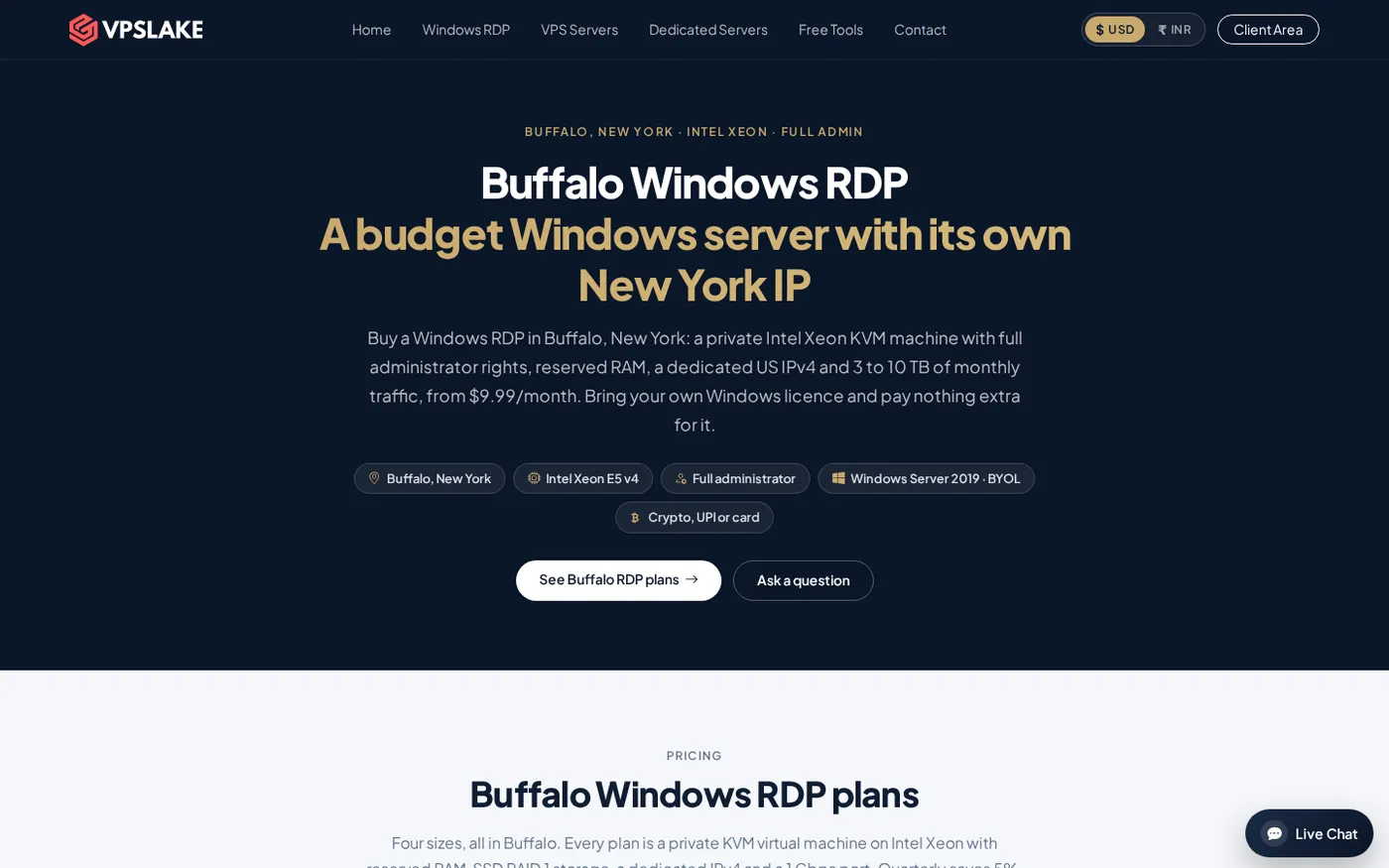
For example, the VPSLake Buffalo Windows RDP 4 GB plan includes 3 vCPU, 4 GB reserved RAM, 60 GB SSD storage, 3 TB traffic on a 200 Mbps port, a private KVM VM, full Administrator access and one dedicated US IPv4. It is $9.99/mo. Windows is BYOL: VPSLake supplies the Windows Server 2019, Windows 10 Pro or Windows 11 Pro image, and you bring your own Windows licence with no licence surcharge.
You can compare the current Buffalo Windows RDP plans before ordering. Quarterly billing saves 5%, and yearly billing gives two months free according to the product information.
Private RDP vs shared RDP: comparison table
The table below compares the normal meaning of these offers in the RDP market. A provider can configure a shared service differently, so read the exact plan terms before you pay.
| Option | Verdict | What you receive | Control and resources | IP and price |
|---|---|---|---|---|
| VPSLake private RDP — Winner | Best choice for consistent, customer-controlled Windows work | A private KVM virtual machine with Windows image options | Full Administrator access, 3 vCPU, 4 GB reserved RAM, 60 GB SSD, 3 TB traffic and a 200 Mbps port | One dedicated US IPv4; Buffalo 4 GB is $9.99/mo |
| Typical shared RDP | Suitable only for light, temporary work using preinstalled software | A user login or session on a Windows host used by multiple customers | Permissions, CPU, RAM, software installation, reboots and reinstall are controlled or shared | Usually one IP used by several customers; price varies |
The difference buys more than speed: it gives you a separate management boundary and lets you change settings without waiting for a host administrator.
Privacy and security: what changes between the two
Private RDP gives you stronger separation, but it does not make an unmanaged server automatically secure. Use a strong administrator password, current Windows updates, Network Level Authentication and sensible firewall rules. Microsoft’s Remote Desktop Services overview describes both multi-session desktops and personal virtual machines, while its troubleshooting guidance distinguishes basic administrative connections from a full multi-user deployment.
On shared RDP, you generally cannot decide how the host is hardened, how many people use it, how the IP is monitored or when it is rebooted. You are trusting the provider’s account separation and the other customers’ behaviour on the same machine.
On private RDP, you control the guest operating system. That lets you create a standard user for an assistant, restrict inbound access, install only the software you need and remove accounts when a project ends. It also makes troubleshooting easier because fewer variables are outside your control.
Private does not mean residential. VPSLake’s Buffalo address is a US data-centre IPv4, not a home or mobile connection. If a platform forbids remote desktops or data-centre addresses, a private RDP does not change that rule.
When shared RDP is enough
Shared RDP can work when all of these statements are true:
- You need a short-lived workspace rather than an always-on machine.
- The provider has installed every application you need.
- You do not need administrator rights, custom services or scheduled tasks.
- A shared IP and shared host resources are acceptable.
For a basic browser task, ask how accounts are isolated, whether sessions have resource limits, whether you get a separate profile and what happens when the host restarts.
Do not choose shared RDP just because the advertised monthly price is lower if you need to install MetaTrader, run an Expert Advisor, use several browser profiles, configure a VPN client, change the firewall or leave a background service running. Those are private-VM requirements.
When private RDP is worth the extra cost
Private RDP is the better fit for buyers who want a repeatable Windows environment. Common examples include:
- One or more MT4/MT5 terminals that must remain available after you disconnect.
- A browser profile with extensions or software that needs administrator approval.
- A script, scheduled task or Windows service that runs continuously.
- A dedicated IP for a business workflow where other users’ activity is undesirable.
- A small team that needs separate local accounts on one customer-controlled VM.
The Buffalo plan is a practical starting point for one main desktop workload. Move to 8 GB at $16.99/mo for several browser profiles or several MT4 terminals, 16 GB at $29.99/mo for heavier multi-profile work, or 32 GB at $54.99/mo for a team or larger workload. Each is still a private KVM VM with full Administrator access; the plan size changes the capacity, not the access model.
If you are unsure how much memory your application needs, the published MT4 and MT5 VPS requirements can help you estimate the plan size. After purchase, the Windows VPS setup checklist covers the first configuration tasks.
How to choose before you buy
Use this five-point check rather than comparing the headline price alone:
- Confirm the isolation model. Ask whether you receive a VM or only a Windows user account. “Dedicated RDP” should not be assumed to mean a physical server.
- Check the administrator level. Make sure you can install your required software, add users and control Windows services.
- Check the IP model. Confirm whether the IPv4 is dedicated to your VM and whether it is a data-centre address.
- Check the resource commitment. Look for the exact vCPU, RAM, storage, traffic and port speed. “Unlimited” or “high performance” is not a specification.
- Check the Windows licence terms. A low monthly price may exclude the Windows licence. For VPSLake, you bring your own Windows licence; there is no licence surcharge.
For most buyers searching for private RDP, the answer is straightforward: choose a private KVM VM with full administrator access and a dedicated IP. VPSLake’s admin RDP plans follow that model, with Buffalo, New York as the available location at the time of writing.
FAQ
What is the difference between private RDP and shared RDP?
Private RDP gives one customer a virtual machine, administrator access, dedicated IP and assigned resources. Shared RDP gives you a login or session on a Windows host used by several customers, usually with restricted permissions and shared resources.
Is private RDP faster than shared RDP?
It is usually more consistent because the private VM’s plan resources are reserved for that VM rather than being consumed by many customer sessions. Actual experience still depends on your application, network path, Windows configuration and the plan size you choose.
Is private RDP the same as a dedicated server?
No. Private or dedicated RDP usually describes a customer-only virtual machine with its own IP and administrator access. A dedicated server is physical hardware; a private RDP is a VM running on provider-managed hardware.
Can I install software on private RDP?
Yes, full Administrator access lets you install compatible applications, create users, configure services and manage Windows settings. You remain responsible for using valid software licences and following the provider’s terms and the rules of the platforms you access.
Is shared RDP safe for business work?
It can be acceptable for low-risk, short-lived work if the provider has strong account separation and you do not need control of the host. For sensitive workflows, persistent automation, trading terminals or custom software, a private VM gives you a clearer isolation and management boundary.