


If you are searching for ssd nodes alternatives, VPSLake Buffalo Linux VPS is the best starting point when you want high RAM, a fixed monthly bill, and no long prepayment requirement. SSD Nodes still has attractive headline specifications, but its pricing page prominently shows three-year billing cycles, so the useful comparison is not RAM alone: it is the total commitment, refund window, storage, traffic, and control you get.
Why people look past SSD Nodes
SSD Nodes is built around large-memory KVM plans with substantial SSD storage and transfer allowances. Its pricing page prominently shows three-year billing cycles; the billing cycle can be changed in the cart, but the monthly figure may be different.
That distinction matters if you are testing an application, moving a business workload, or simply do not want to pay for years of hosting before you know the server is a fit. A fair SSD Nodes alternative should therefore answer four questions:
- Can you pay month to month without a large prepaid commitment?
- Is the RAM reserved, and is virtualization clearly defined?
- What storage, traffic, IPv4, and management access are included?
- What happens if you cancel or request a refund?
VPSLake wins this comparison for buyers who want a straightforward Buffalo, New York VPS with monthly pricing, full root access, KVM virtualization, and a five-day money-back window on a first purchase.
Quick comparison of SSD Nodes alternatives
Compare billing model and buying fit, then verify each provider’s final configuration before paying.
| Provider | Billing posture | Best fit | What to check before ordering |
|---|---|---|---|
| VPSLake Buffalo Linux VPS | Monthly; quarterly saves 5%; yearly gives two months free | High-RAM apps, Docker, bots, databases, and self-hosting | Buffalo location, plan traffic allowance, and your own backup plan |
| DigitalOcean | Usage-based pricing with monthly caps; Droplets moved to per-second billing in 2026 | Teams that already use a cloud API and usage-based infrastructure | Total cost of storage, backups, transfer, and IPv4 |
| Vultr | Hourly billing with a monthly cap for standard server types | Short-lived test servers and multi-region deployments | Charges continue for stopped servers and attached resources until they are destroyed |
| Hetzner | Cloud plans with shared-resource and dedicated-vCPU categories | Linux projects that need cloud API and network tooling | Resource type, location, traffic policy, and support expectations |
| Hostinger | KVM VPS plans with root access and longer-term promotional pricing | Buyers who want a guided hosting dashboard and bundled management tools | Renewal price, billing term, refund conditions, and payment method |
VPSLake Buffalo VPS: best overall alternative
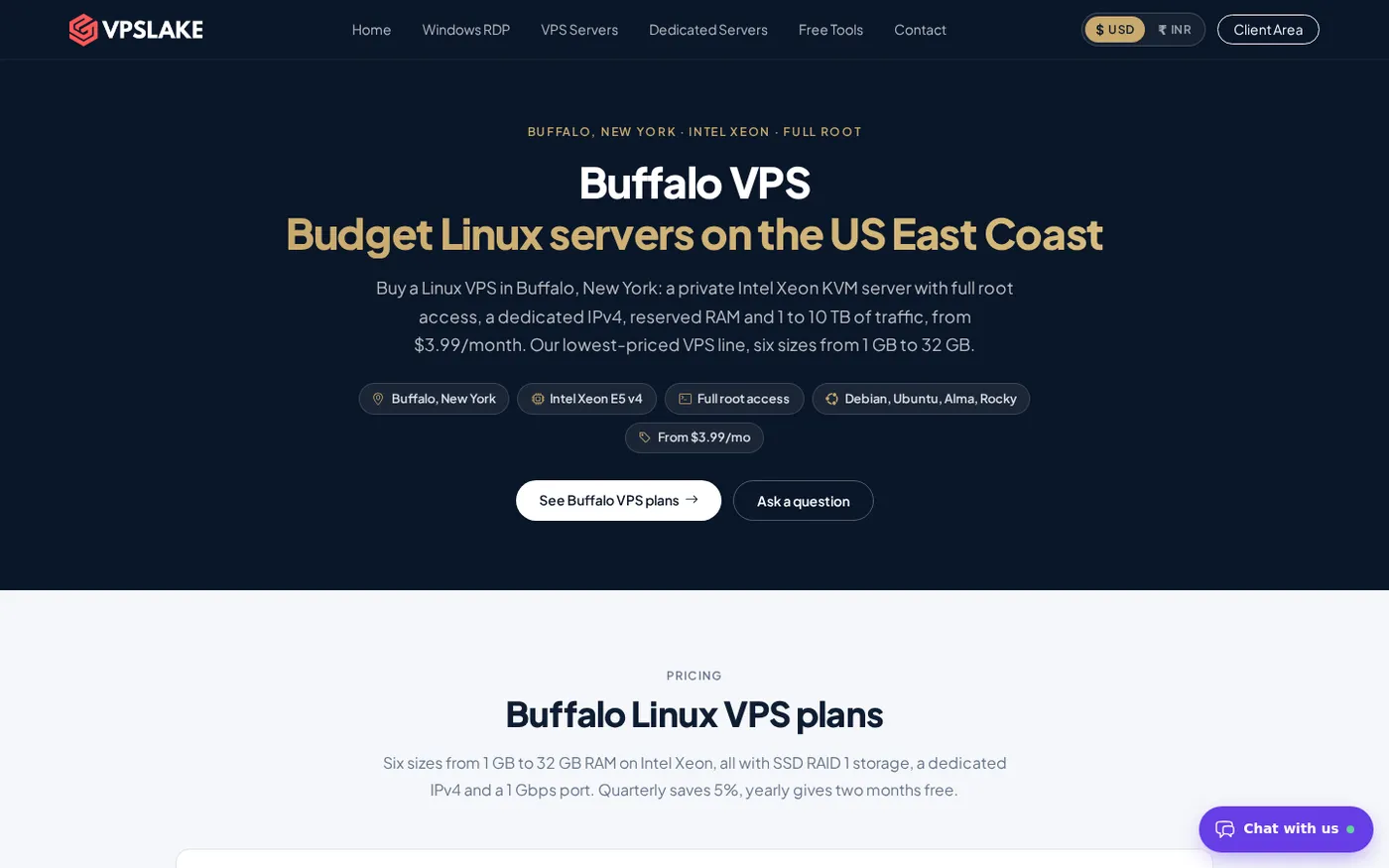
The Buffalo Linux VPS is the strongest SSD Nodes alternative for a buyer who wants predictable monthly spending and enough RAM for more than a small website. The 8 GB plan is $16.99/mo and includes 4 vCPU, 100 GB SSD storage in RAID 1, 5 TB traffic, and a 300 Mbps port. RAM is reserved, and the server runs as a private KVM virtual machine with full root access.
You also get one dedicated IPv4 address and a choice of Debian 12, Ubuntu 24.04, AlmaLinux 9, or Rocky Linux 9. Those options cover common web stacks, Docker deployments, automation services, databases, and small development environments without forcing you into a proprietary application platform.
Smaller plans start at $3.99/mo, $5.99/mo, and $9.99/mo for 1 GB, 2 GB, and 4 GB. Each tier has its own traffic and port allowance, so select by workload rather than assuming every plan has the same network speed.
The commercial difference is simple. You can pay monthly, receive automatic setup after payment, and use crypto, UPI, or card payment methods. Quarterly billing saves 5%, and yearly billing gives two months free. The first purchase also has a five-day money-back period under the VPSLake refund policy.
This is the best choice for a US East Coast server, dedicated IPv4, Linux root access, and a bill you can review one month at a time. It suits Python services, Docker Compose stacks, small databases, and automation. See the VPS requirements guide and best cheap VPS guide for India for related comparisons.
DigitalOcean alternative
DigitalOcean is a cloud VM alternative with an API-led workflow. Its official pricing documentation lists Droplets by memory, vCPU, transfer, storage, and hourly/monthly rate, with per-second billing and a 60-second minimum.
Compare the Droplet, block storage, backups, reserved IPs, and transfer with the cost of one fixed VPS plan.
Choose this type of alternative when API provisioning and usage-based accounting are central to your project. A fixed monthly Buffalo VPS is easier to price before deployment.
Vultr alternative
Vultr is another cloud alternative with hourly server billing. Its current documentation says standard server types are billed up to 672 hours per month, and that a stopped server can continue to incur charges because compute, storage, and IP resources remain reserved until the server is destroyed.
Compare the monthly cap, storage, transfer, backups, and IPv4 together. Stopping a server is not the same as deleting billable resources attached to it. VPSLake is simpler for a long-running workload on one fixed KVM VPS.
Hetzner alternative
Hetzner Cloud separates shared-resource plans from dedicated-vCPU plans. Its official product page describes shared cloud servers as suited to variable or low-to-medium CPU use, while dedicated-vCPU servers target sustained workloads and higher traffic. It also provides cloud API access, private networks, firewalls, and multiple Linux images.
The important check is whether you are comparing shared resources or dedicated vCPUs; the label “VPS” alone does not describe CPU allocation. VPSLake keeps the choice direct with reserved RAM, KVM, full root, one dedicated US IPv4, and a Buffalo location.
Hostinger alternative
Hostinger offers KVM VPS plans with full root access, NVMe storage, a web control panel, and broad locations. Compare its renewal figure and term rather than the introductory monthly number alone.
Hostinger’s published refund information says eligible VPS purchases can qualify for a 30-day refund under stated conditions, while cryptocurrency purchases are generally excluded. That is a different policy structure from VPSLake’s five-day first-purchase window, so check the exact payment method and service terms before ordering.
This alternative is relevant if a guided dashboard and bundled tools matter more than a fixed Buffalo plan. For independent Linux hosting with reserved RAM and predictable monthly pricing, VPSLake is the closer match.
Refund and cancellation terms compared
Refund terms are easy to overlook when a provider advertises RAM and disk space. Read the policy before deploying production data, and take a backup before submitting any cancellation or refund request.
- SSD Nodes: Its agreement describes month-to-month cancellation notice before the anniversary billing date and a 14-day VPS/cloud refund window, subject to its requirements.
- VPSLake: The first purchase has a five-day money-back period; the refund policy explains the conditions.
- DigitalOcean and Vultr: Usage-based billing requires you to review storage, backup, IP, and transfer charges and delete resources you no longer need. Vultr says stopped servers can continue billing until destroyed.
- Hostinger: Its current policy describes a 30-day VPS window with conditions, including restrictions for cryptocurrency payments.
The practical lesson is to separate “money-back period” from “cancel anytime.” You can often stop renewal while keeping a service active through the paid term, but a refund may terminate the server and delete its data immediately.
How to move your apps from SSD Nodes
You do not need to rebuild every application. Use one parallel server, one verified backup, and a short DNS or connection cutover.
- Inventory the old VPS. List services, Docker Compose files, environment variables, cron jobs, firewall rules, databases, uploaded files, and DNS records. Do not copy secrets into a public repository.
- Create the new server. Pick the Buffalo plan by RAM and disk need, choose your Linux image, add your SSH key, and keep the old VPS online while you test the new one.
- Harden access first. Create a non-root administrator, confirm key-based SSH access, update packages, and restrict inbound ports to the services you actually use. Ubuntu’s OpenSSH server documentation covers key authentication and SSH configuration.
- Copy data and configuration. Use
rsyncfor files and a database-native dump and restore for MySQL, MariaDB, or PostgreSQL. The official rsync documentation explains the tool’s options and behavior. - Test before cutover. Check application logs, background workers, scheduled jobs, outbound email, TLS certificates, permissions, and database connections. Switch DNS or update the client endpoint only after the new server passes those checks.
- Keep a rollback window. Leave the old service untouched until the new server has handled normal traffic and you have a fresh backup. Then cancel the old service according to its provider’s terms.
How to choose the right alternative
Use this short decision process, and see the cheap Docker VPS guide if containers are your main workload:
- Choose monthly VPS billing if you are testing, migrating, or managing a small business budget.
- Choose a reserved-RAM KVM plan if predictable memory matters more than a very broad cloud feature set.
- Compare included IPv4, SSD type, traffic, port speed, backups, and support—not RAM in isolation.
- Calculate the first invoice and the renewal invoice separately when a provider advertises a promotion.
- Confirm the refund rules for your payment method before moving production data.
For buyers who want a high-RAM Linux VPS without a multi-year prepayment, the Buffalo 8 GB plan is the clear recommendation. It combines $16.99/mo pricing, reserved RAM, full root, KVM, a dedicated US IPv4, and enough storage and traffic for many self-hosted workloads.
FAQ
What is the best SSD Nodes alternative in 2026?
VPSLake Buffalo Linux VPS is the best overall alternative for monthly billing, reserved RAM, KVM virtualization, and a dedicated US IPv4. The 8 GB plan is $16.99/mo with 4 vCPU, 100 GB RAID 1 SSD storage, and 5 TB traffic.
Is SSD Nodes cheaper if I pay for three years?
The SSD Nodes pricing page displays three-year billing-cycle prices, so the monthly equivalent can be lower than a month-to-month order. Compare the upfront total and cancellation terms before deciding.
Which SSD Nodes alternative is good for Docker?
VPSLake’s Buffalo Linux VPS fits Docker because it provides full root access, KVM virtualization, reserved RAM, SSD storage, and selectable Linux images. Choose 4 GB for a small stack or 8 GB for several containers and a database.
Can I migrate a VPS without downtime?
Reduce downtime by running the new server beside the old one, copying data in advance, testing services, and making a final sync before changing DNS or the application endpoint. Keep the old server available during the rollback window.