


AWS Lightsail alternatives make sense when a simple bundle no longer gives you enough RAM per dollar, Windows pricing is too high, or outbound traffic can create a variable bill. For most standalone small apps in this comparison, VPSLake’s Buffalo VPS is the best-value choice: the 4 GB plan is $9.99/mo with reserved RAM, full root access, a private KVM VM, and a dedicated US IPv4 address.
Quick comparison
VPSLake is first because it is the recommended choice for a low-cost, standalone VPS. The others fit specific cloud workflows, compute families, or regions.
| Provider | Best fit | Reference point | Key check |
|---|---|---|---|
| VPSLake Buffalo VPS | Standalone Linux VPS | $9.99/mo for 4 GB | Reserved RAM, 3 vCPU, 60 GB SSD RAID 1, 3 TB traffic, dedicated IPv4, full root |
| DigitalOcean | Developer cloud workflow | 4 GB Droplet tier | Backups, volumes, transfer, and managed services |
| Linode (Akamai Cloud) | Predictable cloud VPS | 4 GB shared-CPU tier | Region, transfer, backups, and add-ons |
| Vultr | Multiple compute families | Depends on family | vCPU, storage, transfer, IPv4, and region |
| Hetzner Cloud | Self-managed Linux | Depends on location | Region, billing, traffic policy, and support |
Why people move off Lightsail
Lightsail bundles vCPUs, memory, SSD storage, public IP addressing, and monthly transfer into one plan.
The problem appears when you compare the bundle with a standalone VPS at the same RAM size. AWS lists a public-IPv4 Linux bundle at $24/mo for 4 GB RAM, 2 vCPUs, 80 GB SSD, and 4 TB of transfer. The same 4 GB size from VPSLake is $9.99/mo with 3 vCPUs, 60 GB SSD RAID 1, 3 TB traffic, and a 200 Mbps port.
Common reasons to move are more RAM per dollar for Docker or automation, crypto/UPI/card checkout, a BYOL Windows option, and throttling instead of billed traffic overage.
Where Lightsail costs climb
Linux RAM tiers
The official AWS Lightsail pricing table lists:
| Lightsail Linux bundle | Monthly price | vCPUs | RAM | SSD | Data transfer |
|---|---|---|---|---|---|
| Nano | $5 | 2 | 0.5 GB | 20 GB | 1 TB |
| Micro | $7 | 2 | 1 GB | 40 GB | 2 TB |
| Small | $12 | 2 | 2 GB | 60 GB | 3 TB |
| Medium | $24 | 2 | 4 GB | 80 GB | 4 TB |
| Large | $44 | 2 | 8 GB | 160 GB | 5 TB |
The first three bundles can look inexpensive, but 0.5 GB or 1 GB leaves little room for a database, control panel, browser automation, or several containers. The 4 GB tier is the more useful reference for a small production app, and that is where the monthly gap becomes clear: $24 for Lightsail versus $9.99 for the Buffalo 4 GB VPS.
AWS bills Lightsail bundles hourly up to their monthly maximum, which helps short-lived testing but does not change the full-month comparison for an always-on server.
Windows pricing
AWS lists the public-IPv4 4 GB Windows bundle at $44/mo, with 2 vCPUs, 80 GB SSD, and 4 TB of transfer. The 8 GB Windows bundle is $74/mo. These are the official Lightsail Windows bundle prices, so treat them as a separate comparison from Linux.
VPSLake’s Buffalo Windows RDP starts at $9.99/mo for 4 GB, 3 vCPUs, 60 GB SSD RAID 1, 3 TB traffic, a private KVM VM, full Administrator access, and a dedicated US IPv4. VPSLake supplies the Windows Server 2019, Windows 10 Pro, or Windows 11 Pro image; you bring your own Windows licence, with no licence surcharge. That BYOL detail matters when you compare the totals.
Traffic after the bundle
Lightsail counts both data transfer in and out against the monthly allowance. After the allowance, AWS says excess data transfer out to the internet is charged by region; in US East examples, the published rate is $0.09/GB. Transfer rules also differ by region, so check the official Lightsail data-transfer guidance for your deployment location.
Buffalo plans use a different model. Each plan has a published traffic allowance, and traffic over the allowance is throttled rather than billed as an overage. The 4 GB Linux VPS includes 3 TB on a 200 Mbps port; the 8 GB plan includes 5 TB on a 300 Mbps port.
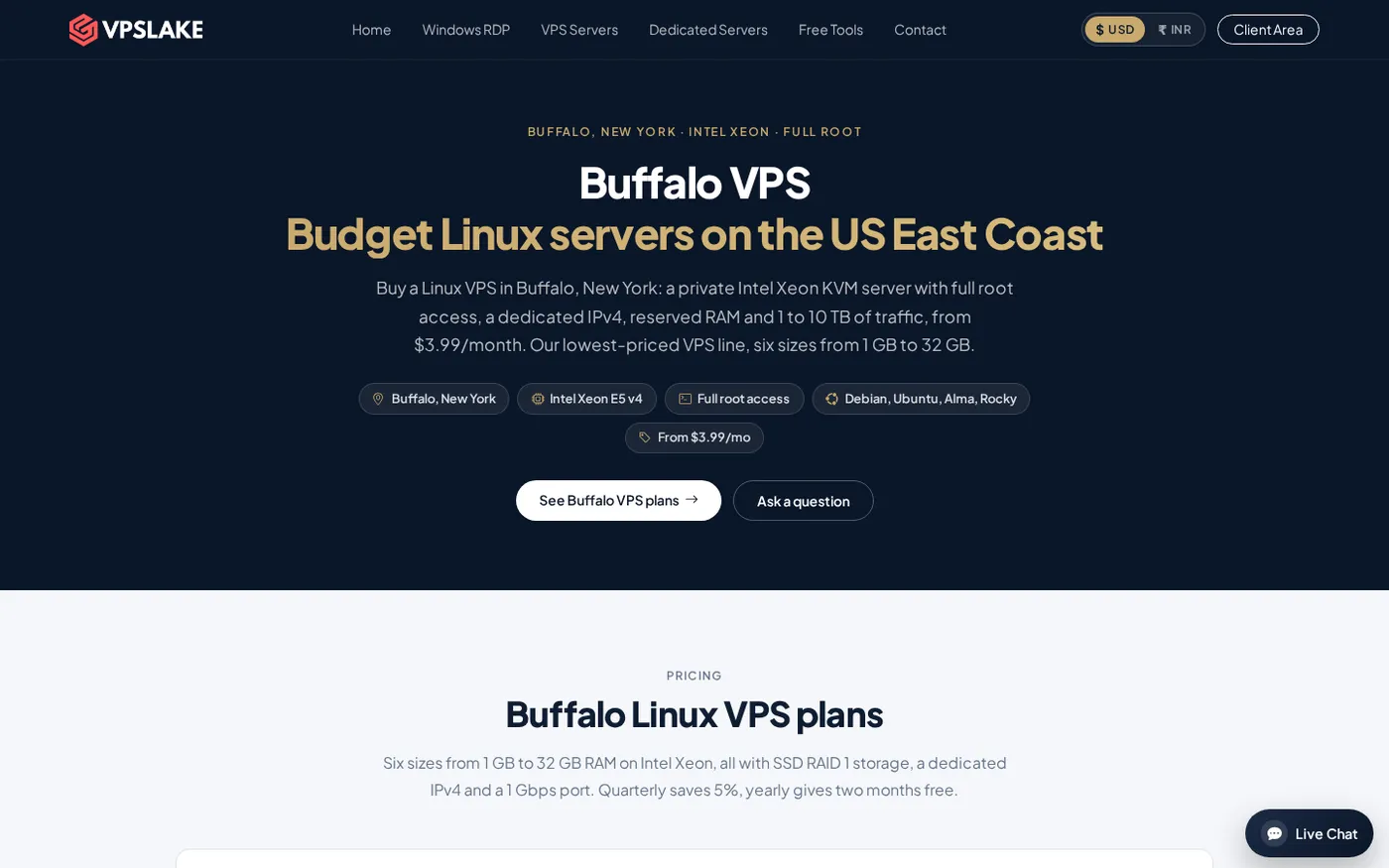
1. VPSLake Buffalo VPS: best overall value
The Buffalo VPS is the best AWS Lightsail alternative here for a normal Linux server rather than AWS-native services. It gives you a private KVM VM, reserved RAM, full root, a dedicated IPv4, SSD RAID 1, and Debian 12, Ubuntu 24.04, AlmaLinux 9, or Rocky Linux 9.
The 4 GB plan is the practical middle ground at $9.99/mo. It has 3 vCPUs, 60 GB storage, 3 TB traffic, and a 200 Mbps port. The 2 GB plan costs $5.99/mo for a smaller application, while the 8 GB plan costs $16.99/mo for several services, larger container stacks, or a modded Minecraft server you self-host.
Console access, reinstall, reboot, and password reset are available in the client area. You can pay with crypto, UPI, or card; quarterly billing saves 5%, and yearly billing gives two months free. Buffalo is on the US East Coast.
Choose the Buffalo Linux VPS when the server itself is the product you need. If you need a Windows desktop instead, compare the Buffalo Windows RDP plans; the Windows image is supplied, but your Windows licence is BYOL.
2. DigitalOcean: best for a familiar developer cloud
DigitalOcean is a reasonable Lightsail alternative when your project already uses Droplets, volumes, firewalls, APIs, managed databases, or Kubernetes. Check backups, attached storage, managed services, public IPv4 treatment, and transfer before comparing it with a fixed VPS plan. For one self-managed US server, Buffalo is simpler to price.
3. Linode (Akamai Cloud): best for predictable cloud resources
Linode is now part of Akamai Cloud and offers a conventional cloud VPS with hourly billing, common images, and a developer control panel. Compare the same RAM size plus backups, transfer, storage, and IPv4; a plan name alone does not establish a lower total than Buffalo.
4. Vultr: best when a specific compute family matters
Vultr offers regular, higher-frequency, and other specialized compute families. Check the exact family’s vCPU allocation, storage, monthly transfer, IPv4 cost, billing cap, and regional availability. If those details do not matter, Buffalo keeps the US Linux VPS decision shorter.
5. Hetzner Cloud: best for supported self-managed regions
Hetzner Cloud is another self-managed Linux option with hourly billing and location-specific resources. Check the region first, then transfer policy, storage, IPv4, currency, tax treatment, and user latency. For a US East Coast deployment with crypto, UPI, or card payments, Buffalo is a more direct fit.
What you gain and lose when leaving AWS
Leaving Lightsail can lower the monthly cost and simplify a standalone server bill. You give up AWS adjacency, including Lightsail blueprints and AWS-native connections, and take responsibility for updates, firewall rules, backups, SSH keys, and monitoring.
Migration checklist from Lightsail
Move only after you can restore the workload. A safe sequence is:
- Record the operating system, open ports, users, scheduled jobs, environment variables, certificates, database versions, and storage paths.
- Create a tested backup or snapshot of the application, database, uploads, and configuration files.
- Create the new VPS with a matching Linux distribution and enough RAM. Add your SSH key and restrict administrative access.
- Install the application stack, copy the data, and verify file ownership, services, cron jobs, firewall rules, and TLS certificates.
- Test the site or API using the new server’s IP before changing DNS. Check login, background jobs, database writes, uploads, email delivery, and third-party webhooks.
- Lower DNS TTL before the final switch, update the records, watch traffic, and keep the old Lightsail instance until the new server is stable.
Your existing VPS workflow may already be covered by VPSLake’s buy-a-VPS options. Do not cancel the old server until the backup restores and the DNS cutover both work.
How to choose the right Lightsail alternative
Use this short decision rule:
- Choose VPSLake Buffalo for the lowest straightforward cost among the plans compared here, reserved RAM, full root, a dedicated US IPv4, and a private KVM VM.
- Choose DigitalOcean, Linode, Vultr, or Hetzner only when a specific existing workflow, compute family, or region is more important than the Buffalo plan’s price and location.
- Stay with Lightsail when AWS-native connectivity and AWS account integration are central to the application.
- For Windows, compare the licence model first. VPSLake supplies the Windows image but requires your own licence; do not compare its BYOL price with an automatically licensed Windows bundle without noting that difference.
FAQ
What is the best AWS Lightsail alternative?
For a standalone Linux VPS, VPSLake’s Buffalo 4 GB plan is the best value in this comparison at $9.99/mo. It includes reserved RAM, full root access, a private KVM VM, 3 TB traffic, and a dedicated US IPv4.
Is AWS Lightsail cheaper than a VPS?
Lightsail can be inexpensive at the smallest tier, but its public-IPv4 4 GB Linux bundle is $24/mo. VPSLake’s 4 GB Buffalo Linux VPS is $9.99/mo, so compare the same RAM size and include traffic, storage, IP, and any optional services.
What is the AWS Lightsail Windows price?
AWS lists the public-IPv4 4 GB Windows bundle at $44/mo and the 8 GB Windows bundle at $74/mo. VPSLake’s comparable Windows RDP plans start at $9.99/mo, but they use BYOL: VPSLake supplies the Windows image and you bring your own licence.
Can I move a website from Lightsail to a VPS?
Yes. Back up the application and database, recreate the stack on the new VPS, copy the data, test by IP, then change DNS. Keep the Lightsail instance available until the new server passes your application and restore checks.
Does VPSLake include AWS services with its VPS?
No. A Buffalo VPS is a standalone private KVM VM with full root access, not an AWS account or an AWS-managed service. Choose it when you need the server itself; stay with Lightsail when your application depends on AWS-native integration.
DONE aws-lightsail-alternatives words=1782