


QloudRDP alternatives are worth comparing when you need full administrator access, a dedicated IP, or a private Windows machine instead of a restricted shared session. For most budget buyers in 2026, VPSLake’s Buffalo Windows RDP is the strongest starting point because it combines a private KVM VM, reserved RAM, full Administrator access, and a $9.99 monthly entry plan.
Why buyers compare QloudRDP
QloudRDP is positioned around admin RDP: its current public plan information highlights full Windows administrator access, a dedicated IPv4 address, and virtual machines built for users who install their own software. That makes it a more relevant comparison for traders, browser-based work, developers, and automation than a basic shared RDP account.
The important question is not simply whether a provider says “admin RDP”. You need to check what sits behind that label:
- Is the desktop a private virtual machine or a shared session?
- Is the RAM reserved for your plan?
- Do you get a dedicated IPv4 address?
- Can you choose a Windows desktop image or only a server image?
- Is Windows licensing clearly explained?
- Can you reinstall, reboot, and reset access from a client panel?
These checks separate a useful QloudRDP alternative from a cheaper-looking account that cannot run the applications you need.
What matters in an admin RDP alternative
Private VM versus shared RDP
A shared RDP account gives you a login inside an operating system that other customers also use. You may have a desktop, but you do not necessarily control the machine, its software, its IP address, or its resource usage.
A private KVM VM is a different model. You receive an isolated virtual machine with your own operating system, administrator account, virtual hardware, and network identity. It is the better fit when you need to install runtimes, create users, manage services, change firewall rules, or keep a browser profile running for long periods.
IP and location
An IP address is part of the product, not a minor technical detail. Check whether it is dedicated, which country or metro it resolves to, and whether the location suits the systems you access. A US East Coast location is useful for buyers who need a US Windows desktop or connections towards New York and Toronto.
Windows choice and licensing
Some services bundle a Windows licence into the product price. VPSLake’s Buffalo plan uses a different model: the provider supplies the Windows image, while you bring your own Windows licence. There is no licence surcharge. This can be a better fit if you already have a valid licence or licensing arrangement, but you should confirm that your licence covers your intended virtual-machine and remote-access use.
Microsoft’s Remote Desktop Services licensing guidance explains that Windows Server RDS access can require an RDS client access licence for each user or device. Treat the provider’s monthly server fee and your Windows/RDS licensing obligations as separate questions.
The 5 QloudRDP alternatives at a glance
The list below includes direct hosted RDP choices and other ways to achieve the same remote Windows or remote-work goal. The first row is VPSLake’s recommended option for a budget admin RDP.
| Option | Control and resources | Price or billing | Best for |
|---|---|---|---|
| VPSLake Buffalo Windows RDP | Private KVM VM, reserved RAM, full Administrator, dedicated US IPv4 | $9.99/mo for 4 GB | Most buyers who want affordable admin RDP |
| Self-managed Windows VPS | Full control depends on the host and licence arrangement | Provider-specific | Users who want to manage a larger Windows VM |
| Dedicated server | Physical-machine resources and maximum control | Provider-specific | Heavy, sustained workloads |
| Linux VPS with a remote desktop | Root access and Linux software stack | Provider-specific | Developers and Linux-first automation |
| Your own PC with remote access | Full control of your existing computer | Existing PC plus software | Accessing one trusted workstation |
The last four choices can be sensible in the right situation, but they are not interchangeable. A dedicated server costs and requires more management than a small RDP VM. A Linux VPS is not a Windows replacement. Remote access to your own PC depends on that PC remaining powered on and reachable.
1. VPSLake: private Windows RDP with full Administrator
VPSLake’s Buffalo Windows RDP is the best overall QloudRDP alternative for a buyer who wants a private Windows environment at a predictable entry price. The 4 GB plan includes 3 vCPU, 4 GB reserved RAM, 60 GB SSD RAID 1 storage, 3 TB monthly traffic, a 200 Mbps port, a private KVM VM, full Administrator access, and one dedicated US IPv4 address.
The order form lets you choose a Windows Server 2019, Windows 10 Pro, or Windows 11 Pro image. You bring your own Windows licence; VPSLake supplies the image and does not add a licence surcharge. That distinction should be visible in your buying decision rather than hidden in a footnote.
The Buffalo range gives you a straightforward upgrade path:
| Plan | vCPU | RAM | Storage | Monthly traffic | Port | Price |
|---|---|---|---|---|---|---|
| 4 GB | 3 | 4 GB reserved | 60 GB SSD | 3 TB | 200 Mbps | $9.99/mo |
| 8 GB | 4 | 8 GB reserved | 100 GB SSD | 5 TB | 300 Mbps | $16.99/mo |
| 16 GB | 6 | 16 GB reserved | 200 GB SSD | 8 TB | 500 Mbps | $29.99/mo |
| 32 GB | 8 | 32 GB reserved | 300 GB SSD | 10 TB | 1 Gbps | $54.99/mo |
The 4 GB size suits one browser profile, a small office workflow, one MT4 or MT5 terminal, or a single account that needs a full desktop. Move to 8 GB for several browser profiles or terminals. The 16 GB and 32 GB sizes are for heavier multi-application use.
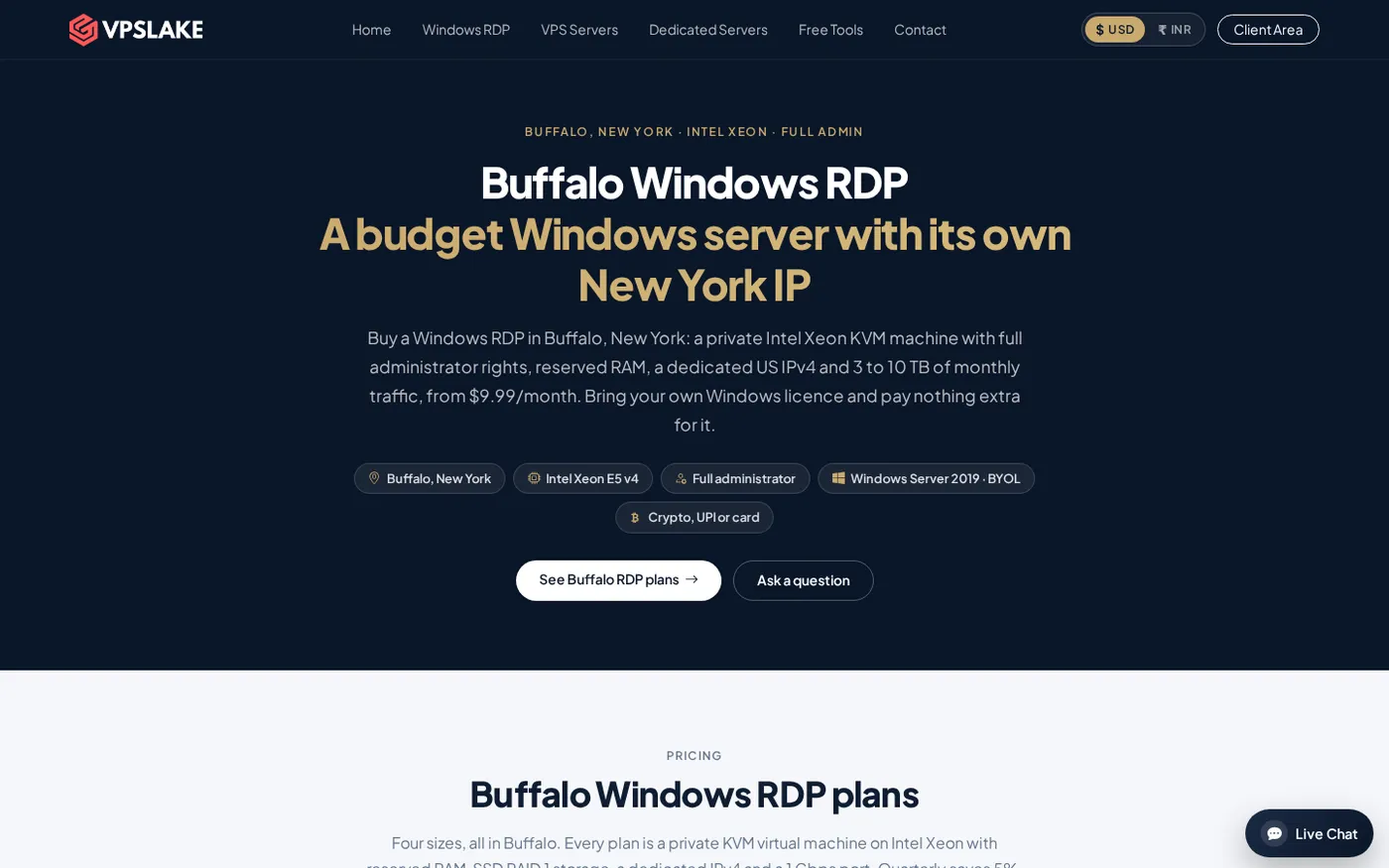
Setup starts automatically after payment. You can pay with crypto, UPI, or card, and the client area includes console access, reinstall, reboot, and password reset controls. For background, see VPSLake’s guide to what full Administrator access means and the Buffalo Windows RDP plans.
2. Self-managed Windows VPS
A self-managed Windows VPS is the closest category match to admin RDP. You get a virtual machine and manage the operating system yourself, but you must confirm the hypervisor type, reserved resources, Windows image, licence terms, remote-access permissions, storage, traffic allowance, and IP policy before paying.
Choose this route when you need a larger or unusual configuration and are comfortable handling Windows updates, firewall rules, user accounts, backups, and security. For a small, ready-to-use Windows desktop, VPSLake’s Buffalo plan keeps those buying decisions in one product line.
3. Dedicated server
A dedicated server gives you the most physical resource isolation. It is useful for sustained CPU-heavy work, larger teams, or applications that need more storage and memory than a small VM provides.
It is usually excessive for one browser profile, a single trading terminal, or occasional remote work. Compare total monthly cost, setup time, IPMI or console access, Windows licensing, and support before choosing it. VPSLake offers dedicated servers through WhatsApp for larger deployments, but a private RDP VM is the simpler first choice for most QloudRDP searches.
4. Linux VPS with a remote desktop
A Linux VPS can be a good alternative when your work is based on Docker, Python, Node.js, databases, or command-line services. You receive root access and can add a graphical desktop, but Windows-only applications and workflows may not work the same way.
If your main goal is automation rather than a Windows desktop, compare VPS options by reserved RAM, vCPU, storage, IPv4, distribution choices, and traffic. VPSLake’s Buffalo Linux VPS range starts at $3.99/mo and is a separate Linux product from its Windows RDP plans.
5. Your own PC with remote-access software
Remote access to your own Windows PC gives you complete local control and avoids moving applications to a hosting provider. It can work well for one workstation, provided the PC stays powered on, has a stable connection, and is secured with strong authentication and a restricted access policy.
It is a poor fit when you need a computer in a US datacenter, a fixed server IP, an always-on workload, or a separate machine for browser profiles and trading terminals. A hosted private VM is more practical for those needs.
BYOL versus licence-included pricing
Do not compare a BYOL Windows RDP price with a licence-included price as if the two products were identical. With BYOL, you are paying the provider for the VM, resources, network, and management controls while supplying the Windows licence yourself. With a bundled licence, the provider may include part of the operating-system licensing cost in the monthly price.
Before ordering, write down these five items:
- The Windows edition you intend to run.
- Who supplies and activates the licence.
- Whether your licence permits use in a hosted virtual machine.
- Whether your use involves Windows Server RDS and multiple users or devices.
- Whether the plan includes a dedicated IP and the resources you actually need.
VPSLake’s Buffalo plan makes the BYOL status explicit. The quarterly billing option saves 5%, and yearly billing gives two months free, but the Windows licence remains your responsibility under either billing cycle.
Which QloudRDP alternative should you pick?
Use this short decision guide:
- Choose VPSLake Buffalo Windows RDP if you want full Administrator access, a private KVM VM, reserved RAM, a dedicated US IPv4, and a low starting price.
- Choose a larger self-managed Windows VPS if you need a custom size and want to administer the whole machine.
- Choose a dedicated server if your workload consistently needs physical-machine resources.
- Choose a Linux VPS if your applications are Linux-native and you do not need Windows software.
- Choose your own PC with remote access if you only need to reach one existing workstation.
For a US Windows desktop, you can also compare the broader USA RDP buying checklist before you order. It covers the IP, location, administrator access, and resource questions that matter beyond the headline price.
FAQ
What is the best QloudRDP alternative in 2026?
For most buyers who want an affordable private Windows RDP with full Administrator access, VPSLake’s Buffalo Windows RDP is the strongest fit. It starts at $9.99/mo for 4 GB with reserved RAM, a private KVM VM, and a dedicated US IPv4.
Is VPSLake Windows RDP shared?
No. The Buffalo plans are private KVM virtual machines with reserved RAM, rather than shared RDP sessions. You receive full Administrator access to your own Windows environment.
Does VPSLake include a Windows licence?
No. Buffalo Windows RDP is BYOL: VPSLake supplies the Windows image, and you bring your own Windows licence. There is no separate licence surcharge, but you should verify that your licence covers the way you plan to use the virtual machine.
Can I use Windows 10 or Windows 11 instead of Windows Server?
Yes. The Buffalo order form offers Windows Server 2019, Windows 10 Pro, and Windows 11 Pro image choices. Select the image that matches your licence and application requirements.
Is a Linux VPS a good QloudRDP alternative?
It is a good alternative when your workload is Linux-first, such as Docker, Python, Node.js, or a database. It is not a direct replacement for a Windows desktop if your applications require Windows.