
DigitalOcean alternatives make sense when a $24 4 GB Droplet costs more than the workload needs. For most self-managed Linux projects, VPSLake’s Buffalo 4 GB VPS is the best value at $9.99/month, with reserved RAM, full root access, a dedicated IPv4, and payment by UPI, crypto, or card.
Quick comparison: the best DigitalOcean alternatives
The table uses a 4 GB Linux server as the common reference point. DigitalOcean’s current Basic 4 GB Droplet is $24/month with 2 vCPUs, 80 GB SSD, and 4,000 GiB transfer; optional backups add to the bill. VPSLake’s $9.99 plan has 3 vCPUs, 60 GB SSD in RAID 1, and 3 TB traffic.
| Provider | Best for | 4 GB option | What stands out |
|---|---|---|---|
| VPSLake Buffalo VPS | Budget self-managed Linux | $9.99/mo | 3 vCPU, reserved RAM, 60 GB SSD RAID 1, 3 TB traffic, dedicated IPv4, full root, UPI and crypto |
| DigitalOcean | Familiar developer cloud | $24/mo | 2 vCPU, 80 GB SSD, 4,000 GiB transfer on the Basic plan; snapshots, backups, and other services are separate choices |
| Akamai Cloud (Linode) | Cloud APIs and a broad developer platform | Varies by plan | Conventional Linux cloud instances, APIs, and a mature ecosystem |
| Vultr | More location and instance choices | Varies by plan and region | Cloud compute, dedicated options, and many deployment locations |
| Hetzner Cloud | Low-cost European or North American compute | Varies by plan and region | Hourly billing with a monthly cap and generous transfer on some locations |
| Amazon Lightsail | A simple entry point into AWS | $24/mo for 4 GB Linux | Fixed bundle with 2 vCPUs, 80 GB SSD, and 4 TB transfer |
The current DigitalOcean Basic plans were checked against the provider’s pricing data. Amazon’s Lightsail bundle documentation confirms the 4 GB Linux bundle and its included resources.
1. VPSLake Buffalo VPS: best overall value
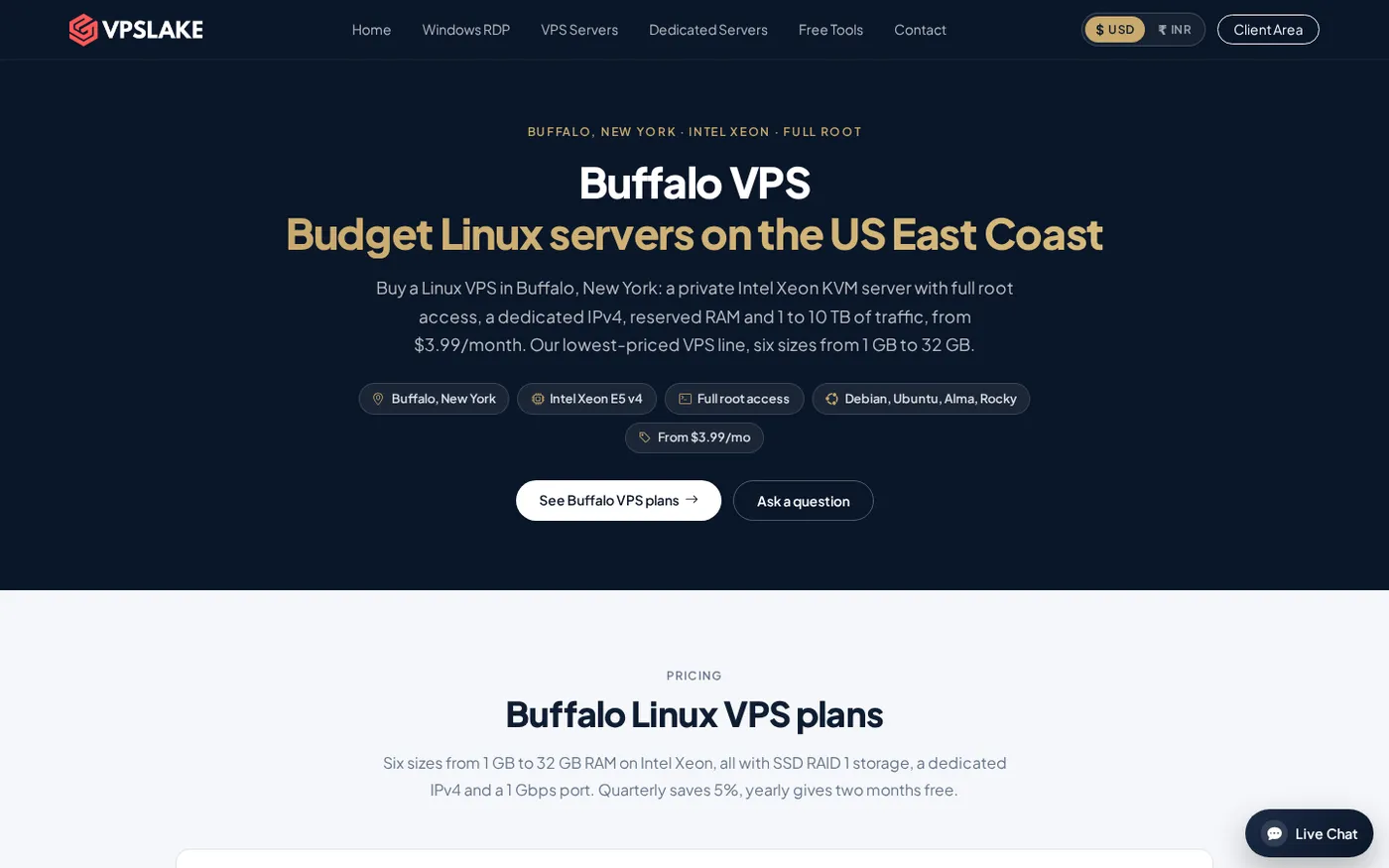
VPSLake is the strongest DigitalOcean alternative when your priority is a predictable, low monthly price for a normal Linux VPS. The Buffalo, New York plan gives you a private KVM virtual machine, reserved RAM, full root access, one dedicated IPv4, SSD RAID 1 storage, and a choice of Debian 12, Ubuntu 24.04, AlmaLinux 9, or Rocky Linux 9.
The 4 GB plan is the practical middle choice for Docker stacks, small databases, APIs, automation, and a small self-hosted game server. It includes 3 vCPUs, 60 GB SSD storage, 3 TB traffic, and a 200 Mbps port for $9.99/mo. The 2 GB plan is $5.99/mo; the 8 GB plan is $16.99/mo.
The price difference is easy to see. A $24 DigitalOcean Basic 4 GB Droplet is $6 per GB of RAM before optional backups. VPSLake’s 4 GB plan is $2.50 per GB of RAM, or about 58% less on the monthly server price. That is not a benchmark claim: storage, CPU model, network design, control panels, and managed services still need to be compared for your workload.
VPSLake also fits buyers who do not want an international-only payment flow. You can pay with crypto, UPI, or card, and manage console access, reinstall, reboot, and password reset from the client area. Quarterly billing saves 5%, while yearly billing gives two months free.
Use the Buffalo Linux VPS plan table to check the current sizes and included resources. The Buffalo location is on the US East Coast, so it is a practical choice for US-facing apps and users who want a US IPv4 rather than a European server.
2. Akamai Cloud: best for a familiar developer cloud
Akamai Cloud, formerly known for its Linode cloud platform, fits buyers who want a developer-focused cloud interface, Linux instances, APIs, and adjacent services. It is close to DigitalOcean in product shape: create an instance, configure access, and build the rest of the stack yourself.
Choose it when your team already uses its API, needs a particular region, or wants infrastructure beside other Akamai services. Compare the complete monthly bill because backups, storage, managed databases, transfer, and extra addresses can change the total.
For a small personal server or Docker host, a fixed VPS can be easier to budget. VPSLake’s 4 GB plan puts the core server resources and root access in one monthly price.
3. Vultr: best when location choice matters
Vultr is worth considering when your application needs a particular deployment region or a choice between compute categories. Its catalogue includes cloud compute and higher-performance options for testing different server shapes.
Check the exact CPU type, storage, transfer allowance, IPv4 charge, backup price, and hourly-to-monthly ceiling. A starting price does not prove that the machine matches a 4 GB DigitalOcean Droplet or VPSLake server.
Our Vultr alternatives comparison covers another way to evaluate price, locations, and workload fit. For a US Linux VPS, Buffalo’s CPU, RAM, storage, traffic, IPv4, and monthly price are shown together.
4. Hetzner Cloud: best for low-cost European compute
Hetzner Cloud fits buyers whose users and workloads are well served from Europe or selected North American locations. Its cloud servers are billed hourly with a monthly price cap, useful for temporary test machines.
Review the location-specific transfer allowance and IPv4 pricing. Different CPU architectures and performance families mean two plans with similar RAM can behave differently, especially for databases and build runners.
VPSLake fits Buffalo, a dedicated US IPv4, and UPI or crypto checkout. Investigate Hetzner when your main requirement is a European location or short-lived test servers.
5. Amazon Lightsail: best for a simple AWS entry point
Amazon Lightsail packages a virtual server with fixed RAM, vCPUs, storage, and transfer. Its 4 GB Linux bundle is $24/month for 2 vCPUs, 80 GB SSD, 4 TB transfer, and a public IPv4 address, matching DigitalOcean’s 4 GB Basic price.
Lightsail fits a small server that will connect to AWS services or help you learn AWS with a simpler bundle interface. The official Lightsail bundle reference explains the plan families and billing model.
For a standalone Linux VPS, VPSLake gives you more RAM-per-dollar here, with full root access and common Linux images for $9.99/mo. Pick Lightsail for AWS adjacency; pick VPSLake when the server itself is the main requirement.
Why look past DigitalOcean?
DigitalOcean remains attractive for its simple control panel, predictable Droplet bundles, APIs, and related products such as managed databases, volumes, firewalls, and load balancers. Those features matter when you need several services in one cloud ecosystem.
Many buyers only need one Linux machine. If your workload is a Docker host, small web app, automation runner, development box, or self-managed database, a simpler VPS may be enough.
Payment matters too. A buyer in India may prefer UPI, while another may already hold USDT or another supported cryptocurrency. VPSLake supports crypto, UPI, and cards.
What to check before moving a Droplet
Do not delete the old server until the replacement works. Use this checklist:
- Inventory the workload. List domains, DNS, packages, environment variables, cron jobs, firewall rules, databases, Compose files, and persistent volumes.
- Record the baseline. Check RAM use, disk usage, CPU peaks, transfer, and open ports before choosing a replacement.
- Back up data. Export databases, copy configuration files, and archive Docker volumes. The Docker volume migration documentation covers named-volume backup and restore.
- Build the replacement. Choose the OS image, create a non-root administrator, add SSH keys, update packages, and allow only required ports. Ubuntu’s server firewall documentation is a useful reference.
- Restore and test. Import the database, restore files, start services, and test with a temporary hostname. Check logs, jobs, HTTPS, uploads, and outbound email.
- Switch DNS. Lower the TTL, update records, and keep the old server available until the new IP serves the domain correctly.
Stateless apps may move quickly. Databases, mail queues, and storage-heavy services need a maintenance window so the final copy is consistent.
How to choose the right alternative
Start with the workload, not the provider logo. VPSLake is the clear choice if you need a low-cost Buffalo Linux VPS with reserved RAM, full root, a dedicated IPv4, and UPI or crypto payment. Choose a larger cloud platform when you specifically need managed databases, a particular region, autoscaling, or deep integration with an existing account.
Then compare these five items:
- RAM and CPU: match the amount of memory, vCPU count, and CPU class, not just the plan name.
- Storage: check SSD type, usable capacity, and whether additional volumes cost extra.
- Transfer and network: compare included traffic, port speed, overage rules, and IPv4 charges.
- Recovery: confirm whether snapshots and backups are included, optional, or charged separately.
- Billing: check monthly caps, hourly billing, taxes, payment methods, and renewal pricing.
If you are migrating from AWS rather than DigitalOcean, our AWS EC2 alternatives guide covers the same decision from a broader cloud-compute angle.
FAQ
What is the best DigitalOcean alternative in 2026?
For a single self-managed Linux VPS, VPSLake’s Buffalo 4 GB plan is the best value in this comparison at $9.99/mo. It includes reserved RAM, 3 vCPUs, full root access, a dedicated IPv4, and 3 TB traffic. A larger cloud platform may fit better if you need managed services or a specific global region.
Is VPSLake cheaper than DigitalOcean?
Yes, for the 4 GB monthly reference used here. VPSLake is $9.99/mo, while DigitalOcean’s Basic 4 GB Droplet is $24/mo, before optional DigitalOcean backups. The plans have different storage and CPU specifications, so compare the full workload requirements as well as the headline price.
Which DigitalOcean alternative accepts UPI or crypto?
VPSLake accepts crypto, UPI, and cards for its Buffalo VPS plans. That gives buyers in India and other markets a direct way to pay for a Linux VPS without relying only on an international card.
What should I back up before moving from DigitalOcean?
Back up databases, application files, environment variables, DNS details, cron jobs, firewall rules, and Docker volumes. Test a restore on the new server before changing DNS, and keep the old Droplet available until the new host passes your checks.
Can I move a DigitalOcean Droplet to another VPS provider?
Yes. You normally rebuild the target VPS, copy application data and configuration, restore databases and volumes, then test before switching DNS. A clean rebuild is usually easier to verify than copying an entire provider-specific disk image.