
Best VPS for VPN choices come down to public IPv4, included traffic, port speed, location, and control—not a large amount of RAM. For most personal WireGuard setups in 2026, the Buffalo Linux VPS 1 GB is the practical starting point at $3.99/mo, with a dedicated IPv4, full root access, KVM virtualization, and 1 TB of traffic.
Why run your own VPN on a VPS?
A VPS gives you an always-on VPN endpoint without leaving a computer running at home. You control the WireGuard keys, client list, routing, and server location, while your phone, laptop, or tablet connects to one public IP.
That is useful for secure access to your own services, a consistent exit point on public Wi-Fi, or a private tunnel for a small household.
A self-hosted VPN is not the same as being anonymous. Websites see the VPS address, and the hosting provider still operates the underlying network. It is best understood as control over your own VPN endpoint, not a promise that every website will treat the address like a residential connection.
Choose Buffalo, New York when it is close enough to your main users or the services you access. A nearby server is usually a better starting point for latency than a plan with more CPU.
What WireGuard needs from a VPS
WireGuard is a lightweight VPN protocol, but the VPS still needs the right network features. Its packets use UDP, and the official WireGuard protocol overview explains the cryptographic design and transport. The WireGuard Quick Start also uses UDP port 51820 as a common example; you can choose another port in your configuration.
For a personal VPN, check these items before paying:
- A public IPv4 address: clients need a reachable endpoint. A dedicated address also makes your routing simpler than a heavily restricted NAT plan.
- KVM or equivalent full virtualization: you need normal Linux networking, firewall rules, and packet forwarding.
- Full root access: WireGuard and its routing rules are your responsibility, so a locked-down shared container is the wrong fit.
- Enough monthly traffic: the VPN carries your users’ traffic through the server. Transfer allowance usually matters more than adding several gigabytes of RAM.
- A port speed that matches your use: 100 Mbps can suit a few devices, but it remains the server’s traffic ceiling.
The 1 GB VPS is a sensible baseline for one personal tunnel or a small household. Move up for several users, heavy full-tunnel traffic, or extra services such as DNS or monitoring.
Best VPS picks for a personal VPN
These are the in-stock Buffalo Linux options that fit a self-hosted WireGuard use case. The first row is the best starting point for most buyers; the other rows add capacity when traffic or extra services justify it.
| Pick | vCPU and RAM | Storage | Included traffic and port | Price | Best for |
|---|---|---|---|---|---|
| VPSLake Buffalo Linux VPS 1 GB | 1 vCPU, 1 GB reserved RAM | 20 GB SSD RAID 1 | 1 TB, 100 Mbps | $3.99/mo | One personal VPN or small household |
| Buffalo Linux VPS 2 GB | 2 vCPU, 2 GB reserved RAM | 40 GB SSD RAID 1 | 2 TB, 200 Mbps | $5.99/mo | Several devices plus a small service |
| Buffalo Linux VPS 4 GB | 3 vCPU, 4 GB reserved RAM | 60 GB SSD RAID 1 | 3 TB, 200 Mbps | $9.99/mo | VPN plus Docker or monitoring |
| Buffalo Linux VPS 8 GB | 4 vCPU, 8 GB reserved RAM | 100 GB SSD RAID 1 | 5 TB, 300 Mbps | $16.99/mo | Several users, apps, or heavier traffic |
Every row includes one dedicated IPv4 address, full root access, and KVM virtualization. You can select Debian 12, Ubuntu 24.04, AlmaLinux 9, or Rocky Linux 9, then manage the server from your own operating-system shell.
Best overall: Buffalo Linux VPS 1 GB
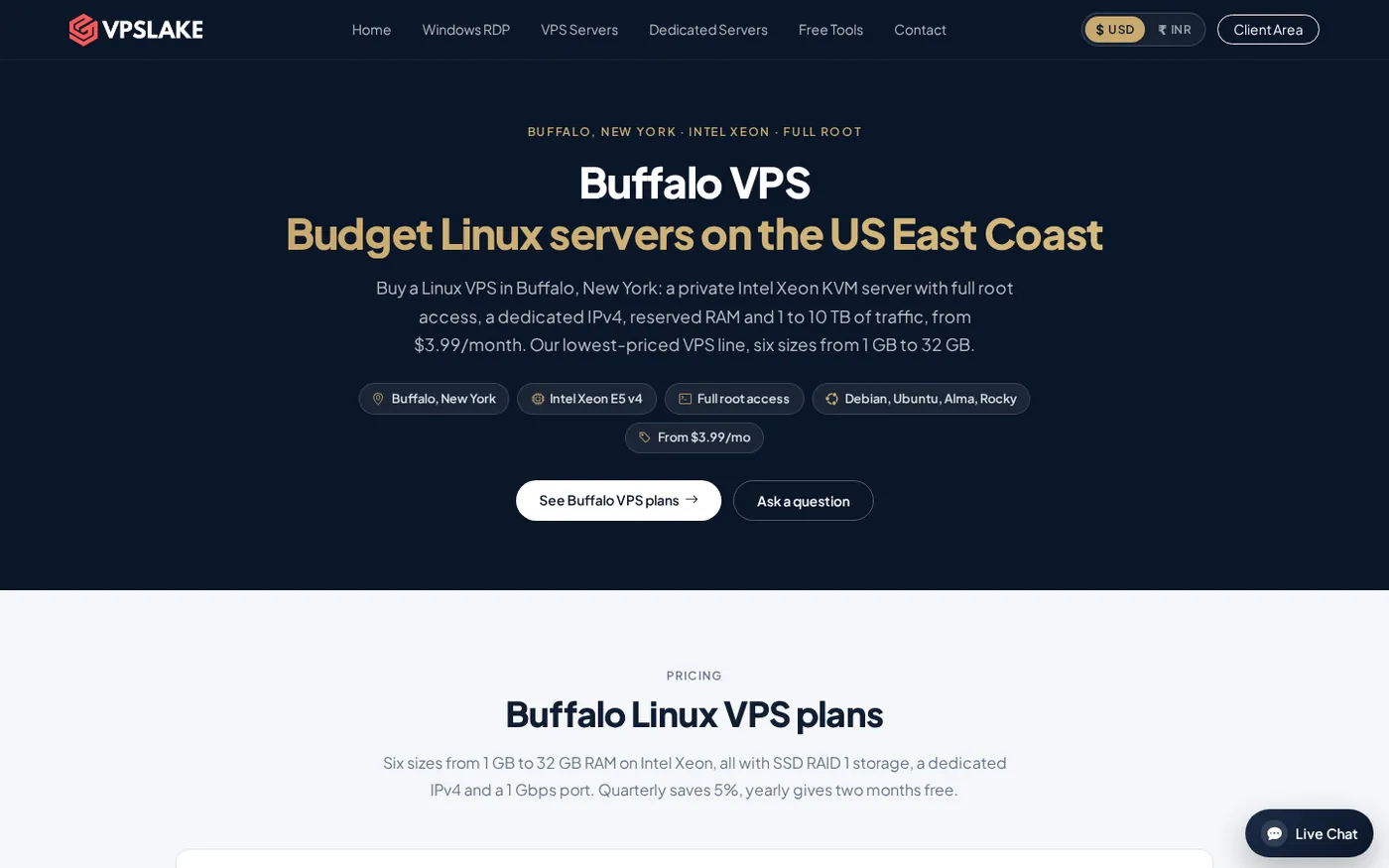
The 1 GB plan is the best VPS for VPN use when the job is mainly WireGuard. It gives you 1 vCPU, reserved RAM, 20 GB of SSD RAID 1 storage, 1 TB of traffic, a 100 Mbps port, and a dedicated IPv4 for $3.99/mo.
That is a good match for a personal VPN, travel laptop, phone, and a few trusted devices. WireGuard does not need a large disk, leaving room for the Linux image, logs, updates, and administration tools.
The 100 Mbps figure is the port ceiling, not a speed promise to every client. Actual speed depends on the client’s connection, distance to Buffalo, route quality, encryption overhead, and server workload. For ordinary browsing, remote access, and a few devices, this is the tier to start with.
Best for several devices: Buffalo Linux VPS 2 GB
Choose the 2 GB plan when the VPN serves several devices and you want more room for background services. It provides 2 vCPU, 2 GB reserved RAM, 40 GB of SSD RAID 1 storage, 2 TB of traffic, and a 200 Mbps port for $5.99/mo.
This tier suits a household with phones, laptops, and a tablet, or a user running lightweight DNS or monitoring alongside WireGuard. You are paying for useful headroom rather than an oversized server.
Best for a VPN plus apps: Buffalo Linux VPS 4 GB
The 4 GB plan is the better choice when the VPN is one part of a small self-hosted stack. It has 3 vCPU, 4 GB reserved RAM, 60 GB of SSD RAID 1 storage, 3 TB of traffic, and a 200 Mbps port for $9.99/mo.
Use this tier for WireGuard alongside containers, a dashboard, a small private service, or monitoring tools. The extra capacity gives a second service more room during updates or bursts of activity.
For a broader decision framework, use the VPS provider checklist. For VPN-only use, 1 GB is usually the efficient starting point.
Best for heavier traffic: Buffalo Linux VPS 8 GB
The 8 GB plan is for users who know they need more transfer or want to run several services on the same server. It includes 4 vCPU, 8 GB reserved RAM, 100 GB of SSD RAID 1 storage, 5 TB of traffic, and a 300 Mbps port for $16.99/mo.
It makes sense for several regular users, multiple peers, or a VPN box that also hosts applications. Choose it when traffic and workload justify the additional monthly cost, not simply because a provider advertises more RAM.
Traffic and port speed explained
Traffic allowance and port speed are different limits:
- Traffic allowance is the amount of data your plan can carry during the billing period. The 1 GB plan includes 1 TB; the 2 GB, 4 GB, and 8 GB plans include 2 TB, 3 TB, and 5 TB respectively.
- Port speed is the maximum link rate available to the server. The same plans use 100 Mbps, 200 Mbps, 200 Mbps, and 300 Mbps ports.
- Your VPN speed depends on the slowest part of the path, including the client network, distance, routing, server load, and encryption overhead.
Use a simple estimate before choosing. If four devices each use about 25 GB of VPN-routed data in a month, that is roughly 100 GB of traffic combined. That leaves substantial room inside a 1 TB allowance. If you route large downloads or constant media traffic through the tunnel, measure your normal usage and choose by transfer first.
When a plan reaches its traffic allowance, VPSLake throttles the port rather than billing overage. You should still monitor usage so a busy tunnel does not become slower than expected near the end of the month.
Firewall basics for a WireGuard VPS
The server should expose only the services you actually use. Keep SSH available for administration, allow the WireGuard UDP listen port, and leave unrelated inbound ports closed. Ubuntu’s official firewall documentation covers UFW’s default policies and rule commands.
On an Ubuntu server, a basic starting point looks like this:
sudo ufw default deny incoming
sudo ufw default allow outgoing
sudo ufw allow OpenSSH
sudo ufw allow 51820/udp
sudo ufw enable
sudo ufw status verbose
Add and test the SSH rule before enabling UFW, or you may lock yourself out of a remote session. If you use a different WireGuard port, replace 51820 in the rule. A full-tunnel setup also needs IP forwarding and NAT rules so client traffic can leave through the VPS; configure those deliberately for your chosen Linux distribution.
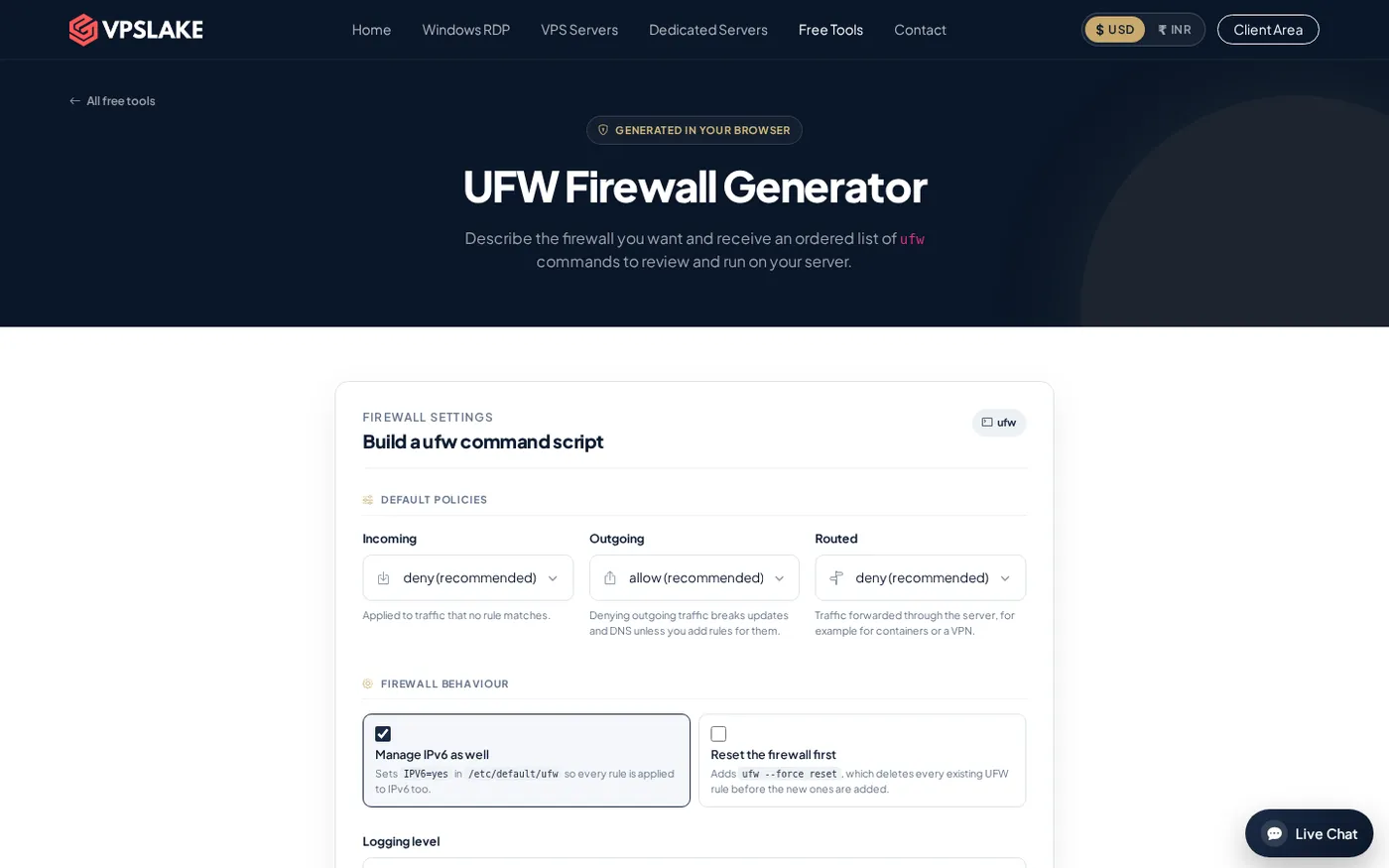
For a quicker rule-building workflow, the VPSLake UFW firewall generator can help you assemble the command list before you apply it. Keep private keys out of tickets, screenshots, and public repositories.
How to choose the right tier
Choose 1 GB for one personal VPN endpoint and a low monthly cost. Choose 2 GB if several devices use the tunnel or you want one small companion service.
Choose 4 GB for containers or monitoring. Choose 8 GB when measured transfer, peer count, or extra applications need more capacity. Pick Buffalo when its US East Coast location suits your users.
The Buffalo plans accept crypto, UPI, and card payments. Quarterly billing saves 5%, and yearly billing gives two months free. Setup is automatic after payment; the client area provides console access, reinstall, reboot, and password reset.
FAQ
What is the best VPS size for WireGuard?
For one personal VPN or a small household, start with the Buffalo Linux VPS 1 GB. It includes 1 vCPU, 1 GB reserved RAM, 1 TB of traffic, and a 100 Mbps port, which is a practical baseline for a VPN-only workload.
How much traffic does a VPN VPS need?
It depends on how many devices use the tunnel and what they do through it. Light browsing and remote access can fit comfortably in 1 TB, while several regular users or heavy downloads justify a 2 TB, 3 TB, or 5 TB plan.
Does WireGuard use TCP or UDP?
WireGuard sends packets over UDP. The common example is UDP port 51820, but you can choose another listen port and must allow that port in the VPS firewall.
Is a self-hosted VPS VPN anonymous?
No. A self-hosted VPN gives you control over the server, keys, and exit IP, but websites can still see the VPS address and the hosting provider operates the network. Use it for private access and control, not as a guarantee of anonymity.
Can I run other services on the VPN VPS?
Yes, if the plan has enough memory, CPU, storage, and traffic for the extra workload. The 2 GB or 4 GB tiers are a better starting point than 1 GB when you plan to add monitoring, DNS, containers, or another small application.