
AdsPower vs GoLogin vs Dolphin Anty has a clear RDP hosting winner: VPSLake’s Buffalo Windows RDP. It gives browser profiles a private KVM VM, reserved RAM, Full Administrator access, and a dedicated US IPv4, while the browser choice still depends on your workflow and active profile count.
Quick verdict: VPSLake is the RDP winner
AdsPower, GoLogin, and Dolphin Anty are browser applications, not hosting plans. They create separate profiles, cookies, and fingerprint settings, but the RDP still supplies the RAM, CPU, disk, Windows environment, and network connection for every active window.
| Option | What it means on an RDP | Best fit |
|---|---|---|
| VPSLake (winner): RDP for AdsPower / anti-detect browsers | Buffalo private KVM VM, reserved RAM, Full Administrator access, dedicated US IPv4, and Windows 10 Pro, Windows 11 Pro, or Server 2019 image choices | A stable host for 5–25 planned profiles |
| AdsPower | Lowest published minimum in this comparison: 2 GB RAM and a dual-core CPU; 2 profiles are free | Testing or a small workflow |
| GoLogin | 4 GB minimum, 8 GB+ recommended, with Windows 10/11 and Server 2016 listed | Users who want clearly documented baseline requirements |
| Dolphin Anty | Windows, Linux, and macOS desktop support; the current Starter plan begins at $10/mo | Solo users who want to start with a small profile set |
Choose the browser whose workflow suits you, then size the RDP for the number of profiles you will open at the same time. An anti-detect browser does not make a policy violation acceptable or guarantee approval.
Why run an anti-detect browser on an RDP
An RDP moves the application and its working data to a remote Windows machine. You connect from a laptop or phone while the profiles remain on the server, giving you the same desktop environment from more than one device.
Windows Remote Desktop Services is designed to deliver managed desktops and applications remotely; Microsoft describes the model in its Remote Desktop Services overview. For browser work, look for Full Administrator access, a private VM, reserved memory, and client-area console or reinstall controls.
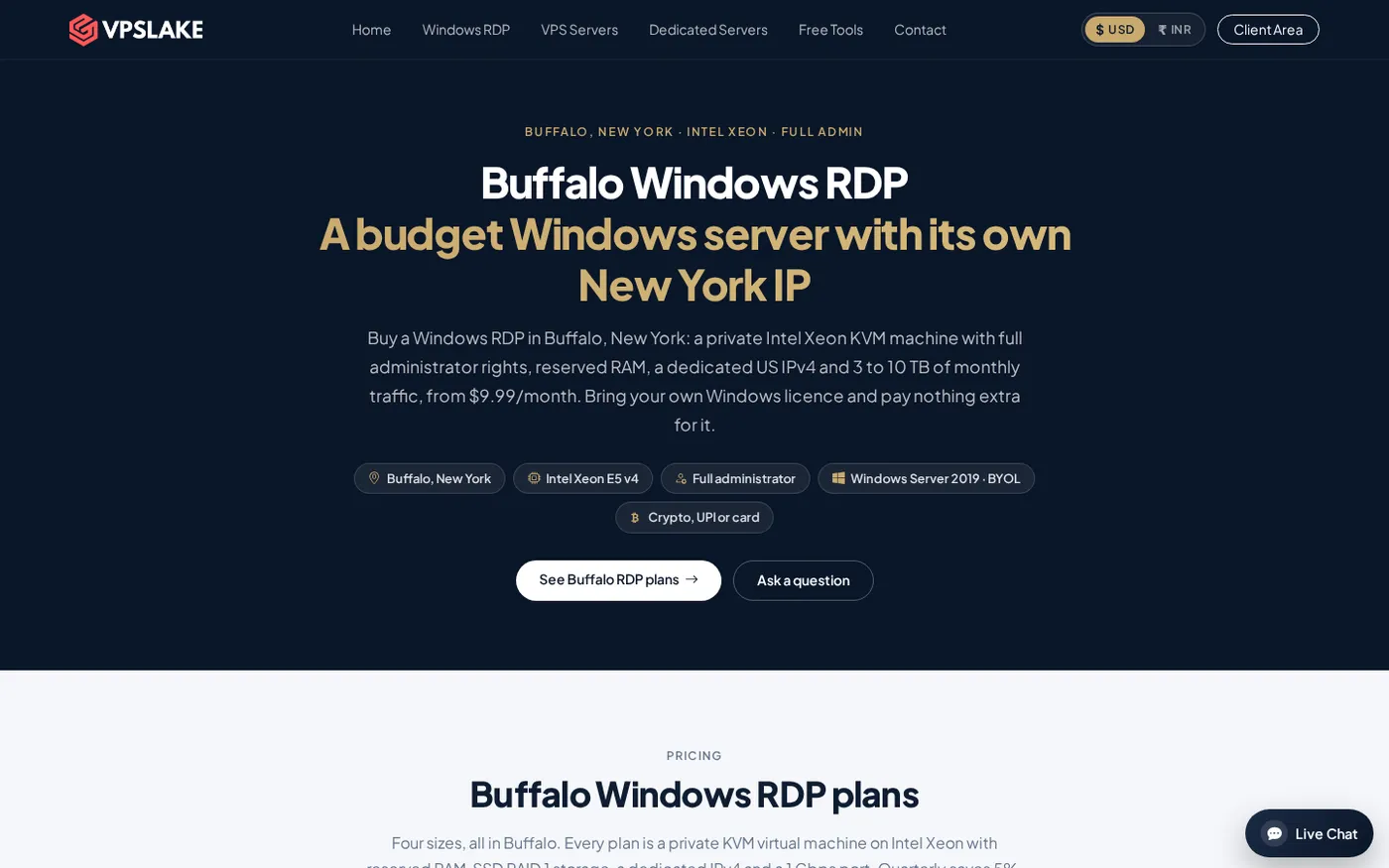
VPSLake’s RDP for AdsPower page starts at 4 GB RAM and 3 vCPU for $9.99/mo, with plans up to 32 GB. The Buffalo plans include one dedicated US IPv4, and you can choose a Windows image on the order form. Windows is BYOL: VPSLake supplies the image, while you bring your own Windows licence with no licence surcharge.
Test setup for a fair RDP comparison
Laptop reviews often hide the factor that changes the result most: the machine and workload. To compare these browsers on an RDP, keep the following variables consistent:
- Use the same Windows edition, browser version, proxy type, profile count, sites, extensions, and tabs.
- Let the profiles settle, then record total CPU, memory, disk activity, and network use in Windows Task Manager.
- Repeat with one profile, five profiles, and your real peak count. Close idle profiles before the next run.
Do not treat the CPU and RAM values shown inside a fingerprint editor as actual server allocation. GoLogin’s documentation says those values describe what the browser reports to websites and do not change real browser performance. Dolphin Anty’s API also checks CPU, memory, graphics, and operating-system combinations for fingerprint compatibility; that is a fingerprint rule, not a promise of per-profile resource usage.
Your own workload is the useful benchmark: a few text tabs behave differently from image-heavy pages, extensions, automation, or simultaneous uploads.
RAM and CPU per profile
There is no honest universal number such as “each profile uses exactly 400 MB.” The vendors publish application minimums, while real usage changes with tabs, extensions, page scripts, proxy behavior, and whether profiles are active or merely stored.
| Browser | Published baseline | What to take from it |
|---|---|---|
| AdsPower | At least 2 GB RAM, 2 GB free space, and a dual-core CPU | The lightest documented starting point, but not a 10-profile RDP recommendation |
| GoLogin | 4 GB RAM and 1 GB free space minimum; 8 GB or more and a modern Core i5 or equivalent recommended | Reserve more headroom when several profiles are open together |
| Dolphin Anty | The documentation supports Windows, Linux, and macOS; its API validates compatible CPU and memory combinations | Size the host from a small live test, then scale the RDP rather than guessing from the fingerprint values |
For a real RDP, leave memory for Windows itself, the remote session, security tools, updates, and temporary browser spikes. A 4 GB VPS can be a sensible starting point for one light profile; it is not the plan I would choose for several active profiles.
Windows Server vs Windows 10/11 support
The operating-system choice affects compatibility more than the word “RDP” does. VPSLake’s Buffalo order form offers Windows Server 2019, Windows 10 Pro, and Windows 11 Pro images, so you can match the image to the browser’s documented support.
AdsPower’s current installation documentation lists Windows Server 2008 and later, with SunBrowser 111 and later requiring Windows Server 2016 or later. GoLogin lists Windows 10, Windows 11, and Windows Server 2016, and says Server 2012 and older are unsupported. Dolphin Anty documents Windows support but does not enumerate particular Windows Server editions in its basic download documentation.
For the least ambiguity, Windows 10 Pro or Windows 11 Pro is the straightforward choice for a desktop-heavy Dolphin Anty or GoLogin workload. Server 2019 is a reasonable option when your chosen browser version explicitly supports it and you prefer a server image. Check the browser’s current release notes before deploying a large profile set.
Price per profile: browser licence plus RDP
Software price and hosting price are separate. You also need to budget for proxies if your workflow uses them; an RDP’s dedicated US IPv4 is not a residential proxy and does not replace a proxy plan.
| Product | Published entry point | Simple profile-cost view |
|---|---|---|
| AdsPower | 2 profiles free; paid plans use a 10/20/50/100 profile selector | Check the live billing screen for the current paid amount; the public pricing page does not expose one fixed text price |
| GoLogin | Professional 10 is $9/mo on monthly billing | About $0.90 per included profile at the 10-profile tier |
| Dolphin Anty | Starter begins at $10/mo for the 20-profile option | About $0.50 per profile at that entry option; higher profile counts use different tiers |
| VPSLake Buffalo Windows RDP | 4 GB from $9.99/mo; 8 GB $16.99/mo; 16 GB $29.99/mo | Hosting capacity, not browser licence seats; choose it from concurrent workload |
This is entry-plan arithmetic, not a claim that browser licences include proxies or that every profile needs a separate RDP. Buffalo includes reserved RAM, Full Administrator access, a private KVM VM, SSD storage, and a dedicated IPv4. Quarterly billing saves 5%; yearly billing gives two months free.
Which RDP size for 5, 10, and 25 profiles
Use concurrent active profiles, not the number stored in your dashboard. Ten saved profiles may still need only 4 GB if one is active at a time; five profiles with many tabs and extensions may need more.
| Concurrent active profiles | Sensible VPSLake starting point | Why |
|---|---|---|
| 5 | Buffalo Windows RDP 8 GB, $16.99/mo | 4 vCPU and 8 GB reserved RAM gives room for Windows plus several browser windows |
| 10 | Buffalo Windows RDP 16 GB, $29.99/mo | 6 vCPU, 16 GB reserved RAM, and more storage provide headroom for simultaneous work |
| 25 | Buffalo Windows RDP 32 GB, $54.99/mo | 8 vCPU and 32 GB reserved RAM are a better starting envelope for a large concurrent desktop workload |
These are conservative recommendations, not vendor benchmarks. Start at the smallest plan that leaves Task Manager headroom, then move up if memory stays high or CPU is pinned. VPSLake’s Buffalo Windows RDP plan table shows the available tiers.
Choose the browser after you choose the workload
Choose AdsPower when its low published hardware floor and broad Windows Server support fit your workflow. Choose GoLogin for its explicit 4 GB minimum, 8 GB+ recommendation, and documented Server 2016 support. Choose Dolphin Anty when its profile tools, desktop OS coverage, and entry pricing fit you.
For five profiles, the 8 GB Buffalo plan is the balanced starting point. For ten or more active profiles, 16 GB or 32 GB gives you more room. Keep the browser version, OS, proxy, and profile fingerprint consistent, and measure before scaling.
For post-purchase checks, use VPSLake’s Windows VPS setup checklist.
If your RDP session stops accepting clipboard transfers while moving profile notes or files, see the guide on fixing copy and paste in RDP.
FAQ
Can I run AdsPower, GoLogin, or Dolphin Anty on a Windows RDP?
Yes, when the selected OS and hardware meet the vendor’s requirements. Test your browser version and extensions on the chosen Windows image before moving a larger workflow.
Is 4 GB RAM enough for an anti-detect browser on RDP?
It can be enough for one light active profile, but not for several simultaneous windows. Use 8 GB for several profiles, then move to 16 GB or 32 GB as your peak count grows.
Which is cheaper, AdsPower, GoLogin, or Dolphin Anty?
AdsPower has two free profiles, GoLogin’s Professional 10 tier is $9/mo, and Dolphin Anty’s Starter option begins at $10/mo for 20 profiles. Compare features, proxies, and RDP cost too.
Should I use Windows 10, Windows 11, or Windows Server 2019?
Windows 10 or 11 Pro is the least ambiguous choice for a desktop workload. Server 2019 can work when your browser version supports it; check current documentation first.
Does a dedicated RDP IP replace a proxy for browser profiles?
No. A dedicated US IPv4 identifies the RDP host; it is not a residential proxy service. If your workflow requires proxies, configure them separately and keep each profile’s network settings consistent with its legitimate use.
DONE antidetect-browser-comparison-rdp words=1692