New York RDP usually means a Windows remote desktop with a New York-region IP and an East Coast US network path, not necessarily a server in Manhattan. VPSLake’s Buffalo, New York endpoint is a practical choice when you want a dedicated US IPv4, low latency toward New York and Toronto, and a private Windows machine that you can administer yourself.
Buffalo vs New York City: where the server really is
The VPSLake New York RDP location is Buffalo, in western New York State. It is not a New York City facility. That distinction matters if your application requires a particular metro, broker network, or compliance location.
Buffalo is still an East Coast US endpoint with useful access toward the Northeast corridor and Southern Ontario. It is also close enough to New York-region financial infrastructure to be a sensible location for many MT4 and MT5 users. For context, Equinix lists its NY4 facility at 755 Secaucus Road in Secaucus, New Jersey, part of the New York metro rather than Manhattan itself. You can confirm the facility’s address in Equinix’s NY4 specifications.
That means a Buffalo RDP should be described accurately as a New York State or US East Coast RDP. It should not be marketed as a New York City residential connection, a Manhattan server, or a guaranteed route to one specific application.
Who needs an East Coast US RDP
A Buffalo RDP is a good fit when the location of your working IP and the distance to US services matter more than having a local server in your own country.
- US-facing browser work: A dedicated US IPv4 gives websites and business tools a consistent US datacenter endpoint while your local computer can be anywhere.
- MT4 and MT5 terminals: Buffalo is positioned for low-latency access to US-hosted trading infrastructure. VPSLake describes the location as roughly 12–13 ms from Equinix NY4 broker servers and under 25 ms to US-hosted MT4/MT5 servers; your result depends on the broker, route, and measurement time.
- Search-rating and remote work: A full Windows desktop lets you keep browser sessions and work tools on a separate machine that you can reach from a laptop or phone.
- Automation and browser profiles: The 4 GB plan suits one browser profile or a single MT4/MT5 Expert Advisor. If you run several profiles or terminals at once, move up to 8 GB or 16 GB rather than expecting the smallest plan to handle every workload.
The endpoint is a private KVM virtual machine with reserved RAM, full Administrator access, and one dedicated US IPv4. It is not a shared RDP session where several unrelated users log in to the same desktop.
For a broader look at memory and CPU planning for trading terminals, see MT4 and MT5 VPS requirements.
Latency from India, Nigeria, Pakistan and the US
Latency is the round-trip time between your device, the remote desktop and the service you use inside the RDP. A Buffalo endpoint will normally feel quickest from the US Northeast and nearby Canada. Users in India, Pakistan and Nigeria have a longer international path, so their exact number will be higher and may change with the ISP, undersea cable route, congestion and the time of day.
Use this as a planning guide rather than a promised ping:
| Your location | What Buffalo normally means | What to check |
|---|---|---|
| US Northeast | Shorter path to the RDP and New York-region services | RDP responsiveness and packet loss |
| Toronto and Southern Ontario | Nearby US East Coast endpoint | RTT to your own work services |
| Nigeria and West Africa | Transatlantic route with ISP-dependent variation | Evening congestion and route stability |
| India and Pakistan | Longer route across Asia and the Atlantic | RTT, packet loss and whether your broker is US-hosted |
The right test is more useful than a location label. After provisioning, open PowerShell on your own computer and run:
ping YOUR_RDP_IP -n 20
tracert YOUR_RDP_IP
Then test the hostname or IP of the service you actually use. A low ping to Buffalo does not automatically mean a low ping to a broker, website or API hosted somewhere else. For trading, the relevant comparison is the route from Buffalo to the broker’s server, not only the route from your home to Buffalo.
Checking IP geolocation after you buy
Do not rely on the sales page alone if the IP location is important to you. Verify the assigned public IPv4 from inside the machine and compare the result across more than one reputable IP database.
- Connect to the RDP and open a browser.
- Search for the public IP lookup service you prefer and record the country, state and city returned for the IPv4.
- Check the same address through a second database. Look for United States and a New York-region result, while remembering that city-level data can disagree.
- Use ARIN’s RDAP lookup to inspect registration information for an address assigned in North America.
- If an application shows a different city, test the service itself and contact support with the IP and the result. Do not assume a city label alone proves the physical rack location.
GeoIP databases are estimates. MaxMind says country-level accuracy is much stronger than city-level accuracy, and that city results can be wrong by a substantial radius. Its geolocation accuracy guidance is a useful reminder to treat the state and country as the stronger signals.
This check also helps you catch a common misunderstanding: a New York RDP gives you a datacenter IP, not a residential IP or a guarantee that every website will classify the address in the same way.
New York RDP plans and what each size handles
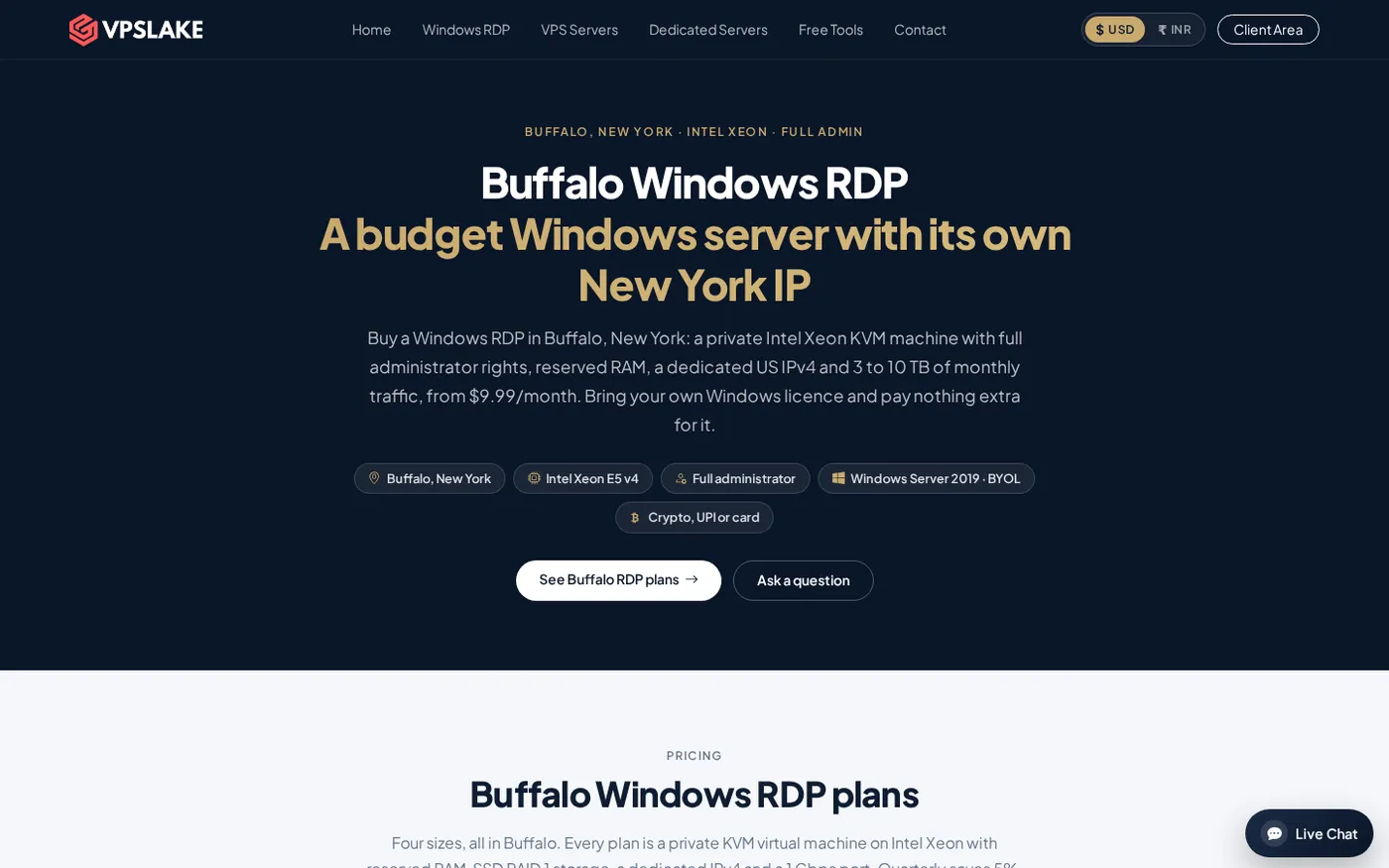
All Buffalo Windows RDP plans use the same general platform: Intel Xeon E5-2699 v4 compute, SSD storage on RAID 1, a private KVM VM, full Administrator access, one dedicated US IPv4, and your choice of Windows Server 2019, Windows 10 Pro or Windows 11 Pro image on the order form.
| Plan | Resources | Traffic and port | Best fit | Price |
|---|---|---|---|---|
| Basic KVM 4 | 3 vCPU, 4 GB reserved RAM, 60 GB SSD | 3 TB, 200 Mbps | One browser profile, one EA, rater work | $9.99/mo |
| Basic KVM 8 | 4 vCPU, 8 GB reserved RAM, 100 GB SSD | 5 TB, 300 Mbps | Several browser profiles or MT4 terminals | $16.99/mo |
| Basic KVM 16 | 6 vCPU, 16 GB reserved RAM, 200 GB SSD | 8 TB, 500 Mbps | Many profiles and heavier desktop automation | $29.99/mo |
| Basic KVM 32 | 8 vCPU, 32 GB reserved RAM, 300 GB SSD | 10 TB, 1 Gbps | Teams and heavy multi-profile workloads | $54.99/mo |
The 4 GB plan is the sensible starting point for one ordinary Windows desktop workload. Choose 8 GB when several applications must remain open together. The 16 GB and 32 GB plans are for sustained, parallel workloads where memory headroom matters.
The traffic allowance is metered; over the allowance, the port is throttled rather than billed at an unknown overage rate. Port speeds also vary by plan, so do not assume the 32 GB plan’s 1 Gbps figure applies to the smaller sizes.
Windows is bring your own licence (BYOL). VPSLake supplies the Windows image and does not add a Windows licence surcharge, but you are responsible for having the right licence for your chosen image. The client area provides console access, reinstall, reboot and password-reset controls after purchase.
How to choose the right Buffalo RDP
Start with the job, not the city name.
- Choose the OS image. Windows 10 Pro and Windows 11 Pro feel like desktop environments; Windows Server 2019 is a better fit for server-oriented software and administration.
- Count concurrent workloads. One browser profile or one EA points to 4 GB. Several profiles, terminals or background tools point to 8 GB or more.
- Check the destination. If the service you use is hosted in New York, Toronto or another US location, Buffalo can be a strong geographic compromise. Measure the actual route before moving a latency-sensitive workload.
- Confirm the IP requirement. This is a dedicated US datacenter IPv4. Verify country and state after provisioning, but do not expect every GeoIP provider to return the same city.
- Budget for the licence. The listed RDP price covers the VPS and image; it does not include a Windows licence.
If you are new to remote desktops, how to set up a Windows VPS after purchase covers the first connection and basic setup decisions.
FAQ
Is a New York RDP the same as a New York City RDP?
No. “New York RDP” is often used broadly for an RDP in New York State or the New York-region network. VPSLake’s plan is in Buffalo, not Manhattan, so verify the exact city and test the route you care about.
How close is Buffalo RDP to New York City?
Buffalo is in western New York, while New York City is in the southeast of the state. The connection can still be useful for New York-region services, but the correct measure is latency from Buffalo to the service’s own server, not the distance implied by the product label.
Will a Buffalo RDP be fast from India, Pakistan or Nigeria?
It can be responsive, but no provider can promise one latency number for every ISP. Those users usually have a longer international route than someone in the US Northeast, so test with ping and tracert after provisioning and check packet loss as well as average RTT.
Is the Windows licence included with the RDP?
No. Buffalo Windows RDP is BYOL: VPSLake supplies a Windows Server 2019, Windows 10 Pro or Windows 11 Pro image, with no Windows licence surcharge, and you bring the appropriate licence.
How can I confirm that my RDP has a New York IP?
Check the public IPv4 from the RDP in two IP geolocation databases, then compare the country and state with the order location. City-level results can differ because GeoIP is an estimate, so treat the state and network route as stronger evidence than one city label.